Big companies are pulling ahead on AI. In the Census Bureau's Business Trends and Outlook Survey, 37% of firms with 250 or more employees reported using AI as of May 2026. Among firms with four or fewer employees, it was under 20%. And between December 2025 and May 2026, AI use grew among firms with at least 20 employees but didn't change significantly among smaller ones.
Bigger teams also have a person for every job: an analyst, a strategist, an editor, a developer, a technical SEO. Small businesses usually have a few people covering all of it.
Claude Code can take on part of each of those jobs. It reads your files, works through your data, writes code, and follows your brief. Below are 10 ways to use it, grouped by the role it fills in for. Each one tells you what to give it, what to ask, and what to check before you act.
Before you start Claude Code runs in the Claude desktop app, in your browser, or in a terminal. Make one folder per project and put your exports in it. Then add a short file called CLAUDE.md describing your business, audience, tone, main competitors, and any rules ("never invent numbers" is a good first one). Claude Code reads that file at the start of every session, and typing /init creates a starter version for you.
With that out of the way, let’s start with the 10 marketing functions you can perform with Claude Code, which will help you compete with the big guys.
The analyst
1. Find pages people see but don't click
Give it: a Search Console Performance export. The interface exports up to 1,000 rows, which covers most small sites in full.
Ask: List pages with above-median impressions and below-median CTR. For each, show the top queries and suggest a new title and meta description that match them.
Check: that each new title still describes the page honestly. A catchier title that oversells the page won't keep the visitor. Our guide to click-through rate covers what else moves CTR.
2. Find keywords stuck on page two
Give it: a Search Console export with both queries and pages.
Ask: Find queries where we rank between positions 11 and 20 with at least 100 impressions. Group them by page and rank the pages by how little work it would take to move them up.
Check: that the ranking page actually answers what the searcher wants. Sometimes the wrong page is stuck on page two and a different one deserves the push.
3. Diagnose a traffic drop
Give it: two Search Console exports of equal length, one from before the drop and one from after.
Ask: Compare these two periods. Which pages and queries lost the most clicks? Separate drops in impressions from drops in CTR, and flag anything down more than 30%.
Check: what else happened on those dates, like a site change or a Google update, before you settle on a cause. Our walkthrough on analyzing traffic drops in Search Console covers the next steps.
The content strategist
4. Audit your archive for gaps and overlap
Give it: your sitemap URL and a Search Console export of queries by page.
Ask: Read every URL in the sitemap. Flag pairs of pages that target the same topic or get clicks from the same queries. Then list topics our audience searches for that no page covers well.
Check: whether the overlap is a real problem. Merge pages only when they genuinely compete. Here's how to spot and fix keyword cannibalization.
5. Write a brief from the pages that already rank
Give it: your target keyword and the top five ranking URLs.
Ask: Read these pages. Summarize what all of them cover, what only one or two cover, and what none of them answer. Turn that into a brief for a better page, written for the audience in CLAUDE.md.
Check: that the gaps are questions your customers actually ask. Your sales calls and support inbox are the best test.
The editor
6. Run every draft through your house rules
Give it: your style guide, banned words, and sourcing rules, saved once as a skill so the same check runs with one command.
Ask: Check this draft against our editorial rules. List every issue with the line it appears on, and flag every statistic that doesn't link to a source.
Check: the flagged stats yourself. Claude Code can spot an unsourced claim, but someone still has to open the source. Our guide to fact-checking AI-written content shows how.
The developer
7. Build a small tool for your site
Give it: a description of what visitors should be able to calculate or check, plus your brand colors.
Ask: Build a single-file HTML [cost estimator / ROI calculator / readiness checklist] that works on mobile, uses our brand colors, and needs no outside libraries. Explain how to embed it in WordPress.
Check: every formula against a few answers you've worked out by hand, then test it on your phone. A tool that gives wrong numbers does more harm than no tool at all.
The technical SEO
8. Match titles, H1s, and meta descriptions to each page
Give it: your sitemap URL.
Ask: Visit every URL in the sitemap. For each page, list the title tag, H1, and meta description. Flag any that are missing, duplicated, too long, or don't match the page's main topic.
Check: a sample of the suggested fixes with our Meta Title Test before rolling them out site-wide.
9. Write or repair structured data
Give it: your homepage, About page, and contact details.
Ask: Write Organization and LocalBusiness JSON-LD for our site using only details from these pages. If schema already exists, list what's wrong or missing.
Check: the output with our Structured Data Test, and make sure every detail matches your Google Business Profile. Our article on structured data in AI search explains why this matters more now.
Content operations
10. Turn one article into a week of posts
Give it: a published article and the channels you use.
Ask: Turn this article into a LinkedIn post, a short newsletter email, and a 60-second video script. Keep our tone from CLAUDE.md and link back to the article in each one.
Check: that each version reads like it belongs on its channel, not like a trimmed copy of the article. For deciding where to post, see our guide to distributing content where Google and AI already look and our multi-channel distribution guide.
Keep a human in the loop
Claude Code is only as good as what you give it. With real exports, it works from your numbers. Without them, it fills the gaps with guesses. Therefore, review everything before it goes live, and keep the calls about what matters to your business for yourself.
If you're not sure where to begin, start with this tip: it needs one export and one prompt, and it ends with a list of titles you can change today.
Turn your audit into a to-do list
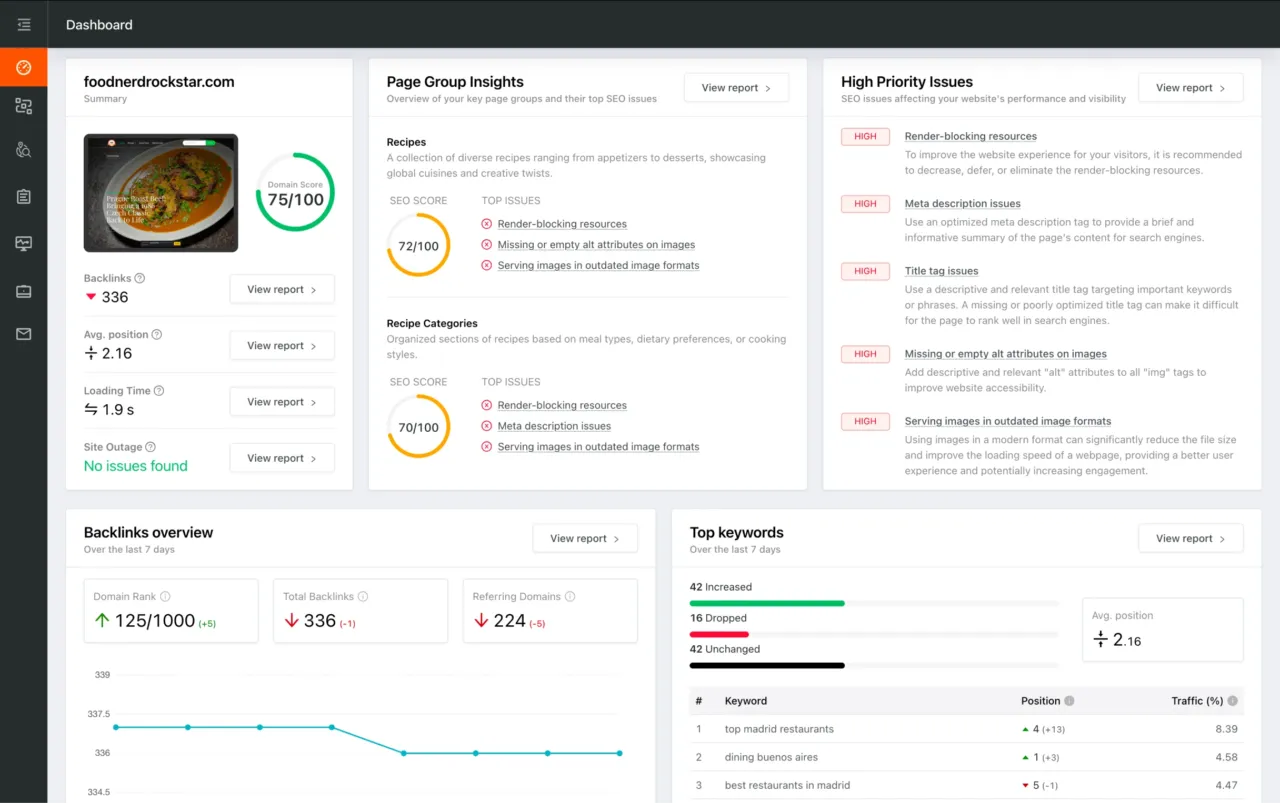
Run a technical SEO audit on SEO Site Checkup and export the report. Drop it into your project folder and ask Claude Code to turn that audit into a prioritized fix list, group issues by page, estimate the effort for each, and start with anything that affects indexing.
The audit tells you what's wrong. Claude Code turns it into a plan. You decide what ships first.