Archived

SEO Report for https://xn--ntcasino-0za.se

Your general SEO Checkup Score


SEO Score88/100
Average SEO score of top 100 sites: 75%This value indicates the average SEO score of the top 100 most visited websites in the US (in the past 12 months)

Your site scored 88/100, comfortably above the 75 average for top sites. We found 3 issues to fix, and they're the gap between you and the very top.

3 Failed
1 Warnings
21 Passed

Want to fix these issues and track your progress?

Common SEO issues
Score:87
Failed:1
Warnings:0
Passed:10
Meta Title
Congratulations! Your webpage is using a title tag
Text: Nätcasino - Casino på nätet med bonus & free spins
Your webpage's meta title is an HTML tag that defines the title of your page. This tag displays your page title in search engine results, at the top of a user's browser, and also when your page is bookmarked in a list of favorites. A concise, descriptive title tag that accurately reflects your page's topic is important for ranking well in search engines.
Meta Description
Congratulations! Your webpage is using a meta description tag
Text: NätCasino.se är en oberoende guide med allt Du behöver innan du ska spela casino på nätet. ➥Inklusive nya nätcasinon, gratis bonusar & free spins 2016.
Your webpage's meta description is an HTML tag that is intended to provide a short and accurate summary of your page. Search engines use meta descriptions to help identify the a page's topic - they may also use meta descriptions by displaying them directly in search engine results. Accurate and inviting meta descriptions can help boost both your search engine rankings and a user's likelihood of clicking through to your page.
Most Common Keywords Test
There is likely no optimal keyword density (search engine algorithms have evolved beyond keyword density metrics as a significant ranking factor). It can be useful, however, to note which keywords appear most often on your page and if they reflect the intended topic of your page. More importantly, the keywords on your page should appear within natural sounding and grammatically correct copy.
28casino
23online
22spela
21finns
19spins
Check the most common keywords in your page and their usage (number of times used). This can help give a quick overview of the keywords and topics that crawlers may associate with your web page.
Keywords Usage Test
Congratulations! You are using your keywords in your meta-tags, which help search engines to properly identify the topic of your page.
Keyword(s) included in Title tag
Keyword(s) included in Meta-Description tag
This will check if your most common keywords are used in the webpage's title and description
Keywords Cloud
aktuella
alla
allt
alltid
andra
bethard
bonus
bonusar
bäst
bästa
casino
casinobonus
casinon
casinospel
casinot
close
deras
detta
ditt
efter
eller
enkelt
erbjudanden
extra
finns
flesta
fram
free
freespins
från
försöker
genom
guide
gäller
göra
helt
hitta
hittar
hjälp
hämta
idag
information
insättning
inte
just
kampanjer
kommer
lista
lite
läsa
mest
mycket
många
möjligt
nyheter
nytt
nätcasino
nätcasino.se
nätcasinon
nätcasinot
nätet
någon
något
några
oberoende
ocks
olika
omsättningskrav
online
pengar
populära
recensioner
respektive
riktiga
riktigt
samt
skattefria
slot
slots
spel
spela
spelar
spelare
spelautomater
spelstund
spins
spännande
svenska
sätt
till
tips
tänka
underhållande
utan
uttag
vara
vilket
villkor
vinster
våra
The Keyword Cloud is a visual representation of keywords used on your website. This will show you which words are frequently used in the content of your webpage. Keywords having higher density are presented in larger fonts and displayed in alphabetic order.
Competitor Domains Test
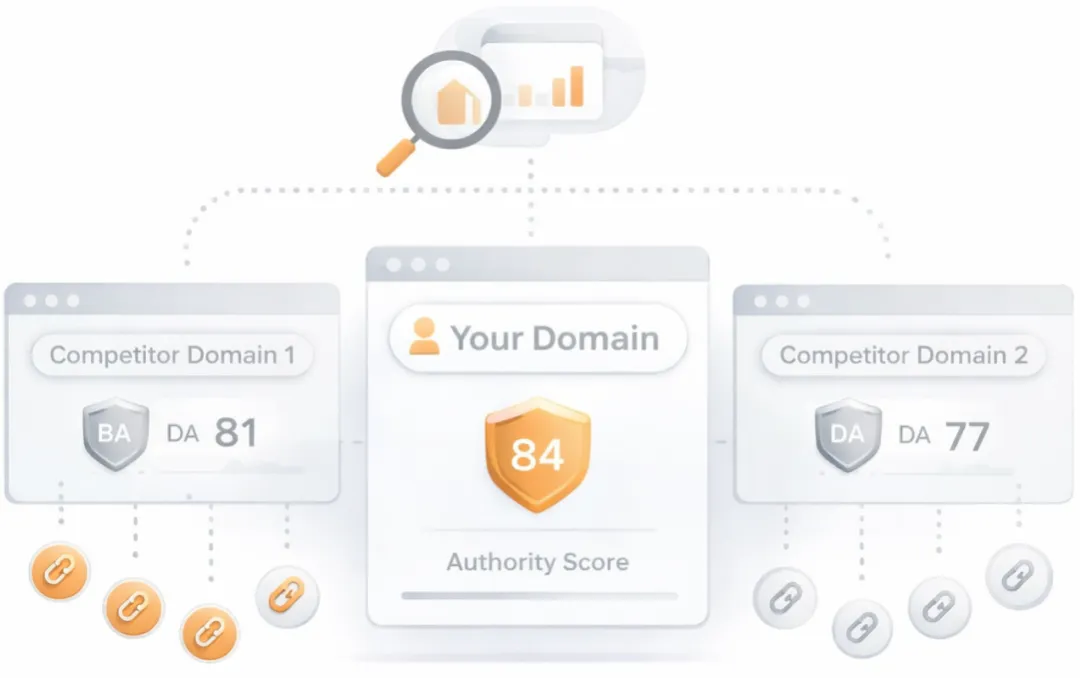
Competitor Domains

Understand your competitors' SEO and backlink profile

Get related competitors and their domain authority score in relation to your domain.
Identifies up to ten domains that compete for similar organic search results, ranked by overall domain authority based on the volume and quality of their backlink profiles. Useful for benchmarking the competitive landscape and prioritizing which sites to study for content and link-building strategy.
Heading Tags Test
Your webpage does not contain any H1 headings. H1 headings help indicate the important topics of your page to search engines. While less important than good meta-titles and descriptions, H1 headings may still help define the topic of your page to search engines.
H2 tags
Nätcasino – Guide till casino online
Hitta rätt nätcasino
Tryggt online casino
Vi hjälper dig att hitta bästa casino bonus
Lista över internetcasino med Free Spins
Svenska skattefria nätcasinon online
Fördelar med att spela online casino
Recensioner av slots

Heading Tags Test

How to pass this test?

In order to pass this test you must indentify the most important topics from your page and insert those topics between <h1>...</h1> tags.
Example:
<h1>Important topic goes here</h1>
...
<h1>Another topic</h1>
Check if your webpage is using any H1 and H2 HTML header tags. Header tags are not visible to users, but help clarify and support the overall theme or purpose of your page to search engines. The H1 tag represents the most important heading, e.g., the title of the page or blog post. The H2 tag represents the second most important headings on the webpages, e.g., the subheadings.
Robots.txt Test
This website is using a robots.txt file.
Check if your website is using a robots.txt file. When search engine robots crawl a website, they typically first access a site's robots.txt file. Robots.txt tells Googlebot and other crawlers what is and is not allowed to be crawled on your site.
Sitemap Test
Check if the website has a sitemap. A sitemap is important as it lists all the web pages of the site and let search engine crawlers to crawl the website more intelligently. A sitemap also provides valuable metadata for each webpage.
Deprecated HTML Tags
Congratulations! Your page does not use HTML deprecated tags.
Check if your webpage is using old, deprecated HTML tags. These tags will eventually lose browser support and your web pages may render incorrectly as browsers drop support for these tags.
Google Analytics Test
Congratulations! Your webpage is using Google Analytics.
Check if your website is connected with Google Analytics. Google Analytics is a popular, free website analysis tool that helps provide insights about your site's traffic and demographics.
JS Error Checker
Congratulations! There are no severe JavaScript errors on your webpage.
Check your page for JavaScript errors. These errors may prevent users from properly viewing your pages and impact their user experience. Sites with poor user experience tend to rank worse in search engine results.
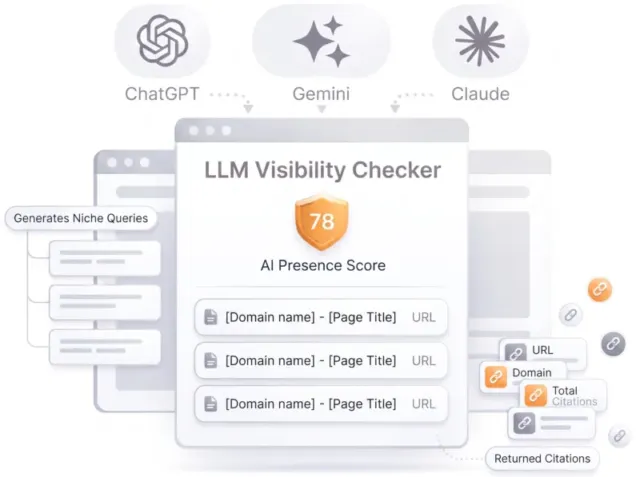
LLM Visibility Checker

LLM Visibility Checker

Track your brand across ChatGPT, Gemini and Claude

Get an AI Presence Score, see which of your pages get cited, and follow how you compare with competitors over time.

Speed optimizations
Score:92
Failed:1
Warnings:1
Passed:4
HTML Page Size Test
Congratulations! The size of your webpage's HTML is 15.37 Kb and is under the average webpage's HTML size of 33 Kb. Faster loading websites result in a better user experience, higher conversion rates, and generally better search engine rankings.
Check your page's HTML size. HTML size is the size of all the HTML code on your web page - this size does not include images, external javascripts or external CSS files.
Site Loading Speed Test
Your website loading time is around 3.8 seconds and this is under the average loading speed which is 5 seconds.
Related Keywords

Accurate historical loading speed monitor and reports

Get detailed and accurate loading speed reports for your websites and see how your pages are being loaded over time.

Check your website's loading speed. Page speed is an important factors in search engine rankings and overall site success. Pages that take longer than 5 seconds to load can lose up to 50% of users. Faster webpages result in higher traffic, better conversions and increased sales over slower loading pages.
Page Objects
Your page has more than 20 http requests, which can slow down page loading. You can try reducing http requests through various methods such as using text instead of images, using css sprites, using data URIs instead of images, or combining several external files together into one.
Total Objects: 32
  • 1 HTML Pages
  • 2 CSS Files
  • 9 JS Files
  • 20 Images
  • 0 Flash Files
Check if all the objects requested by this webpage can be retrieved. If they are not retrievable, your page may display incorrectly, leading to a bad user experience and lower search engine rankings.
Image Caching Test
Your site is not using cache headers for all of your images. The cache headers can help speed up the serving of your webpages for users that regularly visit your site and see the same images. Learn more about how to add expires headers to your images.

Image Caching Test

How to pass this test?

In order to reduce the number of HTTP requests, you can use the HTTP Expires header to set an expiration time for your images or any other content type. You can add the following lines into your .htaccess file:
<IfModule mod_expires.c>
    ExpiresActive on
 
    ExpiresByType image/jpg "access plus 1 month"
    ExpiresByType image/jpeg "access plus 1 month"
    ExpiresByType image/gif "access plus 1 month"
    ExpiresByType image/png "access plus 1 month"
</IfModule>
Checks if your page is using an image expires tag, which specifies a future expiration date for your images. Users browsers will see this tag and cache the image in their browser until the specified date (so that it does not keep re-fetching the unchanged image from your server). This speeds up your site the next time returning visitors arrive at your site and require the same image.
CSS Minification Test
Congratulations! Your website's CSS files are minified!
Checks if any CSS files used in your page is minified. Minified files reduce page size and overall load time.
URL Redirects Checker
Congratulations! Your URL doesn't have any redirects (which could potentially cause site indexation issues and site loading delays).
Check how many redirects your URL will perform to resolve to the final destination URL. Redirects often cause search engine indexing issues and can also lead to some minor loading delays. Google recommends removing or keeping redirects to a minimum.
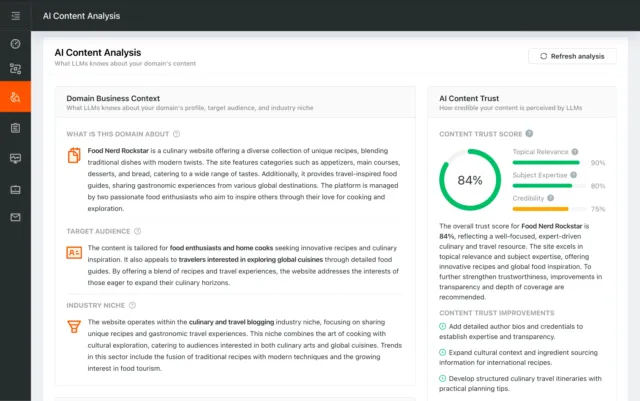
AI Content Analysis

AI Content Analysis

Optimize your content for search and LLMs

AI Content Analysis scores your pages on clarity, depth, and machine readability, so you optimize for both human readers and LLMs.

Server and security
Score:100
Failed:0
Warnings:0
Passed:3
URL Canonicalization Test
Test your site for potential URL canonicalization issues. Canonicalization describes how a site can use slightly different URLs for the same page (e.g., if http://www.example.com and http://example.com displays the same page but do not resolve to the same URL). If this happens, search engines may be unsure about which URL is the correct one to index. Learn more about canonicalization issues.
HTTPS Test
Your website is successfully using https, a secure communication protocol over the Internet. Note: if your site relies primarily on ad income, be aware that using https may be detrimental to ad earnings.
Check if your website is using HTTPS, a secure protocol for sending/receiving data over the Internet. Using HTTPS indicates that an additional encryption/authentication layer was added between client and server. HTTPS should be used by any site that collects sensitive customer data such as credit card information. Even for sites that do not collect such data, switching to https helps users by improving privacy and overall security. Google is increasingly using https as a positive ranking factor.
Plaintext Emails Test
Congratulations! Your webpage does not include email addresses in plaintext.
Check your webpage for plaintext email addresses. Any e-mail address posted in public is likely to be automatically collected by computer software used by bulk emailers (a process known as e-mail address harvesting). A spam harvester can read through the pages in your site and extract plaintext email addresses which are then added to bulk marketing databases (resulting in more inbox spam). There are several methods for email obfuscation.
Visual SEO Analysis

Visual SEO Analysis

Find out if your page design converts the visitors you earn

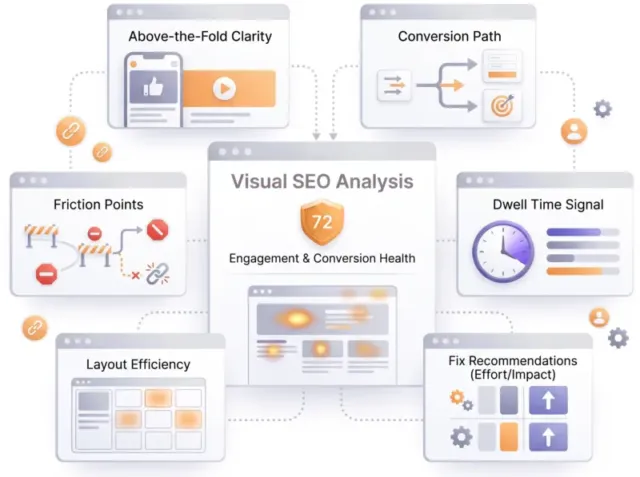
We score six things that decide whether a visitor stays and acts, from the first screen to the path to action, and rank every fix by effort and impact.

Mobile usability

Score:100
Failed:0
Warnings:0
Passed:1
Mobile Snapshot
Mobile view
Check how your website renders on a mobile device.

Advanced SEO

Score:50
Failed:1
Warnings:0
Passed:3
Noindex Checker
Your webpage does not use the noindex meta tag. This means that your webpage will be read and indexed by search engines.
Check if your webpage is using the robots meta tag or the X-Robots-Tag HTTP header to instruct search engines not to show your site in search results pages.
Canonical Tag Checker
Your webpage is using the canonical link tag. This tag specifies that the URL: https://xn--ntcasino-0za.se/ should be the preferred version of this page. The canonical tag can be useful when there are similar versions of the same content on several URLs (e.g., such as e-commerce sites where URL modifiers like sort parameters are appended to a product page's URL). Please ensure that this specification is correct, as canonical tags are often hard-coded and may not always reflect the latest changes in a site's URL structure.
<link href="https://xn--ntcasino-0za.se/" rel="canonical"/>

Canonical Tag Checker

How to pass this test?

The Canonical Link Tag can be used when there are several pages with similar content and you want to tell the search engines which page you prefer to use in the search results. If your webpage does not have duplicate content and it has the preferred URL you must remove the canonical link tag.
Check if your webpage is using the canonical link tag. The canonical link tag is used to nominate a primary page when you have several pages with duplicate or very similar content.
Nofollow Checker
Your webpage does not use the nofollow meta tag. This means that search engines will crawl all links from your webpage.
Check if your webpage is using the robots meta tag or the X-Robots-Tag HTTP header to instruct search engines not to follow the links on your page. Outgoing links marked with this tag will tell search engines not to follow or crawl that particular link. Google recommends that nofollow tags are used for paid advertisements on your site and links to pages that have not been vetted as trusted sites (e.g., links posted by users of your site).
Disallow Directive Checker
Your robots.txt file disallow the search engines access to some parts of your website. You are advised to check carefully if the access to these resources or pages must be blocked.
Check if your robots.txt file is instructing search engine crawlers to avoid parts of your website. The disallow directive is used in robots.txt to tell search engines not to crawl and index a file, page, or directory.

Dominate search today on Google and AI Engines.

Join 85,000+ SaaS Marketers, Growth Agencies, Content-Led Companies and E-commerce Brands.

See Pricing
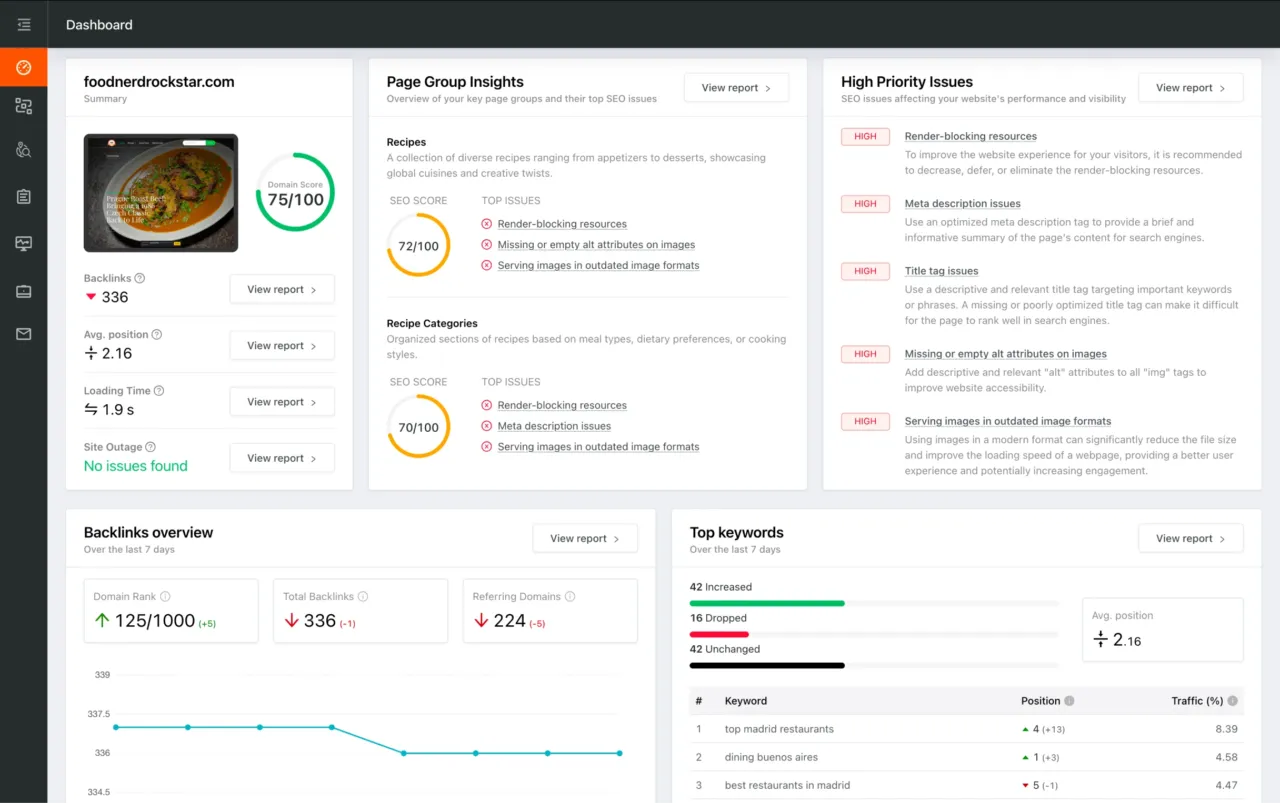
Dashboard preview showing SEO site checkup metrics, page group insights, and issue prioritization