Archived

SEO Report for https://www.thesalesrainmaker.co.uk

Your general SEO Checkup Score


SEO Score72/100
Average SEO score of top 100 sites: 75%This value indicates the average SEO score of the top 100 most visited websites in the US (in the past 12 months)

Your site scored 72/100, below the 75 average for top sites. We found 3 issues to fix, and clearing them is how you move up.

3 Failed
0 Warnings
6 Passed

Want to fix these issues and track your progress?

Common SEO issues
Score:100
Failed:0
Warnings:0
Passed:3
Most Common Keywords Test
There is likely no optimal keyword density (search engine algorithms have evolved beyond keyword density metrics as a significant ranking factor). It can be useful, however, to note which keywords appear most often on your page and if they reflect the intended topic of your page. More importantly, the keywords on your page should appear within natural sounding and grammatically correct copy.
21sales
5rainmaker
4want
3help
3coaching
Check the most common keywords in your page and their usage (number of times used). This can help give a quick overview of the keywords and topics that crawlers may associate with your web page.
Competitor Domains Test
Competitor Domains

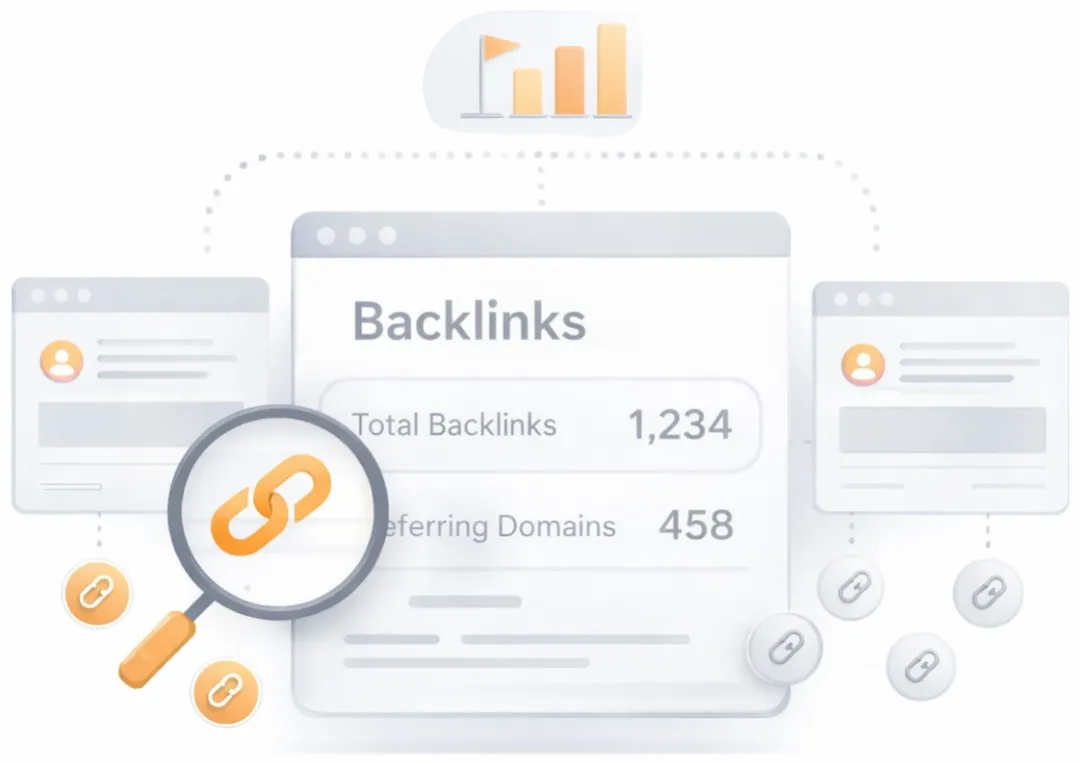
Understand your competitors' SEO and backlink profile

Get related competitors and their domain authority score in relation to your domain.

Identifies up to ten domains that compete for similar organic search results, ranked by overall domain authority based on the volume and quality of their backlink profiles. Useful for benchmarking the competitive landscape and prioritizing which sites to study for content and link-building strategy.
Favicon Test
favicon
Congratulations! Your website appears to have a favicon.
Check if your site is using and correctly implementing a favicon. Favicons are small icons that appear in your browser's URL navigation bar. They are also saved next to your URL's title when your page is bookmarked. This helps brand your site and make it easy for users to navigate to your site among a list of bookmarks.
JS Error Checker
Congratulations! There are no severe JavaScript errors on your webpage.
Check your page for JavaScript errors. These errors may prevent users from properly viewing your pages and impact their user experience. Sites with poor user experience tend to rank worse in search engine results.
LLM Visibility Checker

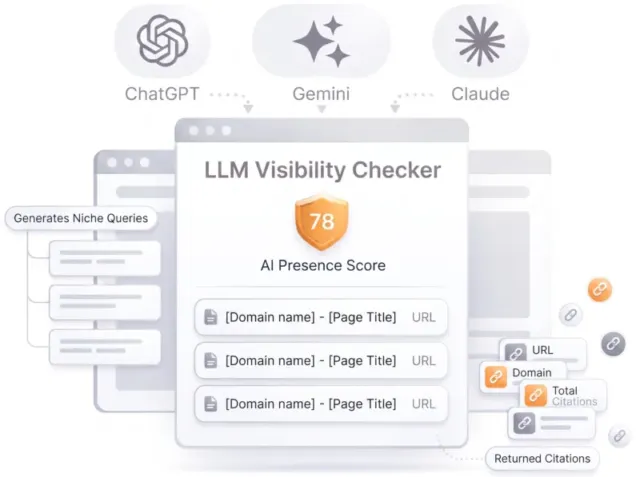
LLM Visibility Checker

Track your brand across ChatGPT, Gemini and Claude

Get an AI Presence Score, see which of your pages get cited, and follow how you compare with competitors over time.

Speed optimizations

Score:0
Failed:2
Warnings:0
Passed:0
Page Objects
Your page has more than 20 http requests, which can slow down page loading. You can try reducing http requests through various methods such as using text instead of images, using css sprites, using data URIs instead of images, or combining several external files together into one.
Total Objects: 39
  • 5 HTML Pages
  • 5 CSS Files
  • 7 JS Files
  • 22 Images
  • 0 Flash Files
Check if all the objects requested by this webpage can be retrieved. If they are not retrievable, your page may display incorrectly, leading to a bad user experience and lower search engine rankings.
Image Caching Test
Your site is not using cache headers for your images. The cache headers can help speed up the serving of your webpages for users that regularly visit your site and see the same images. Learn more about how to add expires headers to your images.

Image Caching Test

How to pass this test?

In order to reduce the number of HTTP requests, you can use the HTTP Expires header to set an expiration time for your images or any other content type. You can add the following lines into your .htaccess file:
<IfModule mod_expires.c>
    ExpiresActive on
 
    ExpiresByType image/jpg "access plus 1 month"
    ExpiresByType image/jpeg "access plus 1 month"
    ExpiresByType image/gif "access plus 1 month"
    ExpiresByType image/png "access plus 1 month"
</IfModule>
Checks if your page is using an image expires tag, which specifies a future expiration date for your images. Users browsers will see this tag and cache the image in their browser until the specified date (so that it does not keep re-fetching the unchanged image from your server). This speeds up your site the next time returning visitors arrive at your site and require the same image.
AI Content Analysis

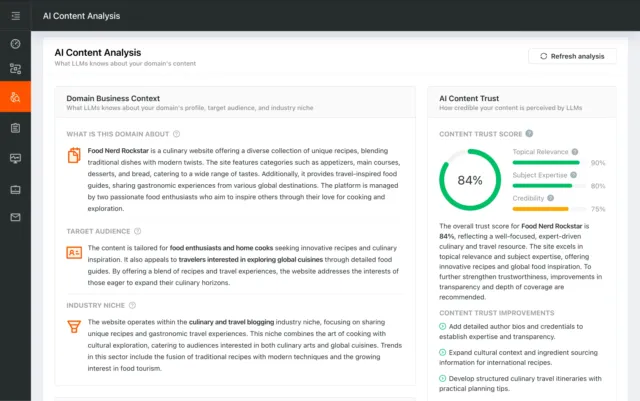
AI Content Analysis

Optimize your content for search and LLMs

AI Content Analysis scores your pages on clarity, depth, and machine readability, so you optimize for both human readers and LLMs.

Server and security

Score:0
Failed:1
Warnings:0
Passed:0
HTTPS Test
Your website is not using https, a secure communication protocol. Even for sites that do not collect sensitive customer information, search engines suggest that switching to https is an increasingly good idea and may help improve rankings. Note: if your site relies primarily on adsense income, be aware that using https may be detrimental to ad earnings.

HTTPS Test

How to pass this test?

If your website needs a secured authentication or an encrypted transfer of data, you need to install an SSL certificate in order to provide a secure connection over HTTPS protocol. HERE is a "step by step" guide to purchase and install an SSL certificate.
Check if your website is using HTTPS, a secure protocol for sending/receiving data over the Internet. Using HTTPS indicates that an additional encryption/authentication layer was added between client and server. HTTPS should be used by any site that collects sensitive customer data such as credit card information. Even for sites that do not collect such data, switching to https helps users by improving privacy and overall security. Google is increasingly using https as a positive ranking factor.
Visual SEO Analysis

Visual SEO Analysis

Find out if your page design converts the visitors you earn

We score six things that decide whether a visitor stays and acts, from the first screen to the path to action, and rank every fix by effort and impact.
Advanced SEO

Score:100
Failed:0
Warnings:0
Passed:3
Noindex Checker
Your webpage does not use the noindex meta tag. This means that your webpage will be read and indexed by search engines.
Check if your webpage is using the robots meta tag or the X-Robots-Tag HTTP header to instruct search engines not to show your site in search results pages.
Canonical Tag Checker
Your webpage does not use the canonical link tag.
Check if your webpage is using the canonical link tag. The canonical link tag is used to nominate a primary page when you have several pages with duplicate or very similar content.
Disallow Directive Checker
Your robots.txt file disallow the search engines access to some parts of your website. You are advised to check carefully if the access to these resources or pages must be blocked.
Check if your robots.txt file is instructing search engine crawlers to avoid parts of your website. The disallow directive is used in robots.txt to tell search engines not to crawl and index a file, page, or directory.

Dominate search today on Google and AI Engines.

Join 85,000+ SaaS Marketers, Growth Agencies, Content-Led Companies and E-commerce Brands.

See Pricing
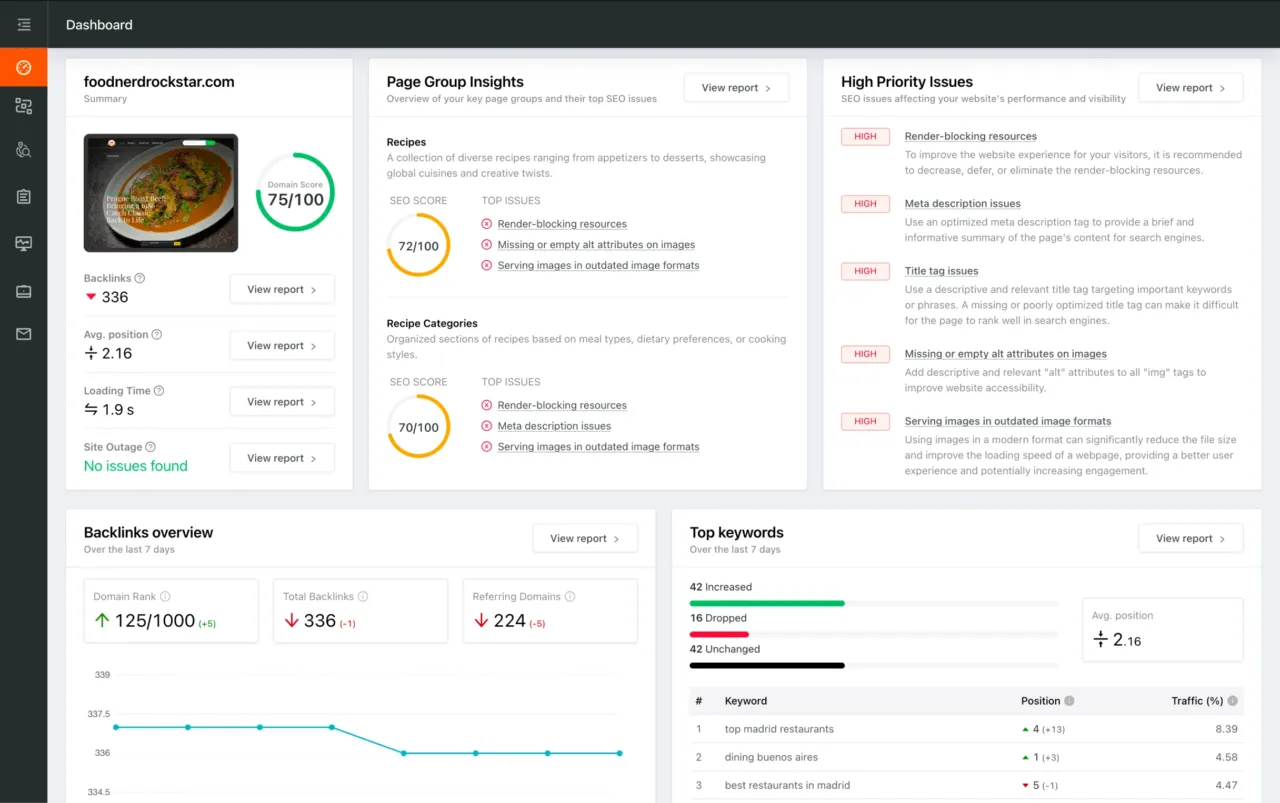
Dashboard preview showing SEO site checkup metrics, page group insights, and issue prioritization