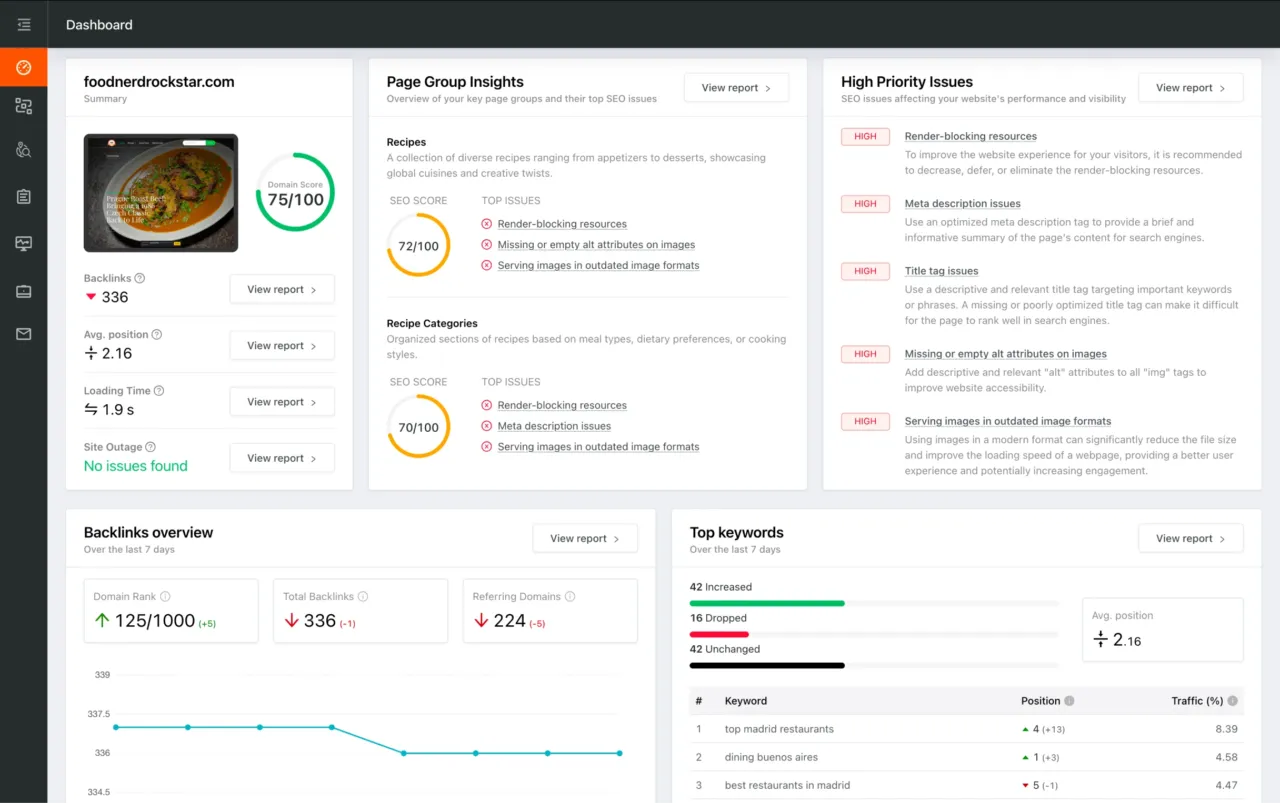
You're viewing a free snapshot. Unlock full monitoring, AI visibility tracking, and weekly reports.
SEO Score87/100
Average SEO score of top 100 sites: 75%This value indicates the average SEO score of the top 100 most visited websites in the US (in the past 12 months)
Your site scored 87/100, comfortably above the 75 average for top sites. We found 1 issue to fix, and it's the gap between you and the very top.
1 Failed
0 Warnings
10 Passed
Want to fix these issues and track your progress?
Common SEO issues
Score:79
Failed:1
Warnings:0
Passed:8
Desktop version
http://www.royalcaribbean.nl/
Mobile version
http://www.royalcaribbean.nl/
Check how your page might appear in Google search results. Google search results typically uses your webpage title, url and meta-description in order to display relevant summarized information about your site. If these elements are too long, Google will truncate their content. Webpage title up to 70 characters in length, and webpage descriptions up to 160 characters in length are recommended in order to optimize readability.
aanmelden
aanvragen
adembenemende
afvaart
akkoord
alaska
alle
amca
amca@amca.nl
amerika
australië
avontuur
avontuurlijk
azië
bahama's
bekijk
bermuda
beste
bestemmingen
bevestig
blog
boek
brochure
canada
caribbean
class
come
construction
copyright
countdown
cruise
cruisen
deals
disclaimer
dreamworks
dubai
eilanden
england
ergens
europa
exclusieve
experience
familie
features
geniet
geselecteerde
griekse
haag
harmony
hawaii
helpen
highspeed
hoogtepunten
international
jemid
juli
kids
kinderen
kunnen
laatste
lees
middellandse
nieuw
nieuws
nieuwsberichten
nieuwsbrief
noord
offerte
oktober
onze
oost
ovation
panamakanaal
proef
profiteer
royal
samen
seas
sfeer
southampton
spanje
suite
terug
uiterlijk
vanaf
vanuit
verder
verhalen
vertegenwoordiger
vertrek
vind
vloot
voordeel
vrienden
webdesign
website
weissenbruchstraat
west
zeeland
zuid
The Keyword Cloud is a visual representation of keywords used on your website. This will show you which words are frequently used in the content of your webpage. Keywords having higher density are presented in larger fonts and displayed in alphabetic order.
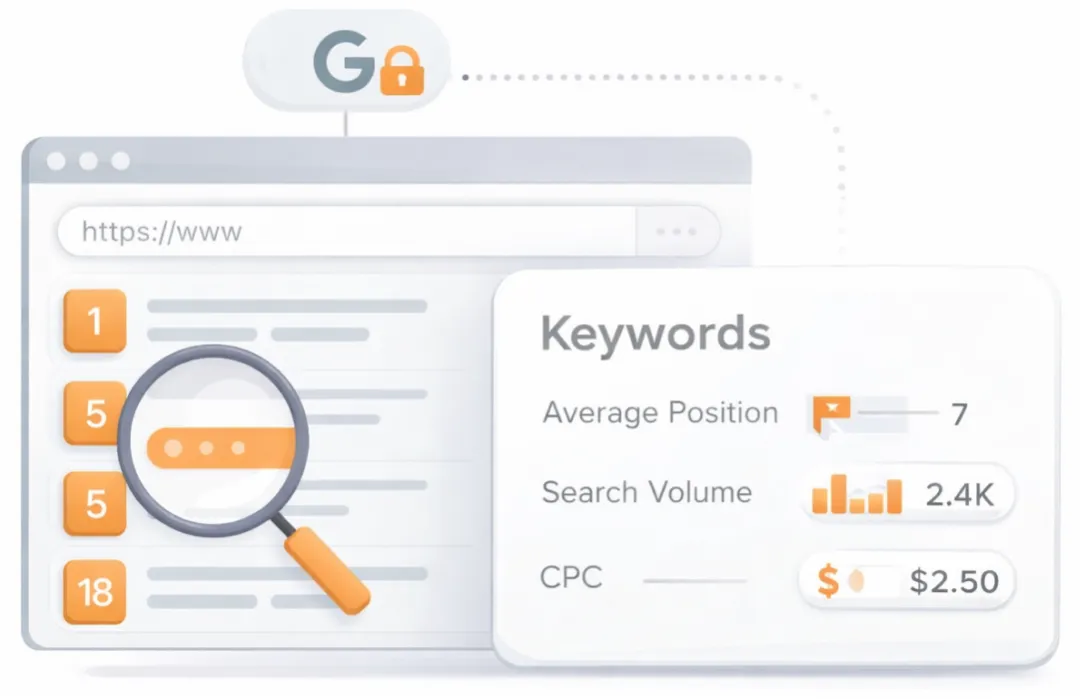
See which keywords rank your URL in Google’s top 20
Get key keyword metrics like average position, search volume, CPC, and more.

A list of search queries for which the page already appears in the top organic results. Highlights the topical territory the page is winning in search and can surface unexpected terms that present new content or optimization opportunities.
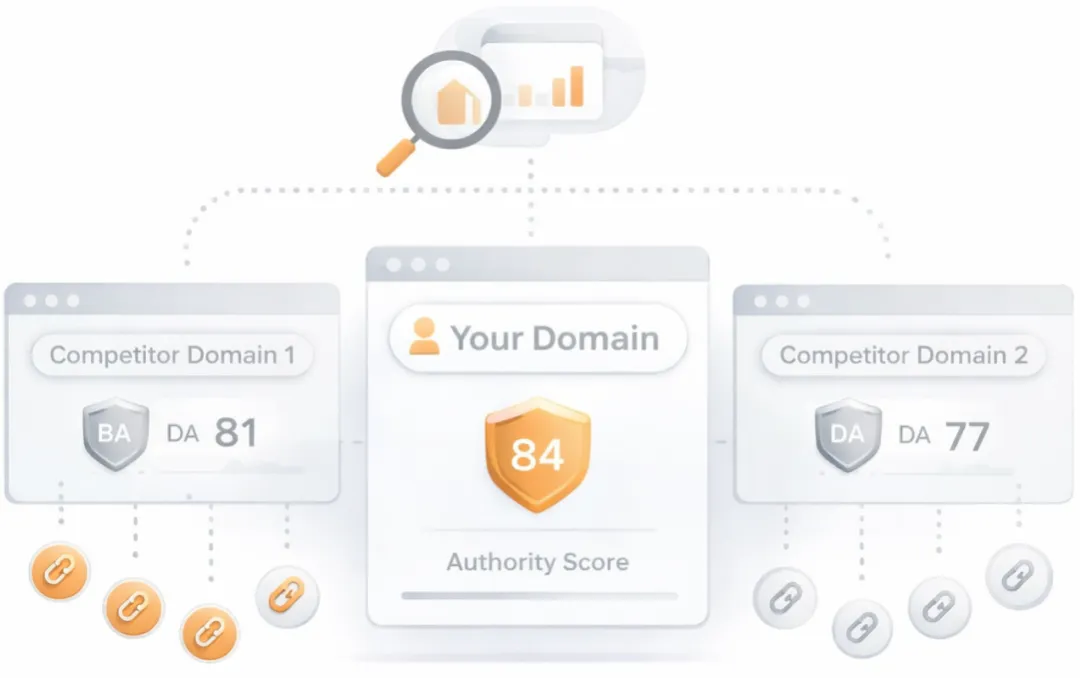
Understand your competitors' SEO and backlink profile
Get related competitors and their domain authority score in relation to your domain.
Identifies up to ten domains that compete for similar organic search results, ranked by overall domain authority based on the volume and quality of their backlink profiles. Useful for benchmarking the competitive landscape and prioritizing which sites to study for content and link-building strategy.
Robots.txt Test
This website is using a robots.txt file.
Check if your website is using a robots.txt file. When search engine robots crawl a website, they typically first access a site's robots.txt file. Robots.txt tells Googlebot and other crawlers what is and is not allowed to be crawled on your site.
Sitemap Test
This website has a sitemap file.
Check if the website has a sitemap. A sitemap is important as it lists all the web pages of the site and let search engine crawlers to crawl the website more intelligently. A sitemap also provides valuable metadata for each webpage.
Image Alt Test
Your webpage has 38 'img' tags and 21 of them are missing the required 'alt' attribute.
Check if images on your webpage are using alt attributes. If an image cannot be displayed (e.g., due to broken image source, slow internet connection, etc), the alt attribute provides alternative information. Using relevant keywords and text in the alt attribute can help both users and search engines better interpret the subject of an image.
Google Analytics Test
Congratulations! Your website is using the correct version of Google Analytics tracking code.
Check if your website is connected with Google Analytics. Google Analytics is a popular, free website analysis tool that helps provide insights about your site's traffic and demographics.
Favicon Test

Congratulations! Your website appears to have a favicon.
Check if your site is using and correctly implementing a favicon. Favicons are small icons that appear in your browser's URL navigation bar. They are also saved next to your URL's title when your page is bookmarked. This helps brand your site and make it easy for users to navigate to your site among a list of bookmarks.
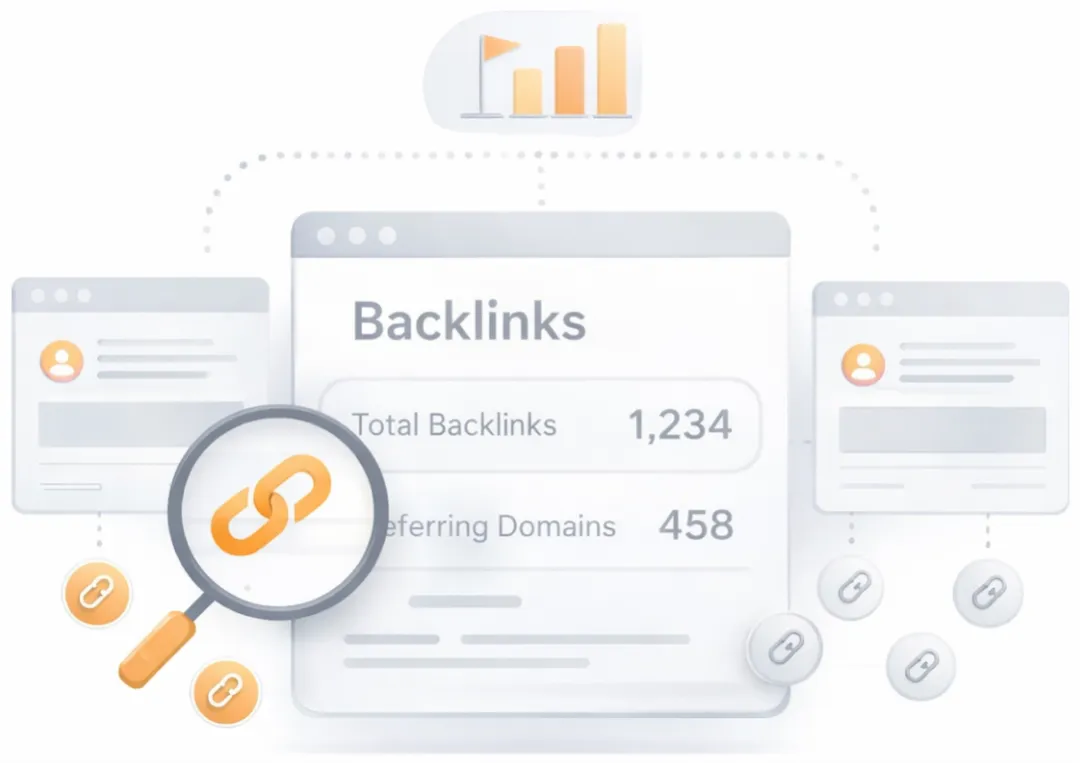
Get a full and detailed list of your backlinks
See every website linking to yours, along with detailed backlink data.
Surfaces the external pages that link to the analyzed URL. Backlinks from authoritative, topically relevant sites remain one of the strongest off-page ranking signals, while a profile dominated by low-quality or spammy links can attract algorithmic penalties. Reviewing the inbound link mix helps identify both link-building wins and toxic links worth disavowing.
JS Error Checker
Congratulations! There are no severe JavaScript errors on your web page.
Check your page for JavaScript errors. These errors may prevent users from properly viewing your pages and impact their user experience. Sites with poor user experience tend to rank worse in search engine results.
Speed optimizations
Score:100
Failed:0
Warnings:0
Passed:2
HTML Page Size Test
Congratulations! Your HTML size is 5.91 Kb and this is under the average web page size of 33 Kb.
This leads to a faster page loading time than average.
This leads to a faster page loading time than average.
Check your page's HTML size. HTML size is the size of all the HTML code on your web page - this size does not include images, external javascripts or external CSS files.
HTML Compression/GZIP Test
Congratulations! Your page is successfully compressed using gzip compression on your code.
Your HTML is compressed from 27.11 Kb to 5.91 Kb (78 % size savings). This helps ensure a faster loading web page and improved user experience.
Your HTML is compressed from 27.11 Kb to 5.91 Kb (78 % size savings). This helps ensure a faster loading web page and improved user experience.
Check if your website is using HTML compression. HTML compression plays an important role in improving website speed by finding similar strings within a text file and replacing them temporarily to reduce overall file size.