You're viewing a free snapshot. Unlock full monitoring, AI visibility tracking, and weekly reports.
SEO Score58/100
Average SEO score of top 100 sites: 75%
Your site scored 58/100, well below the 75 average for top sites. We found 9 issues to fix, and clearing them is how you move up.
9 Failed
0 Warnings
17 Passed
Want to fix these issues and track your progress?
Common SEO issues
Score:74
Failed:2
Warnings:0
Passed:7
Desktop version
https://www.printersplus.net/
Mobile version
https://www.printersplus.net/
accessories
allnew
approach
bank
better
cart
cartridges
chrome
collaborate
company
compete
computer
conditions
contact
content
copyright
corporate
desk
desktop
details
devices
drive
education
educators
effectively
english
fast
faster
featured
format
free
french
government
hard
healthcare
help
humanscale
info
inks
innovate
intel
laptop
laptops
large
lenovo
local
machine
makerbot
managed
microsoft
news
office
pagewide
paper
platinum
policy
portfolio
print
printer
printers
printers/copiers
printersplus
printing
privacy
processor
products
professionals
program
purchase
replace
replicator
request
return
rights
scanners
servers
service
services
shop
software
solutions
storage
streamlines
supplies
support
surface
tablet
tablets
technical
terms
toll
toners
topseller
ultrathin
versatile
video
view
warranties
work
the
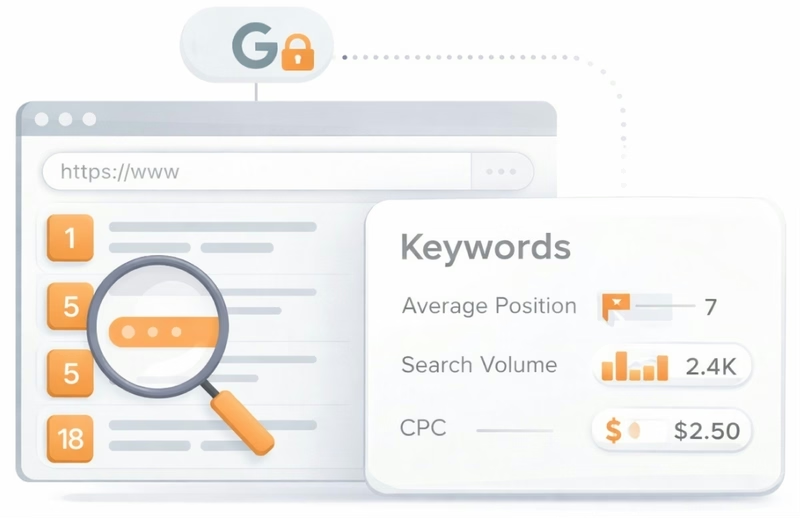
See which keywords rank your URL in Google’s top 20
Get key keyword metrics like average position, search volume, CPC, and more.


Understand your competitors' SEO and backlink profile
Get related competitors and their domain authority score in relation to your domain.
Robots.txt Test
This website is using a robots.txt file.
Image Alt Test
Your webpage has 56 'img' tags and 50 of them are missing the required 'alt' attribute.
Google Analytics Test
Congratulations! Your website is using the latest version of Google Analytics.
Favicon Test
Your site either doesn't have a favicon or this has not been referenced correctly.
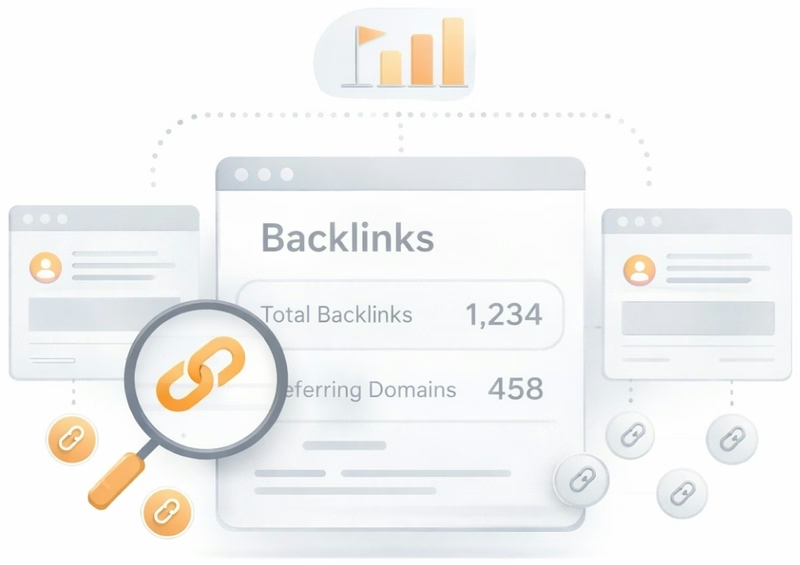
Get a full and detailed list of your backlinks
See every website linking to yours, along with detailed backlink data.
JS Error Checker
Congratulations! There are no severe JavaScript errors on your web page.
Speed optimizations
Score:30
Failed:4
Warnings:0
Passed:2
HTML Page Size Test
The size of your web page's HTML is 55.04 Kb, and is over the average web page's HTML size of 33 Kb.
This can lead to slower than average load times, lost visitors, and decreased revenue. Good steps to reduce HTML size include: using HTML compression, CSS layouts, external style sheets, and moving javascript to external files.
This can lead to slower than average load times, lost visitors, and decreased revenue. Good steps to reduce HTML size include: using HTML compression, CSS layouts, external style sheets, and moving javascript to external files.
HTML Compression/GZIP Test
Your page do not use any HTML compression!
You should compress your HTML to reduce your page size and page loading times - this will help your site retain visitors and increase page views. If you were using compression, you could be compressing your HTML size by 83 % - from 55.04 Kb to 9.47 Kb which would further reduce your page loading time.
You should compress your HTML to reduce your page size and page loading times - this will help your site retain visitors and increase page views. If you were using compression, you could be compressing your HTML size by 83 % - from 55.04 Kb to 9.47 Kb which would further reduce your page loading time.
Site Loading Speed Test
Your site loading time is around 4.646 seconds and this is under the average loading speed which is 5 seconds.

Accurate historical loading speed monitor and reports
Get detailed and accurate loading speed reports for your websites and see how your pages are being loaded over time.
Page Objects
Your page has more than 20 http requests, which can slow down page loading. You can try reducing http requests through various methods such as using text instead of images, using css sprites, using data URIs instead of images, or combining several external files together into one.
Total Objects: 126
- 7 HTML Pages
- 19 CSS Files
- 42 JS Files
- 58 Images
- 0 Flash Files
Image Caching Test
Your site is not using expires headers for your images. An expires tag can help speed up the serving of your webpages for users that regularly visit your site and see the same images. Learn more about how to add expires headers to your images.
URL Redirects Checker
Congratulations! Your URL doesn't have any redirects (which could potentially cause site indexation issues and site loading delays).
Server and security
Score:100
Failed:0
Warnings:0
Passed:3
URL Canonicalization Test
https://www.printersplus.net and https://printersplus.net/ resolve to the same URL.
HTTPS Test
Your website is successfully using https, a secure communication protocol over the Internet. Note: if your site relies primarily on ad income, be aware that using https may be detrimental to ad earnings.
Plaintext Emails Test
Congratulations! Your webpage does not include email addresses in plaintext.
Mobile usability
Score:0
Failed:1
Warnings:0
Passed:1
Media Query Responsive Test
Your website is not using media queries. You should consider using this technique in order to implement responsive design functionalities.

Advanced SEO
Score:60
Failed:2
Warnings:0
Passed:4
Microdata Schema Test
Your webpage doesn't take the advantages of HTML Microdata specifications in order to markup structured data. View Google's guide for getting started with microdata.
SPF records checker
Your DNS server is not using an SPF record. SPF (Sender Policy Framework) allows administrators to specify which hosts are allowed to send mail from a given domain by creating a specific SPF record or TXT record in the Domain Name System (DNS). You can find more information about SPF records here.