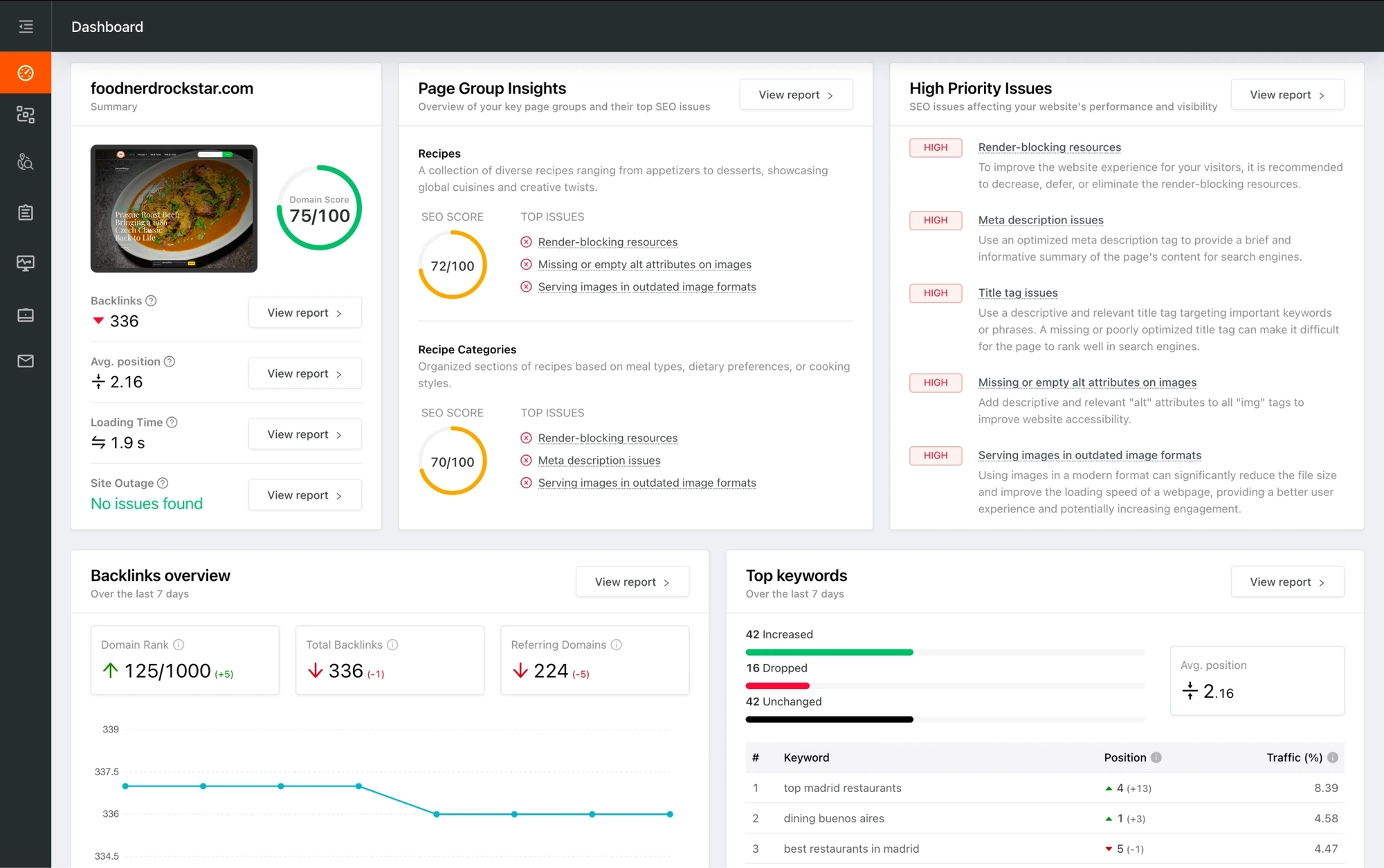
You're viewing a free snapshot. Unlock full monitoring, AI visibility tracking, and weekly reports.
Archived
SEO Report for https://www.otfeed.com/2018/05/hide-photos-on-oneplus-5.html
Your general SEO Checkup Score
SEO Score92/100
Average SEO score of top 100 sites: 75%
Your site scored 92/100, comfortably above the 75 average for top sites. We found 2 issues to fix, and they're the gap between you and the very top.
2 Failed
2 Warnings
22 Passed
Want to fix these issues and track your progress?
Common SEO issues
Score:90
Failed:0
Warnings:1
Passed:8
Desktop version
https://www.otfeed.com/2018/05/hide-photos-on-oneplus-5.html
Mobile version
https://www.otfeed.com/2018/05/hide-photos-on-oneplus-5.html
activate
anyplace
appears
apple
apps
article
atom
blurry
bought
browse
button
choose
close
code
college
comment
comments
conditions
contact
country
course
don’t
downloading
enter
facebook
files
follow
forget
founder
google
help
hide
home
huawei
instructions
iphone
just
karim
know
linkedin
list
lock
make
mention
menu
missing
mode
need
normal
oldest
oneplus
option
origin
otfeed
overflow
password
pattern
people
phone
phones
photos
play
plus
policy
popular
post
posts
privacy
private
privet
protect
ramadan
reach
recently
reserved
right
rights
samsung
screen
select
settings
step
steps
store
submit
subscribe
sure
swipe
teach
terms
time
turn
turned
twitter
videos
want
ways
work
xiaomi
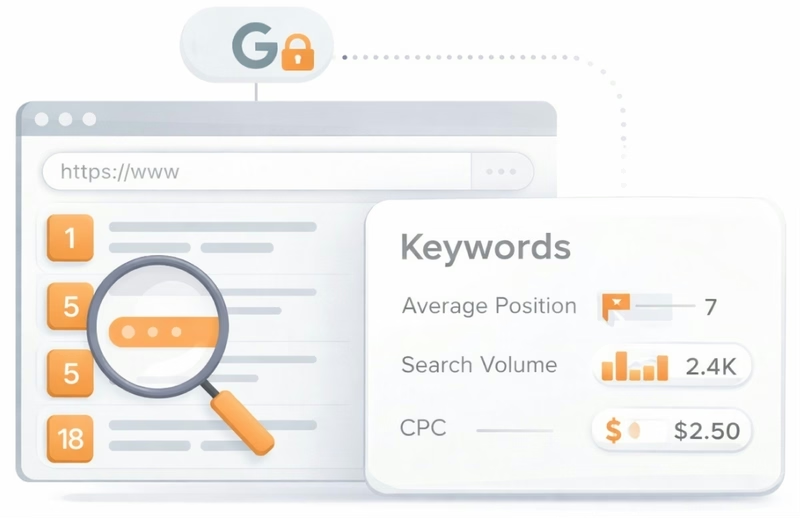
See which keywords rank your URL in Google’s top 20
Get key keyword metrics like average position, search volume, CPC, and more.


Understand your competitors' SEO and backlink profile
Get related competitors and their domain authority score in relation to your domain.
Robots.txt Test
This website is using a robots.txt file.
Image Alt Test
Your webpage has 6 'img' tags and 2 of them are missing the required 'alt' attribute.
Google Analytics Test
Congratulations! Your website is using the latest version of Google Analytics.
Favicon Test

Congratulations! Your website appears to have a favicon.

Get a full and detailed list of your backlinks
See every website linking to yours, along with detailed backlink data.
JS Error Checker
Congratulations! There are no severe JavaScript errors on your web page.
Speed optimizations
Score:92
Failed:1
Warnings:1
Passed:4
HTML Page Size Test
HTML Compression/GZIP Test
Congratulations! Your page is successfully compressed using gzip compression on your code.
Your HTML is compressed from 79.60 Kb to 22.57 Kb (72 % size savings). This helps ensure a faster loading web page and improved user experience.
Your HTML is compressed from 79.60 Kb to 22.57 Kb (72 % size savings). This helps ensure a faster loading web page and improved user experience.
Site Loading Speed Test
Your site loading time is around 3.89 seconds and this is under the average loading speed which is 5 seconds.

Accurate historical loading speed monitor and reports
Get detailed and accurate loading speed reports for your websites and see how your pages are being loaded over time.
Page Objects
Your page has more than 20 http requests, which can slow down page loading. You can try reducing http requests through various methods such as using text instead of images, using css sprites, using data URIs instead of images, or combining several external files together into one.
Total Objects: 82
- 22 HTML Pages
- 2 CSS Files
- 43 JS Files
- 15 Images
- 0 Flash Files
Image Caching Test
Your site is not using expires headers for all of your images. An expires tag can help speed up the serving of your webpages for users that regularly visit your site and see the same images. Learn more about how to add expires headers to your images.
URL Redirects Checker
Congratulations! Your URL doesn't have any redirects (which could potentially cause site indexation issues and site loading delays).
Server and security
Score:100
Failed:0
Warnings:0
Passed:3
URL Canonicalization Test
https://www.otfeed.com/2018/05/hide-photos-on-oneplus-5.html and https://otfeed.com/2018/05/hide-photos-on-oneplus-5.html resolve to the same URL.
HTTPS Test
Your website is successfully using https, a secure communication protocol over the Internet. Note: if your site relies primarily on ad income, be aware that using https may be detrimental to ad earnings.
Plaintext Emails Test
Congratulations! Your webpage does not include email addresses in plaintext.
Mobile usability
Score:100
Failed:0
Warnings:0
Passed:2
Media Query Responsive Test
Congratulations, your website uses media query technique, which is the base for responsive design functionalities.

Advanced SEO
Score:80
Failed:1
Warnings:0
Passed:5
Microdata Schema Test
Congratulations! Your website is using HTML Microdata specifications in order to markup structured data.
SPF records checker
Your DNS server is not using an SPF record. SPF (Sender Policy Framework) allows administrators to specify which hosts are allowed to send mail from a given domain by creating a specific SPF record or TXT record in the Domain Name System (DNS). You can find more information about SPF records here.