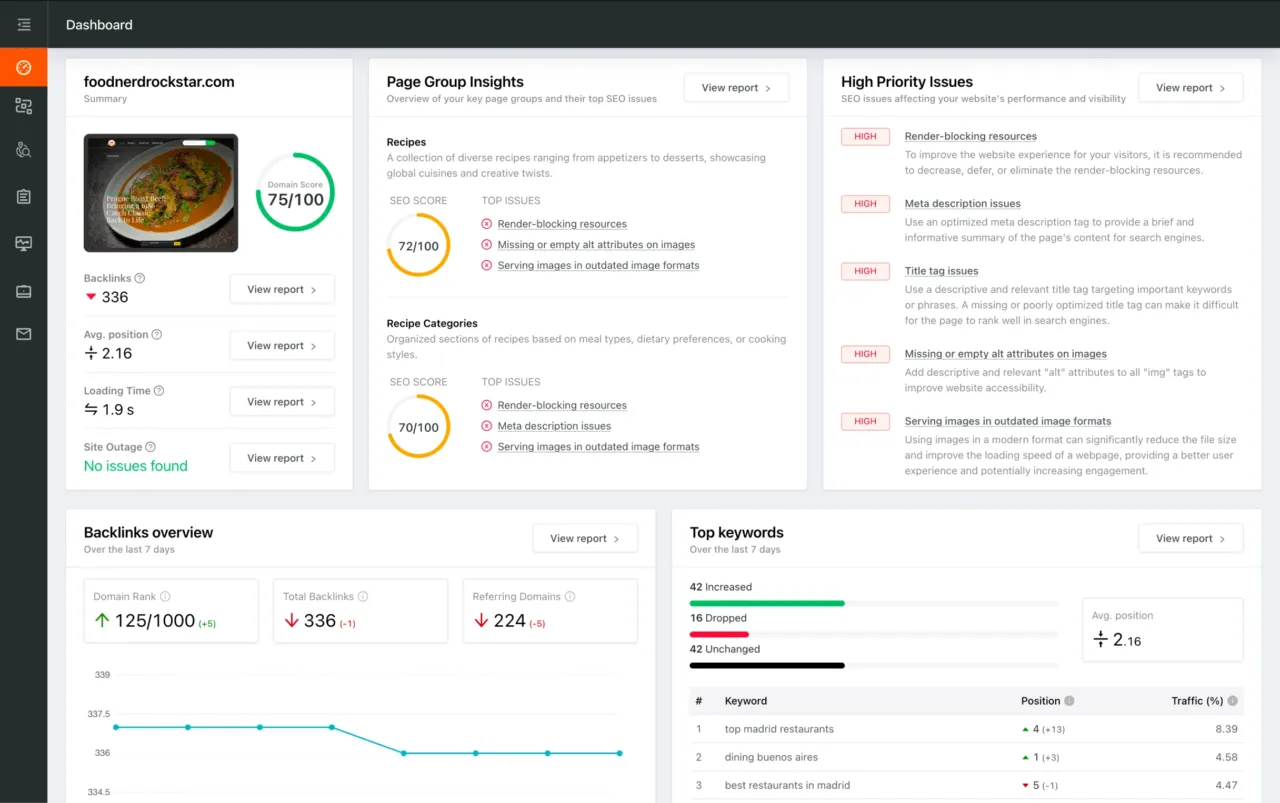
You're viewing a free snapshot. Unlock full monitoring, AI visibility tracking, and weekly reports.
SEO Score85/100
Average SEO score of top 100 sites: 75%This value indicates the average SEO score of the top 100 most visited websites in the US (in the past 12 months)
Your site scored 85/100, comfortably above the 75 average for top sites. We found 1 issue to fix, and it's the gap between you and the very top.
1 Failed
0 Warnings
7 Passed
Want to fix these issues and track your progress?
Common SEO issues
Score:100
Failed:0
Warnings:0
Passed:3
Desktop version
http://www.noccioleporello.it/
Mobile version
http://www.noccioleporello.it/
Check how your page might appear in Google search results. Google search results typically uses your webpage title, url and meta-description in order to display relevant summarized information about your site. If these elements are too long, Google will truncate their content. Webpage title up to 70 characters in length, and webpage descriptions up to 160 characters in length are recommended in order to optimize readability.
aggiungerli
alba
all'impasto
alla
amalgamati
approfondisci
azienda
bianchi
burro
calibratura
centro
circa
compatta
contadina
contatti
continuando
cookie
cordialità
cuneo
d'italia
d'uovo
dell'anima
della
delle
determinazione
dove
farina
fase
fasi
fatto
fino
forno
gialle
granella
granellone
grattugiata
home
impastare
informazioni
ingredienti
intere
italia
l'impasto
langhe
lavorarlo
lavorazione
legali
limone
marco
metterla
minuti
montare
morbida
nell'incavo
nella
neve
nocciole
noccioleporello@gmail.com
nostra
ogni
pagine
passo
pasta
policy
porello
powered
privacy
prodotto
produzione
quando
quindi
realizzato
roero
rossi
rovesciare
s.n.c
saranno
sarà
scorza
segue
sgusciate
siamo
sinonimi
sitemap
smartsite
tagliere
taglio
tipo
tipologia
torta
tortiera
tostate
tritare
tritate
tutti
tutto
unisce
unità
versare
zucchero
The Keyword Cloud is a visual representation of keywords used on your website. This will show you which words are frequently used in the content of your webpage. Keywords having higher density are presented in larger fonts and displayed in alphabetic order.
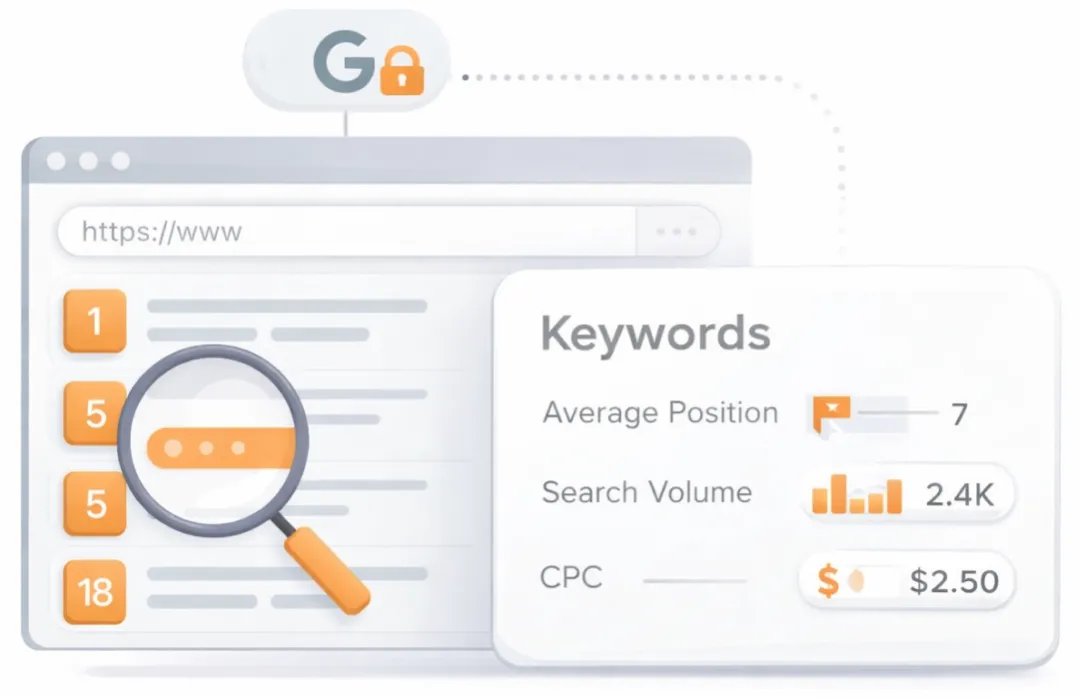
See which keywords rank your URL in Google’s top 20
Get key keyword metrics like average position, search volume, CPC, and more.

A list of search queries for which the page already appears in the top organic results. Highlights the topical territory the page is winning in search and can surface unexpected terms that present new content or optimization opportunities.
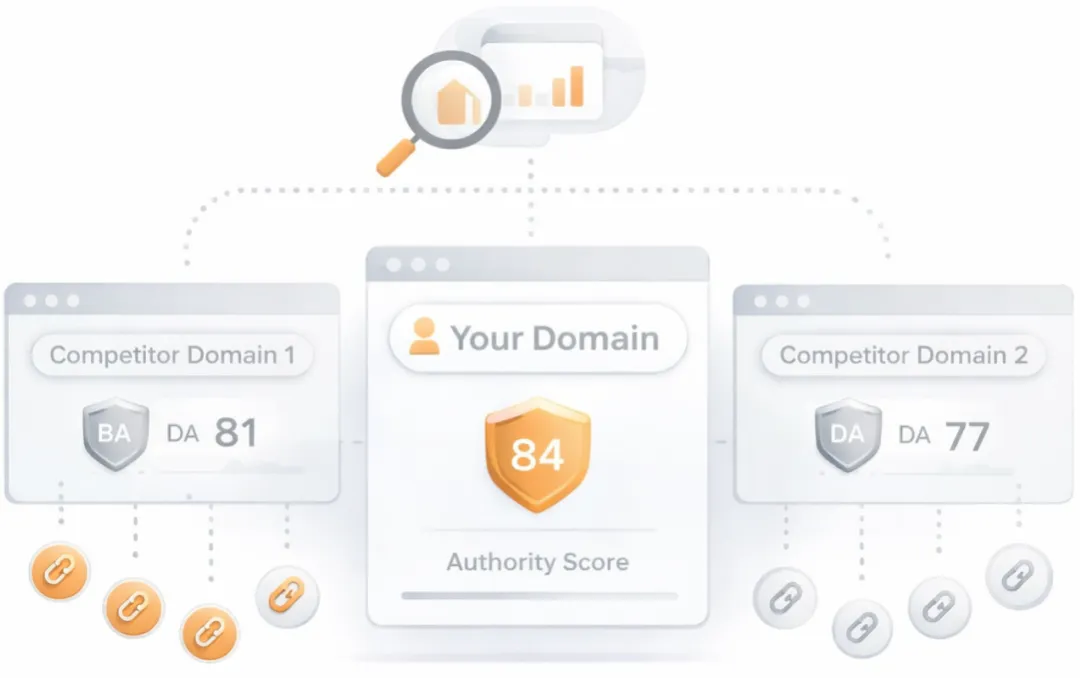
Understand your competitors' SEO and backlink profile
Get related competitors and their domain authority score in relation to your domain.
Identifies up to ten domains that compete for similar organic search results, ranked by overall domain authority based on the volume and quality of their backlink profiles. Useful for benchmarking the competitive landscape and prioritizing which sites to study for content and link-building strategy.
Robots.txt Test
This website is using a robots.txt file.
Check if your website is using a robots.txt file. When search engine robots crawl a website, they typically first access a site's robots.txt file. Robots.txt tells Googlebot and other crawlers what is and is not allowed to be crawled on your site.
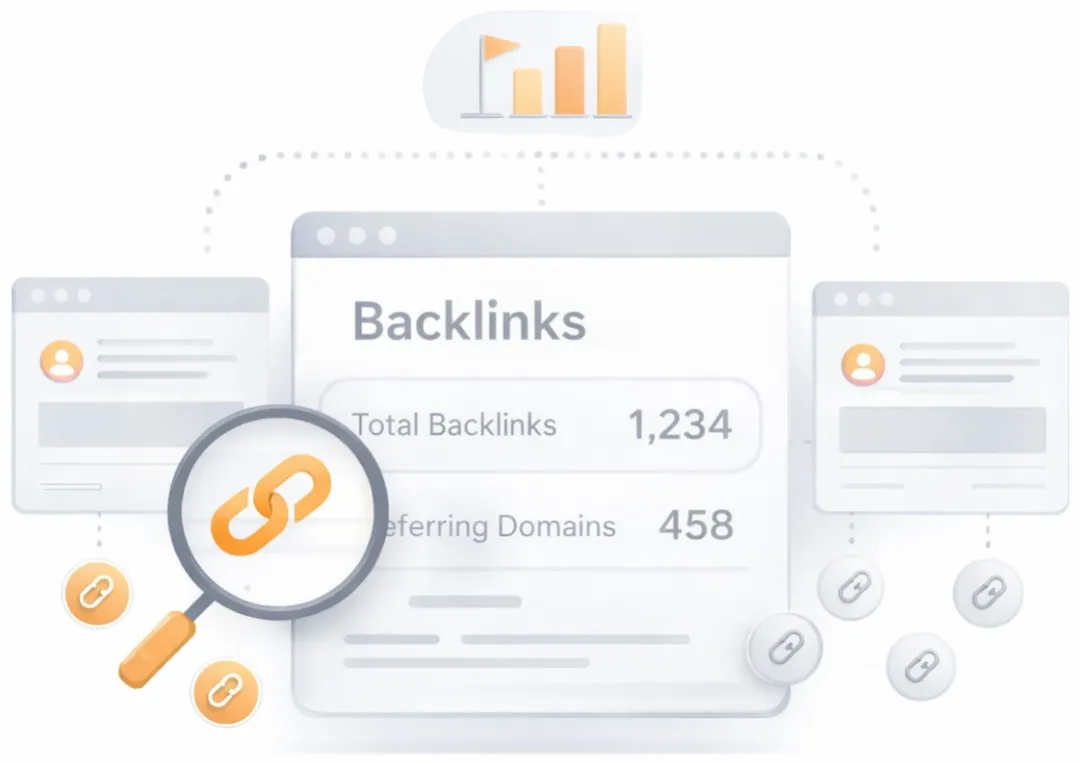
Get a full and detailed list of your backlinks
See every website linking to yours, along with detailed backlink data.
Surfaces the external pages that link to the analyzed URL. Backlinks from authoritative, topically relevant sites remain one of the strongest off-page ranking signals, while a profile dominated by low-quality or spammy links can attract algorithmic penalties. Reviewing the inbound link mix helps identify both link-building wins and toxic links worth disavowing.
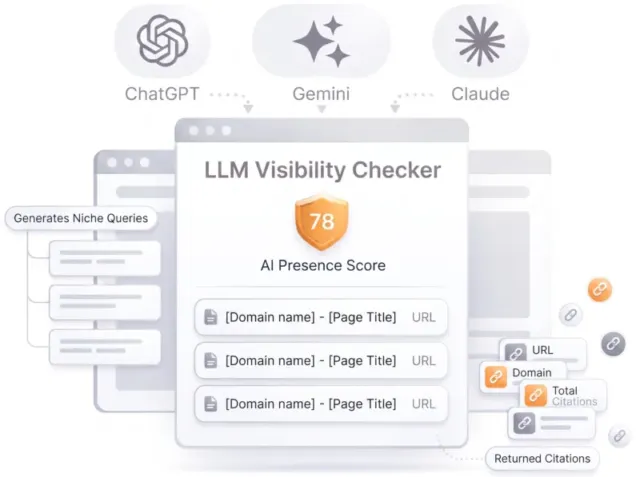
LLM Visibility Checker
Track your brand across ChatGPT, Gemini and Claude
Get an AI Presence Score, see which of your pages get cited, and follow how you compare with competitors over time.
Advanced SEO
Score:75
Failed:1
Warnings:0
Passed:4
SPF records checker
Your DNS server is not using an SPF record. SPF (Sender Policy Framework) allows administrators to specify which hosts are allowed to send mail from a given domain by creating a specific SPF record or TXT record in the Domain Name System (DNS). You can find more information about SPF records here.
Check if your DNS records contains an SPF record. SPF (Sender Policy Framework) records allow email systems to verify if a given mail server has been authorized to send mail on behalf of your domain. Creating an SPF record increases email delivery rates by reducing the likelihood of your email being marked as spam.