Archived

SEO Report for https://www.itschool.dp.ua

Your general SEO Checkup Score


SEO Score73/100
Average SEO score of top 100 sites: 75%This value indicates the average SEO score of the top 100 most visited websites in the US (in the past 12 months)

Your site scored 73/100, below the 75 average for top sites. We found 4 issues to fix, and clearing them is how you move up.

4 Failed
1 Warnings
9 Passed

Want to fix these issues and track your progress?

Common SEO issues
Score:85
Failed:0
Warnings:1
Passed:6
Google Search Results Preview
Desktop version
http://www.itschool.dp.ua/ Компьютерные курсы для детей. Детская IT-Школа СмартКомпьютерные курсы для детей школьного возраста в Днепропетровске. Основная задача нашей школы — дать подросткам знания, необходимые для жизни. 
Mobile version
http://www.itschool.dp.ua/ Компьютерные курсы для детей. Детская IT-Школа СмартКомпьютерные курсы для детей школьного возраста в Днепропетровске. Основная задача нашей школы — дать подросткам знания, необходимые для жизни. 
Check how your page might appear in Google search results. Google search results typically uses your webpage title, url and meta-description in order to display relevant summarized information about your site. If these elements are too long, Google will truncate their content. Webpage title up to 70 characters in length, and webpage descriptions up to 160 characters in length are recommended in order to optimize readability.
Keywords Cloud
google
itанглийского
itпространство
itшколе
itшколы
scratch
Администрирование
Введение
Визуальное
ГОД
ДЕТСКОЙ
Для
Дударева
ИЮНЯ
Индивидуальные
Июн
КАЖДУЮ
КУРСЫ
Классная
Курс
Мастерклассы
Мой
Мы
НА
НАЧАЛО
НАШИ
Ольга
Основы
От
ПАРТНЕРЫ
ПК
ПЯТНИЦУ
Поэтому
Преподаватель
Программирование
Проф.ориентированные
Разработка
РобоЛАБ
Роболаб
Робототехника
СМАРТ
Сергей
Смарт
Создание
Специальные
Тополь
УЧЕБНЫЙ
Филиал
вам
вебдизайна
видео
год
года
году
графика
детской
для
до
ж/м
занятия
знаний
знания
игр
как
компьютерных
курсы
лет
лето
мая
мы
на
набор
начинающих
нашей
не
обучение
обучения
от
открыт
очень
первый
по
приглашаем
программирование
просто
ребенка
ребят
робототехника
сайт
среде
сфере
уже
учебного
учебный
ценам
что
школ
школы
это
языке
The Keyword Cloud is a visual representation of keywords used on your website. This will show you which words are frequently used in the content of your webpage. Keywords having higher density are presented in larger fonts and displayed in alphabetic order.
Competitor Domains Test
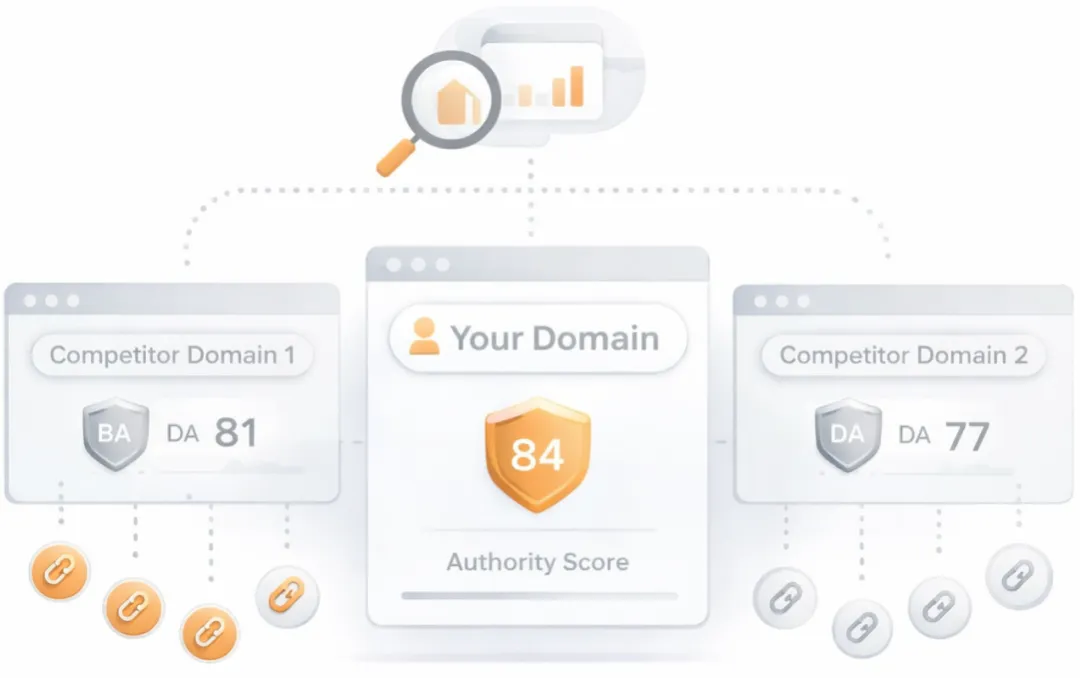
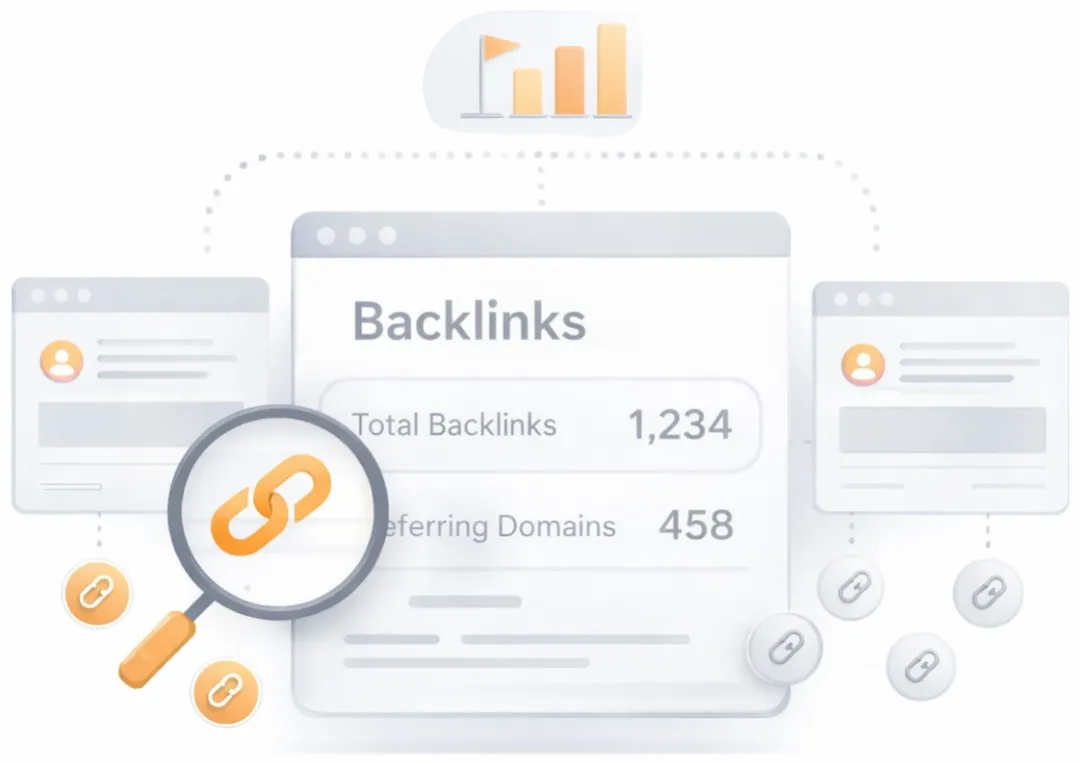
Competitor Domains

Understand your competitors' SEO and backlink profile

Get related competitors and their domain authority score in relation to your domain.

Identifies up to ten domains that compete for similar organic search results, ranked by overall domain authority based on the volume and quality of their backlink profiles. Useful for benchmarking the competitive landscape and prioritizing which sites to study for content and link-building strategy.
Robots.txt Test
This website is using a robots.txt file.
Check if your website is using a robots.txt file. When search engine robots crawl a website, they typically first access a site's robots.txt file. Robots.txt tells Googlebot and other crawlers what is and is not allowed to be crawled on your site.
Sitemap Test
Check if the website has a sitemap. A sitemap is important as it lists all the web pages of the site and let search engine crawlers to crawl the website more intelligently. A sitemap also provides valuable metadata for each webpage.
Image Alt Test
Your webpage has 58 'img' tags and 15 of them are missing the required 'alt' attribute.

Image Alt Test

How to pass this test?

In order to pass this test you must add an alt attribute to every <img> tag used into your webpage.
An image with an alternate text specified is inserted using the following HTML line:
<img src="image.png" alt="text_to_describe_your_image">
Remember that the point of alt text is to provide the same functional information that a visual user would see. Search engines, users who disabled images in their browsers and other agents who are unable to see the images on your webpage can read the alt attributes assigned to the image since they cannot view it.

Learn more about optimizing images for SEO.
Check if images on your webpage are using alt attributes. If an image cannot be displayed (e.g., due to broken image source, slow internet connection, etc), the alt attribute provides alternative information. Using relevant keywords and text in the alt attribute can help both users and search engines better interpret the subject of an image.
Favicon Test
favicon
Congratulations! Your website appears to have a favicon.
Check if your site is using and correctly implementing a favicon. Favicons are small icons that appear in your browser's URL navigation bar. They are also saved next to your URL's title when your page is bookmarked. This helps brand your site and make it easy for users to navigate to your site among a list of bookmarks.
JS Error Checker
Congratulations! There are no severe JavaScript errors on your web page.
Check your page for JavaScript errors. These errors may prevent users from properly viewing your pages and impact their user experience. Sites with poor user experience tend to rank worse in search engine results.
LLM Visibility Checker

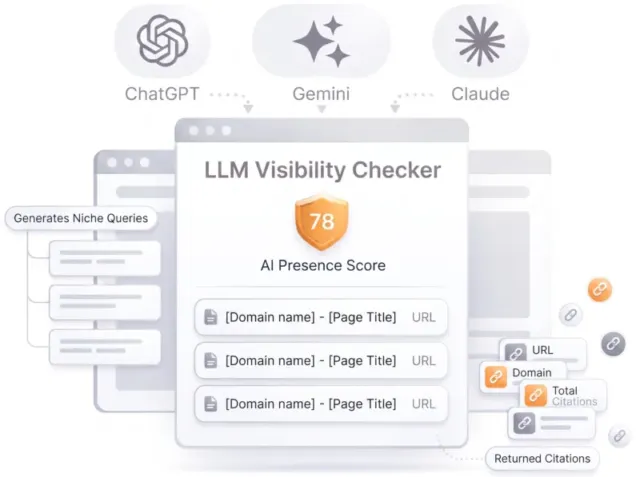
LLM Visibility Checker

Track your brand across ChatGPT, Gemini and Claude

Get an AI Presence Score, see which of your pages get cited, and follow how you compare with competitors over time.

Speed optimizations

Score:100
Failed:1
Warnings:0
Passed:1
HTML Compression/GZIP Test
Congratulations! Your page is successfully compressed using gzip compression on your code.
Your HTML is compressed from 96.56 Kb to 20.12 Kb (79 % size savings). This helps ensure a faster loading web page and improved user experience.
Check if your website is using HTML compression. HTML compression plays an important role in improving website speed by finding similar strings within a text file and replacing them temporarily to reduce overall file size.
Page Objects
Your page has more than 20 http requests, which can slow down page loading. You can try reducing http requests through various methods such as using text instead of images, using css sprites, using data URIs instead of images, or combining several external files together into one.
Total Objects: 100
  • 3 HTML Pages
  • 18 CSS Files
  • 15 JS Files
  • 64 Images
  • 0 Flash Files
Check if all the objects requested by this webpage can be retrieved. If they are not retrievable, your page may display incorrectly, leading to a bad user experience and lower search engine rankings.
AI Content Analysis

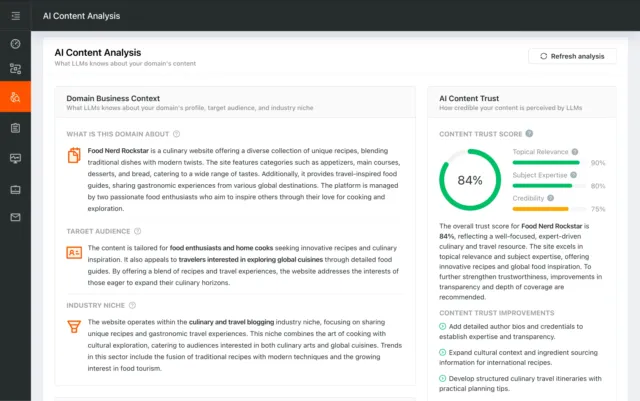
AI Content Analysis

Optimize your content for search and LLMs

AI Content Analysis scores your pages on clarity, depth, and machine readability, so you optimize for both human readers and LLMs.

Server and security
Score:0
Failed:2
Warnings:0
Passed:0
HTTPS Test
Your website is not using https, a secure communication protocol. Even for sites that do not collect senstive customer information, search engines suggest that switching to https is an increasingly good idea and may help improve rankings. Note: if your site relies primarily on adsense income, be aware that using https may be detrimental to ad earnings.

HTTPS Test

How to pass this test?

If your website needs a secured authentication or an encrypted transfer of data, you need to install an SSL certificate in order to provide a secure connection over HTTPS protocol. HERE is a "step by step" guide to purchase and install an SSL certificate.
Check if your website is using HTTPS, a secure protocol for sending/receiving data over the Internet. Using HTTPS indicates that an additional encryption/authentication layer was added between client and server. HTTPS should be used by any site that collects sensitive customer data such as credit card information. Even for sites that do not collect such data, switching to https helps users by improving privacy and overall security. Google is increasingly using https as a positive ranking factor.
Plaintext Emails Test
We found 2 email addresses in your page code. We advise you to protect email links in a way that hides them from the spam harvesters.

Plaintext Emails Test

How to pass this test?

In order to pass this test you must make your email addresses invisible to email spiders. Note that the best option is to replace your entire contact mechanism with a contact form and using the POST method while submitting the form. Other solutions are listed below:
  • replace the at (@) and dot (.) characters
  • replace text with images
  • use email obfuscators
  • hide email addresses using JavaScript or CSS trick
Check your webpage for plaintext email addresses. Any e-mail address posted in public is likely to be automatically collected by computer software used by bulk emailers (a process known as e-mail address harvesting). A spam harvester can read through the pages in your site and extract plaintext email addresses which are then added to bulk marketing databases (resulting in more inbox spam). There are several methods for email obfuscation.
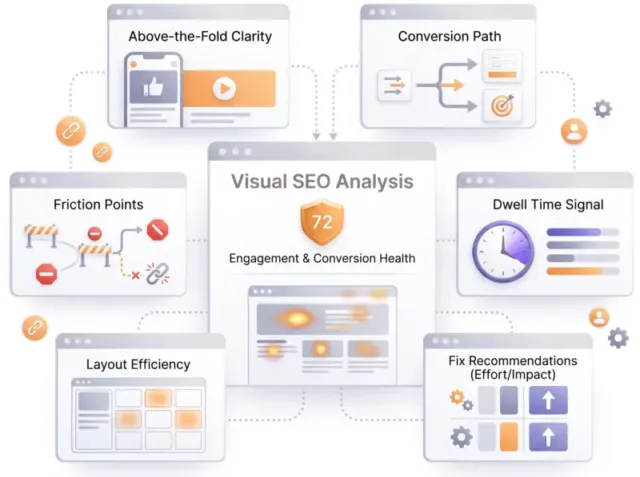
Visual SEO Analysis

Visual SEO Analysis

Find out if your page design converts the visitors you earn

We score six things that decide whether a visitor stays and acts, from the first screen to the path to action, and rank every fix by effort and impact.

Mobile usability
Score:100
Failed:0
Warnings:0
Passed:1
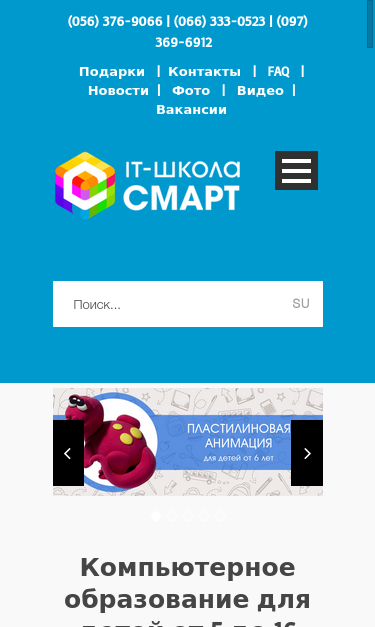
Mobile Snapshot
Mobile view
Check how your website renders on a mobile device.

Advanced SEO

Score:60
Failed:1
Warnings:0
Passed:1
Microdata Schema Test
Your webpage doesn't take the advantages of HTML Microdata specifications in order to markup structured data. View Google's guide for getting started with microdata.

Microdata Schema Test

How to pass this test?

HTML5 Microdata is an easy way to add semantic markup to your web pages. Search engines rely on this markup to improve the display of search results, making it easier for people to find the right web pages.
Here is a simple example of how to use HTML5 microdata in your contact web page:
<div itemscope itemtype="http://schema.org/Person">
   <span itemprop="name">Joe Doe</span>
   <span itemprop="company">The Example Company</span>
   <span itemprop="tel">604-555-1234</span>
   <a itemprop="email" href="mailto:joe.doe@example.com">joe.doe@example.com</a>
</div>
Check if your website uses HTML Microdata specifications (or structured data markup). Search engines use microdata to better understand the content of your site and create rich snippets in search results (which helps increase click-through rate to your site).
Canonical Tag Checker
Your page is using the canonical link tag. This tag specifies that the URL: http://www.itschool.dp.ua/ is preferred to be used in search results. Please ensure that this specification is correct, as canonical tags are often hard-coded and may not always reflect the latest changes in a site's URL structure.
<link rel=canonical href="http://www.itschool.dp.ua/"/>
Check if your webpage is using the canonical link tag. The canonical link tag is used to nominate a primary page when you have several pages with duplicate or very similar content.

Dominate search today on Google and AI Engines.

Join 85,000+ SaaS Marketers, Growth Agencies, Content-Led Companies and E-commerce Brands.

See Pricing
Dashboard preview showing SEO site checkup metrics, page group insights, and issue prioritization