Archived

SEO Report for https://viemamdaodonam.com.vn

Your general SEO Checkup Score


SEO Score56/100
Average SEO score of top 100 sites: 75%This value indicates the average SEO score of the top 100 most visited websites in the US (in the past 12 months)

Your site scored 56/100, well below the 75 average for top sites. We found 7 issues to fix, and clearing them is how you move up.

7 Failed
1 Warnings
9 Passed

Want to fix these issues and track your progress?

Common SEO issues
Score:54
Failed:3
Warnings:0
Passed:5
Google Search Results Preview
Desktop version
http://viemamdaodonam.com.vn/viSức khỏe vùng kín | CanestenWelcome to Canesten’s home of female intimate health. Get advice about feminine irritants like thrush, cystitis and information on female hygiene and menopause.
Mobile version
http://viemamdaodonam.com.vn/viSức khỏe vùng kín | CanestenWelcome to Canesten’s home of female intimate health. Get advice about feminine irritants like thrush, cystitis and information on female hygiene and menopause.
Check how your page might appear in Google search results. Google search results typically uses your webpage title, url and meta-description in order to display relevant summarized information about your site. If these elements are too long, Google will truncate their content. Webpage title up to 70 characters in length, and webpage descriptions up to 160 characters in length are recommended in order to optimize readability.
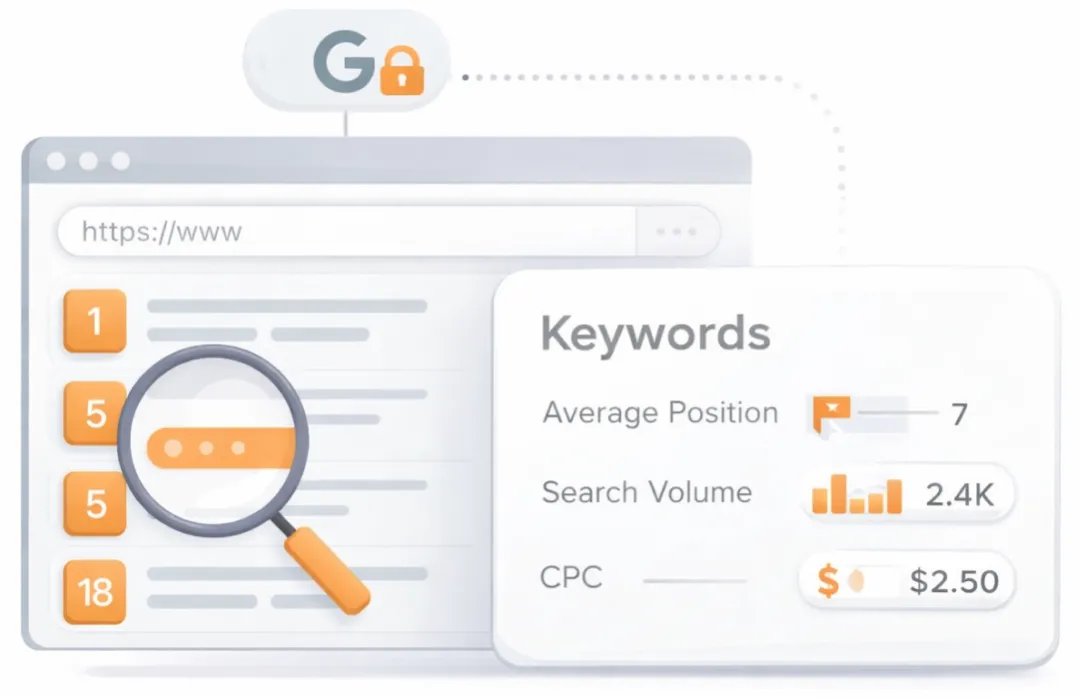
Most Common Keywords Test
There is likely no optimal keyword density (search engine algorithms have evolved beyond keyword density metrics as a significant ranking factor). It can be useful, however, to note which keywords appear most often on your page and if they reflect the intended topic of your page. More importantly, the keywords on your page should appear within natural sounding and grammatically correct copy.
5viêm
4liên
4media
4hiểu
4thông
Check the most common keywords in your page and their usage (number of times used). This can help give a quick overview of the keywords and topics that crawlers may associate with your web page.
Keywords Usage Test
Your most common keywords are not appearing in one or more of the meta-tags above. Your primary keywords should appear in your meta-tags to help identify the topic of your webpage to search engines.
Keyword(s) not included in Title tag
Keyword(s) not included in Meta-Description tag
This will check if your most common keywords are used in the webpage's title and description
Keywords Cloud
advert
alternatively
bệnh
chuyên
chất
chọn
chứng
complete
công
cổng
danh
email
foot
form
giấy
gp-ttđt
health
healthmeup.com
healthywomen.org
hiểu
hotline
khảo
khỏe
khởi
kidshealth.org
latest
livestrong.com
liên
mang
media
menu
minh
nghĩa
nguoiduatin.com
nguoiduatin.vn
nguyễn
ngày
người
ngọc
ngừa
nhansu6686@gmail.com
phát
phép
phòng
phường
phần
phẩm
quận
skin
suckhoegiadinh.com.vn
tham
thiết
thoại
thông
tphcm
trang
triển
triệu
trong
truyền
trách
trên
trường
trạng
tt&tt
tình
tính
tầng
tổng
viêm
vùng
webmd.com
website
The Keyword Cloud is a visual representation of keywords used on your website. This will show you which words are frequently used in the content of your webpage. Keywords having higher density are presented in larger fonts and displayed in alphabetic order.
Competitor Domains Test
Competitor Domains

Understand your competitors' SEO and backlink profile

Get related competitors and their domain authority score in relation to your domain.
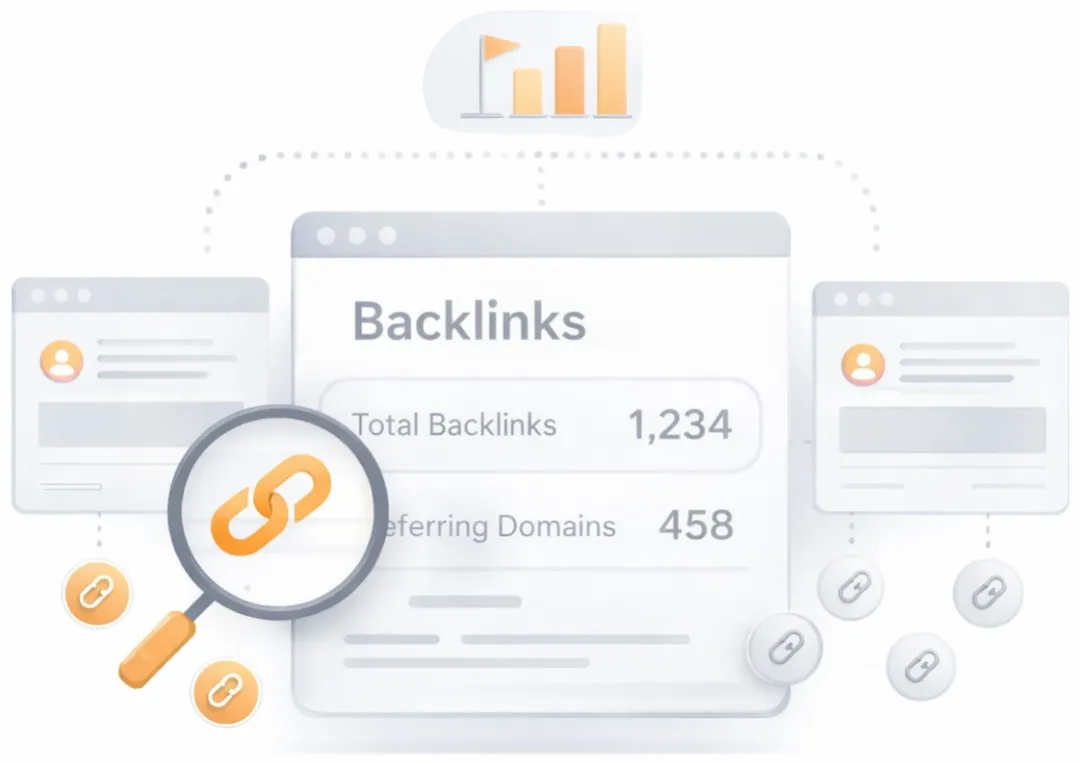
Identifies up to ten domains that compete for similar organic search results, ranked by overall domain authority based on the volume and quality of their backlink profiles. Useful for benchmarking the competitive landscape and prioritizing which sites to study for content and link-building strategy.
Robots.txt Test
This website is using a robots.txt file.
Check if your website is using a robots.txt file. When search engine robots crawl a website, they typically first access a site's robots.txt file. Robots.txt tells Googlebot and other crawlers what is and is not allowed to be crawled on your site.
Deprecated HTML Tags
Congratulations! Your page does not use HTML deprecated tags.
Check if your webpage is using old, deprecated HTML tags. These tags will eventually lose browser support and your web pages may render incorrectly as browsers drop support for these tags.
Google Analytics Test
A Google Analytics script is not detected on this page. While there are several tools available to monitor your site's visitors and traffic sources, Google Analytics is a free, commonly recommended program to help diagnose potential SEO issues.

Google Analytics Test

How to pass this test?

In order to pass this test you must create an account on Google Analytics site and insert into your page a small javascript tracking code.
Example:
<!-- Google Analytics -->
<script>
(function(i,s,o,g,r,a,m){i['GoogleAnalyticsObject']=r;i[r]=i[r]||function(){
(i[r].q=i[r].q||[]).push(arguments)},i[r].l=1*new Date();a=s.createElement(o),
m=s.getElementsByTagName(o)[0];a.async=1;a.src=g;m.parentNode.insertBefore(a,m)
})(window,document,'script','//www.google-analytics.com/analytics.js','ga');

ga('create', 'UA-XXXX-Y', 'auto');
ga('send', 'pageview');

</script>
<!-- End Google Analytics -->
Note that you have to change the 'UA-XXXX-Y' with the proper id which you'll find in your analytics account.
Check if your website is connected with Google Analytics. Google Analytics is a popular, free website analysis tool that helps provide insights about your site's traffic and demographics.
Favicon Test
Your site either doesn't have a favicon or this has not been referenced correctly.

Favicon Test

How to pass this test?

To add a favicon to your site, you need to have your logo created in a 16x16 PNG, GIF or ICO image and uploaded to your web server.
Then it's simply a matter of adding the following code into the header of your HTML code for your web pages:

<head> <link rel="icon" type="image/x-icon" href="url_to_my_favicon" /> <title>My Title</title> </head>

In the example above the "url_to_my_favicon" refers to the actual location of your favicon file.
Check if your site is using and correctly implementing a favicon. Favicons are small icons that appear in your browser's URL navigation bar. They are also saved next to your URL's title when your page is bookmarked. This helps brand your site and make it easy for users to navigate to your site among a list of bookmarks.
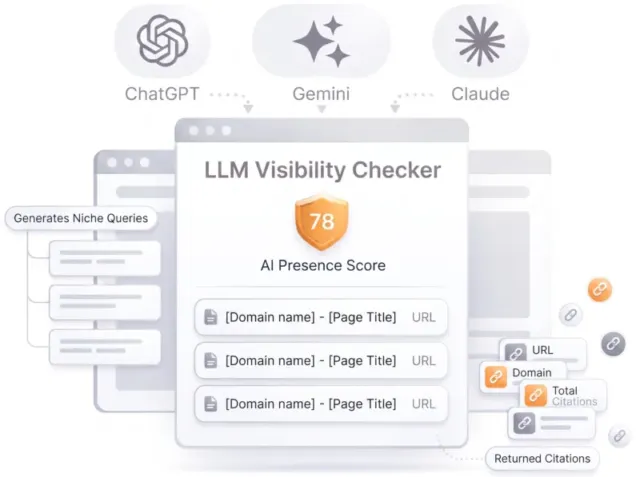
LLM Visibility Checker

LLM Visibility Checker

Track your brand across ChatGPT, Gemini and Claude

Get an AI Presence Score, see which of your pages get cited, and follow how you compare with competitors over time.

Speed optimizations
Score:66
Failed:1
Warnings:1
Passed:2
HTML Compression/GZIP Test
Congratulations! Your webpage is successfully compressed using gzip compression on your code. Your HTML is compressed from 15.27 Kb to 4.03 Kb (74% size savings). This helps ensure a faster loading webpage and improved user experience.
Check if your website is using HTML compression. HTML compression plays an important role in improving website speed by finding similar strings within a text file and replacing them temporarily to reduce overall file size.
JavaScript Minification Test
Your webpage does not use any javascript file!
Checks if any external javascript files used in your page is minified. Minified files reduce page size and overall load time.
CSS Minification Test
Some of your website's CSS files are not minified!

CSS Minification Test

How to pass this test?

In order to pass this test you must minify all of your external CSS files. For this task you can use an online CSS minifier like YUI Compressor or cssmin.js.
Checks if any CSS files used in your page is minified. Minified files reduce page size and overall load time.
URL Redirects Checker
Your URL performed 1 redirects! While redirects are typically not advisable (as they can affect search engine indexing issues and adversely affect site loading time), one redirect may be acceptable, particularly if the URL is redirecting from a non-www version to its www version, or vice-versa.
Check how many redirects your URL will perform to resolve to the final destination URL. Redirects often cause search engine indexing issues and can also lead to some minor loading delays. Google recommends removing or keeping redirects to a minimum.
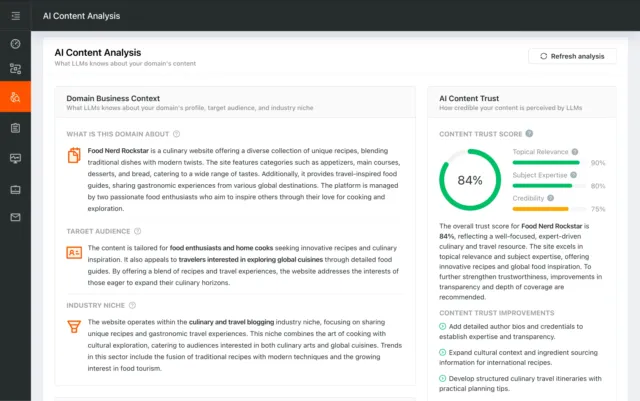
AI Content Analysis

AI Content Analysis

Optimize your content for search and LLMs

AI Content Analysis scores your pages on clarity, depth, and machine readability, so you optimize for both human readers and LLMs.

Server and security
Score:0
Failed:1
Warnings:0
Passed:0
Plaintext Emails Test
We've found 1 email addresses in your page code. We advise you to protect email links in a way that hides them from the spam harvesters.

Plaintext Emails Test

How to pass this test?

In order to pass this test you must make your email addresses invisible to email spiders. Note that the best option is to replace your entire contact mechanism with a contact form and using the POST method while submitting the form. Other solutions are listed below:
  • replace the at (@) and dot (.) characters
  • replace text with images
  • use email obfuscators
  • hide email addresses using JavaScript or CSS trick
Check your webpage for plaintext email addresses. Any e-mail address posted in public is likely to be automatically collected by computer software used by bulk emailers (a process known as e-mail address harvesting). A spam harvester can read through the pages in your site and extract plaintext email addresses which are then added to bulk marketing databases (resulting in more inbox spam). There are several methods for email obfuscation.
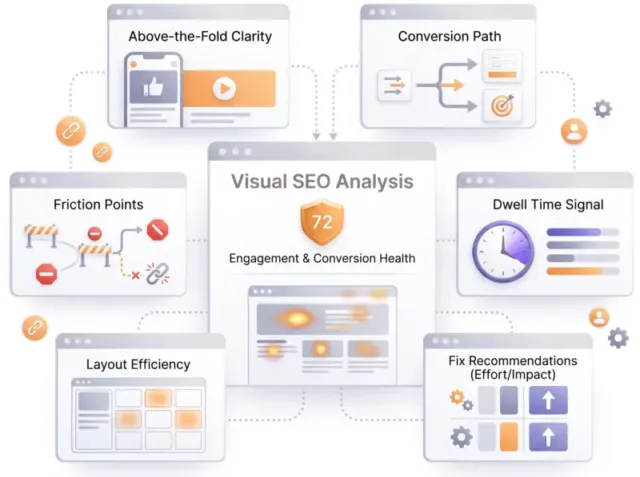
Visual SEO Analysis

Visual SEO Analysis

Find out if your page design converts the visitors you earn

We score six things that decide whether a visitor stays and acts, from the first screen to the path to action, and rank every fix by effort and impact.
Advanced SEO

Score:43
Failed:2
Warnings:0
Passed:2
Microdata Schema Test
Your webpage doesn't take the advantages of HTML Microdata specifications in order to markup structured data. View Google's guide for getting started with microdata.

Microdata Schema Test

How to pass this test?

HTML5 Microdata is an easy way to add semantic markup to your web pages. Search engines rely on this markup to improve the display of search results, making it easier for people to find the right web pages.
Here is a simple example of how to use HTML5 microdata in your contact web page:
<div itemscope itemtype="http://schema.org/Person">
   <span itemprop="name">Joe Doe</span>
   <span itemprop="company">The Example Company</span>
   <span itemprop="tel">604-555-1234</span>
   <a itemprop="email" href="mailto:joe.doe@example.com">joe.doe@example.com</a>
</div>
Check if your website uses HTML Microdata specifications (or structured data markup). Search engines use microdata to better understand the content of your site and create rich snippets in search results (which helps increase click-through rate to your site).
Noindex Checker
Your webpage does not use the noindex meta tag. This means that your webpage will be read and indexed by search engines.
Check if your webpage is using the robots meta tag or the X-Robots-Tag HTTP header to instruct search engines not to show your site in search results pages.
Nofollow Checker
Your webpage does not use the nofollow meta tag. This means that search engines will crawl all links from your webpage.
Check if your webpage is using the robots meta tag or the X-Robots-Tag HTTP header to instruct search engines not to follow the links on your page. Outgoing links marked with this tag will tell search engines not to follow or crawl that particular link. Google recommends that nofollow tags are used for paid advertisements on your site and links to pages that have not been vetted as trusted sites (e.g., links posted by users of your site).
SPF records checker
Your DNS server is not using an SPF record. SPF (Sender Policy Framework) allows administrators to specify which hosts are allowed to send mail from a given domain by creating a specific SPF record or TXT record in the Domain Name System (DNS). You can find more information about SPF records here.

SPF records checker

How to pass this test?

An SPF record is a type of Domain Name Service (DNS) record that allows email systems to check if the sender of a message comes from a legitimate source and refuse an email if the source is not legitimate. Adding an SPF record is as easy as adding CNAME, MX or A records in your DNS zone. You can find more information here.

Before creating the SPF record for your domain, it is important to have access at your domain's DNS zone and to know what mail servers your domain is likely to use and plan how you want any non-authorised email to be handled.

Example:
Let's say that you are planning to send emails using Google Apps and you also want to ensure that no other mail servers are authorised. You can use an SPF record like this:

v=spf1 include:_spf.google.com -all
"v=spf1" - This sets the SPF version
"include:_spf.google.com" - This includes Google mail servers in your list of authorized sending servers
"-all" - This means that any server not previously listed is not authorized

If you are using your own VPS to send email and not any other service like Mandrill, Google Apps, etc. then you can create an SPF record like this:

v=spf1 mx -all

Note:
Setting an SPF record for your domain can help in reducing the chances of a spammer using your domain name in unsolicited emails. Research carefully what mail servers your domain is likely to use and plan how you want any non-authorised email to be handled.
Check if your DNS records contains an SPF record. SPF (Sender Policy Framework) records allow email systems to verify if a given mail server has been authorized to send mail on behalf of your domain. Creating an SPF record increases email delivery rates by reducing the likelihood of your email being marked as spam.

Dominate search today on Google and AI Engines.

Join 85,000+ SaaS Marketers, Growth Agencies, Content-Led Companies and E-commerce Brands.

See Pricing
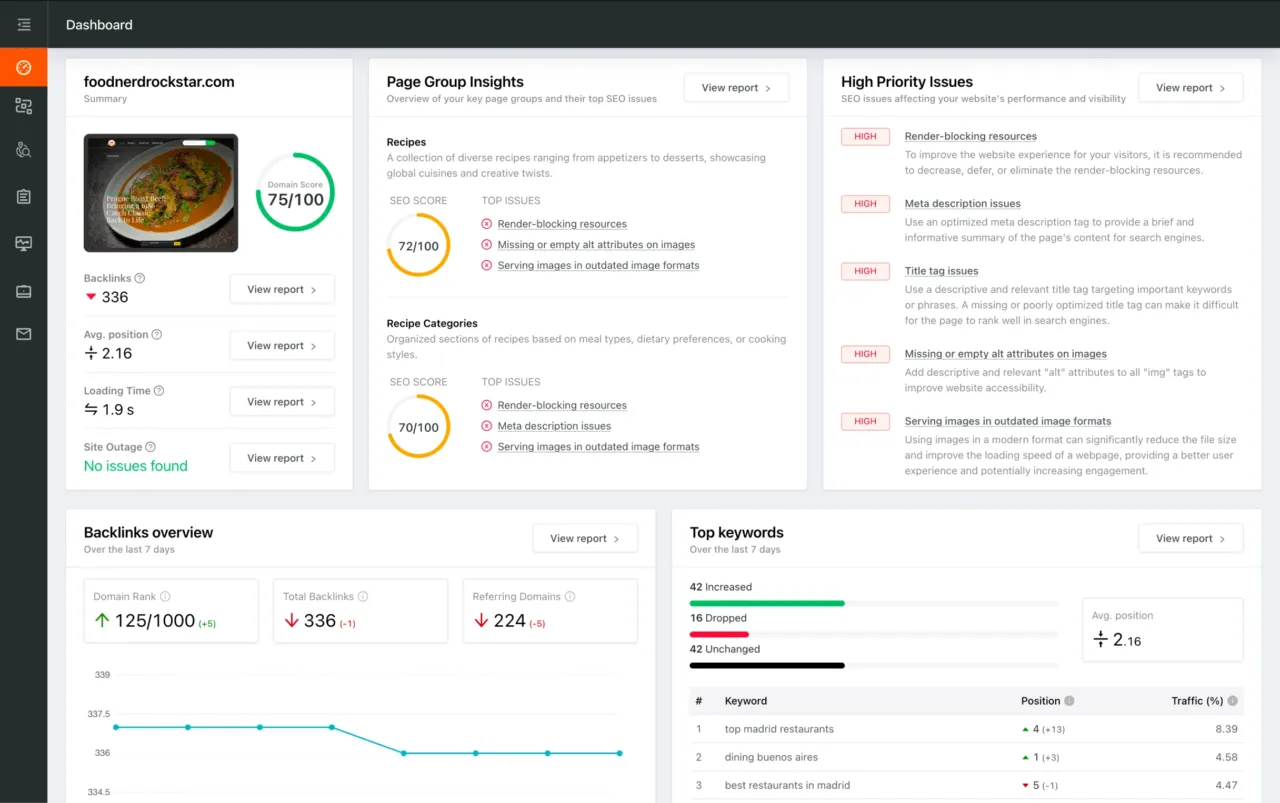
Dashboard preview showing SEO site checkup metrics, page group insights, and issue prioritization