You're viewing a free snapshot. Unlock full monitoring, AI visibility tracking, and weekly reports.
SEO ScoreNaN/100
Average SEO score of top 100 sites: 75%
Your site scored NaN/100, just above the 75 average for top sites. We found 10 issues to fix, and they're what's holding you back from the top spots.
10 Failed
1 Warnings
13 Passed
Want to fix these issues and track your progress?
Common SEO issues
Score:90
Failed:0
Warnings:1
Passed:8
Desktop version
http://www.supportmart.net/
Mobile version
http://www.supportmart.net/
access
acer
antivirus
assistance
asus
available
avast
blogs
brand
brands
brother
canon
competent
completed
computer
conditions
contact
courteous
dell
diagnostics
disclaimer
does
doing
epson
excellent
experts
explained
features
follow
free
gateway
griffinnew
help
independent
instant
issues
jersey
just
kaspersky
knowledgeable
learn
lenovo
lexmark
lucky
manufacturer's
mcafee
micro
microsoft
million
morning
mozilla
names
news
norton
offering
offers
office
official
online
owners
patient
peripherals
policy
printer
printers
privacy
problems
provider
reach
reference
removal
repair
resolved
safety
satisfaction
saving
security
service
serviced
services
session
software
support
supportmart
tech
technical
technician
technicians
technicians.monique
testimonials
threats
time
toshiba
trademarks
trend
upgrade
various
virus
website
windows
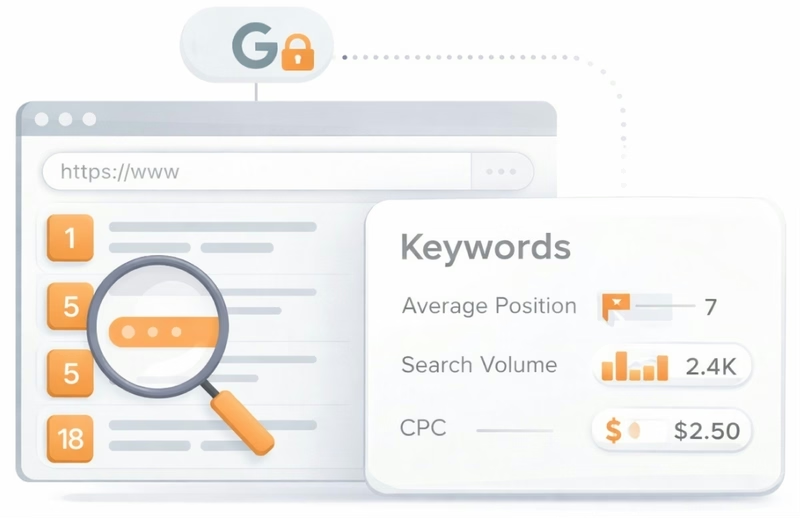
See which keywords rank your URL in Google’s top 20
Get key keyword metrics like average position, search volume, CPC, and more.


Understand your competitors' SEO and backlink profile
Get related competitors and their domain authority score in relation to your domain.
Robots.txt Test
This website is using a robots.txt file.
Image Alt Test
Your webpage has 33 'img' tags and 2 of them are missing the required 'alt' attribute.
Google Analytics Test
Congratulations! Your website is using the asynchronous version of Google Analytics tracking code.
Favicon Test

Congratulations! Your website appears to have a favicon.
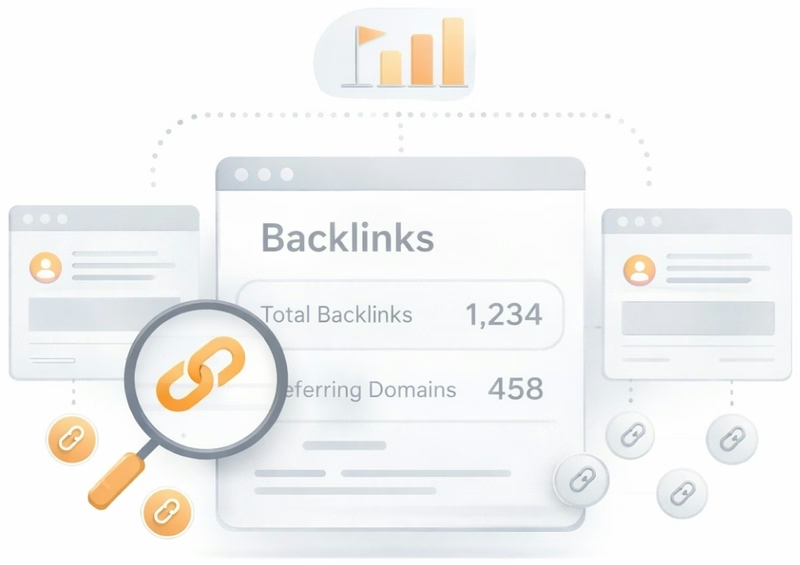
Get a full and detailed list of your backlinks
See every website linking to yours, along with detailed backlink data.
JS Error Test
Congratulation! There is no occurrence of any severe JavaScript Errors in your web page.
Speed optimizations
Score:0
Failed:5
Warnings:0
Passed:0
HTML Page Size Test
Your HTML size is 61.54 Kb and is over the average web page HTML size of 33 Kb.
This can lead to slower than average load times, lost visitors, and decreased revenue. Good steps to reduce HTML size include: using of HTML compression, CSS layouts, external style sheets, and moving javascript to external files.
This can lead to slower than average load times, lost visitors, and decreased revenue. Good steps to reduce HTML size include: using of HTML compression, CSS layouts, external style sheets, and moving javascript to external files.
HTML Compression/GZIP Test
Your page do not use any HTML compression!
You should compress your HTML to reduce your page size and page loading times - this will help your site retain visitors and increase page views. If you were using compression, you could be compressing your HTML size by 77 % - from 61.54 Kb to 14.19 Kb which would further reduce your page loading time.
You should compress your HTML to reduce your page size and page loading times - this will help your site retain visitors and increase page views. If you were using compression, you could be compressing your HTML size by 77 % - from 61.54 Kb to 14.19 Kb which would further reduce your page loading time.
Site Loading Speed Test
Your site loading time is around 14.034 seconds and is over the average loading speed which is 5 seconds.
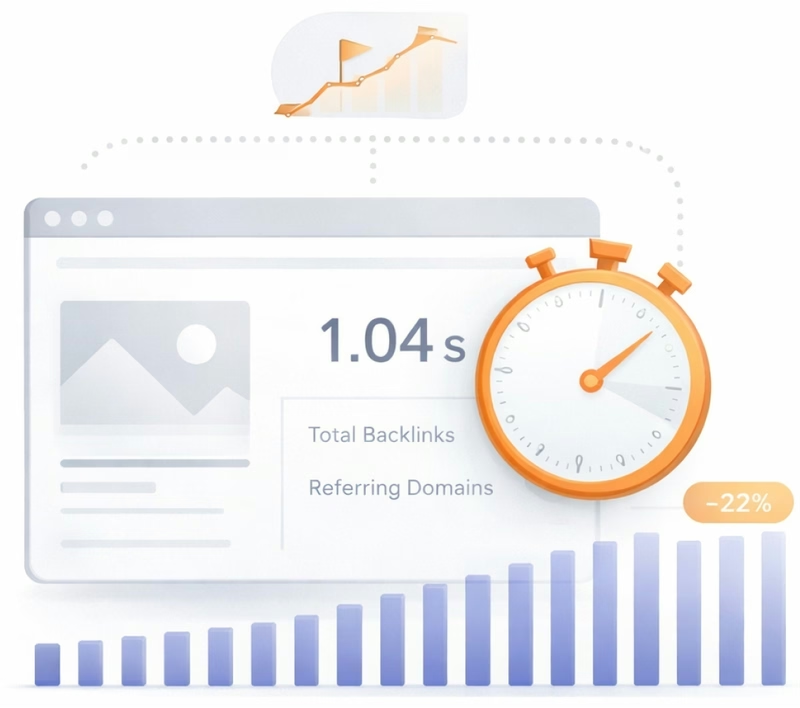
Accurate historical loading speed monitor and reports
Get detailed and accurate loading speed reports for your websites and see how your pages are being loaded over time.
Page Objects Test
Your page has more than 20 http requests, which can slow down page loading. You can try reducing http requests through various methods such as using text instead of images, using css sprites, using data URIs instead of images, or combining several external files together into one.
Total Objects: 124
- 9 HTML Pages
- 9 CSS Files
- 36 JS Files
- 70 Images
- 0 Flash Files
Image Caching Test
Your site is not using expires headers for your images. An expires tag can help speed up the serving of your webpages for users that regularly visit your site and see the same images. Learn more about how to add expires headers to your images.
Server and security
Score:NaN
Failed:2
Warnings:0
Passed:1
URL Canonicalization Test
http://supportmart.net and http://www.supportmart.net resolve to the same URL.
Plaintext Emails Test
We found 1 email addresses in your page code. We advise you to protect email links in a way that hides them from the spam harvesters.
Mobile usability
Score:0
Failed:1
Warnings:0
Passed:1
Media Query Responsive Test
Your website is not using media queries. You should consider using this technique in order to implement responsive design functionalities.

Advanced SEO
Score:38
Failed:2
Warnings:0
Passed:3
Structured Data Test
Your webpage doesn't take the advantages of HTML Microdata specifications in order to markup structured data. View Google's guide for getting started with microdata.