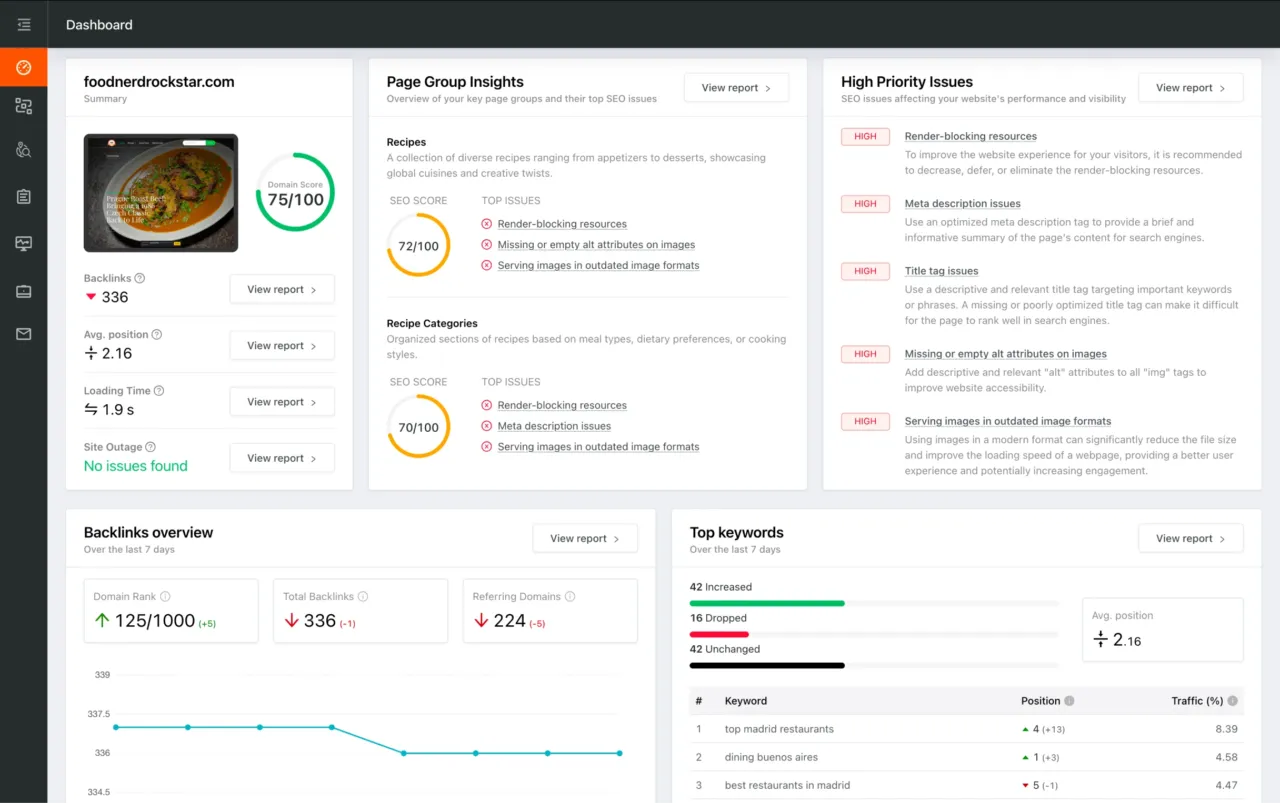
You're viewing a free snapshot. Unlock full monitoring, AI visibility tracking, and weekly reports.
SEO Score63/100
Average SEO score of top 100 sites: 75%This value indicates the average SEO score of the top 100 most visited websites in the US (in the past 12 months)
Your site scored 63/100, below the 75 average for top sites. We found 5 issues to fix, and clearing them is how you move up.
5 Failed
1 Warnings
12 Passed
Want to fix these issues and track your progress?
Common SEO issues
Score:74
Failed:1
Warnings:0
Passed:7
Meta Title
Congratulations! Your webpage is using a title tag
Your webpage's meta title is an HTML tag that defines the title of your page. This tag displays your page title in search engine results, at the top of a user's browser, and also when your page is bookmarked in a list of favorites. A concise, descriptive title tag that accurately reflects your page's topic is important for ranking well in search engines.
Desktop version
https://miptvservices.com/reseller
Mobile version
https://miptvservices.com/reseller
Check how your page might appear in Google search results. Google search results typically uses your webpage title, url and meta-description in order to display relevant summarized information about your site. If these elements are too long, Google will truncate their content. Webpage title up to 70 characters in length, and webpage descriptions up to 160 characters in length are recommended in order to optimize readability.
Keywords Usage Test
Your most common keywords are not appearing in one or more of the meta-tags above. Your primary keywords should appear in your meta-tags to help identify the topic of your webpage to search engines.
This will check if your most common keywords are used in the webpage's title and description
account
activate
address
advertise
amazon
android
apple
attractive
boxes
cart
change
channel
chat
contact
create
credit=1month
credits
credits=3months
credits=6months
demo
desired
devices
different
discover
does
e-mails
easy
emulator
euros
feedback
fell
form
forum
generate
high
home
https://cms.xtream-codes.com/xce2c49a
income
install
iphone
iptv
it’s
limited
lines
list
live
load
login/register
make
making
market
means
media
miilions
minimum
miptv
money
month
months
navigation
online,you
opportunity
order
package
packages
panel
password
people
player
pricing
provide
purchase
purchasing
relax
remember
reseller
resellers
roku
safely
sell
services
setup
side,be
signed
smart
smarter
staff
start
stick
support
test
toggle
unlimited
username
users
validity
validity=unlimited
want
wonderful
work
The Keyword Cloud is a visual representation of keywords used on your website. This will show you which words are frequently used in the content of your webpage. Keywords having higher density are presented in larger fonts and displayed in alphabetic order.
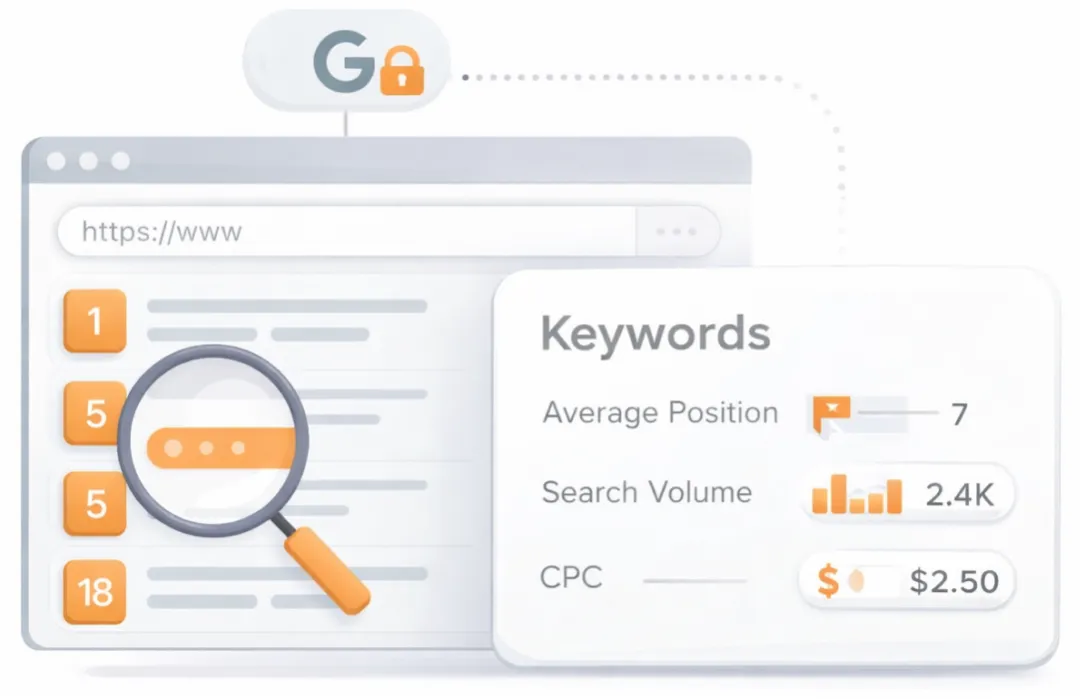
See which keywords rank your URL in Google’s top 20
Get key keyword metrics like average position, search volume, CPC, and more.

A list of search queries for which the page already appears in the top organic results. Highlights the topical territory the page is winning in search and can surface unexpected terms that present new content or optimization opportunities.
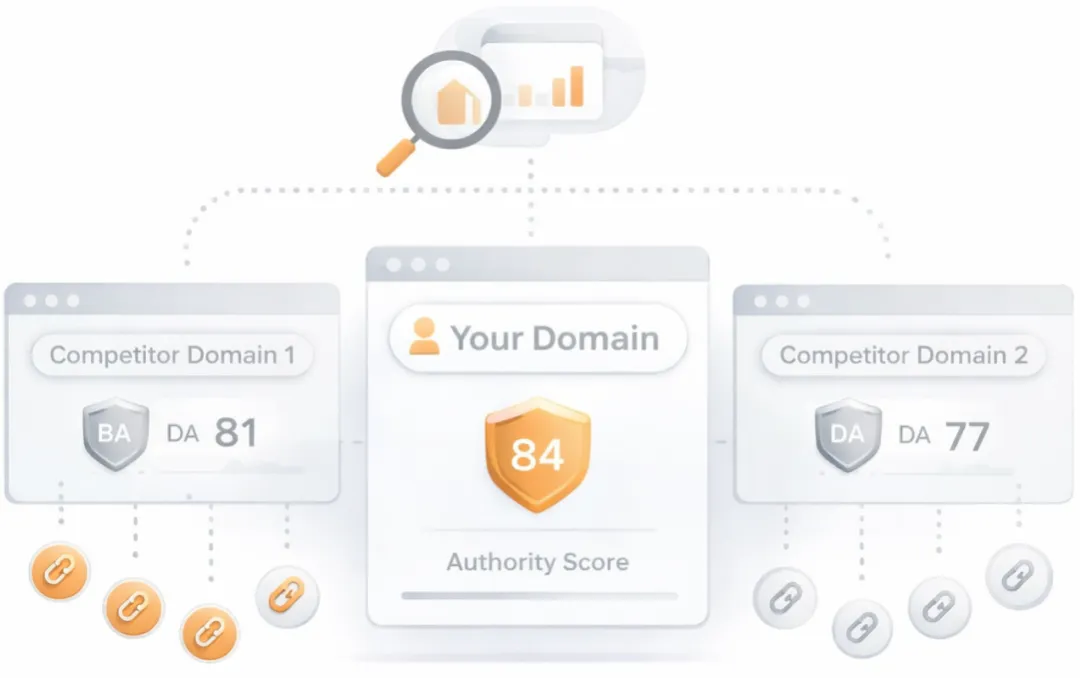
Understand your competitors' SEO and backlink profile
Get related competitors and their domain authority score in relation to your domain.
Identifies up to ten domains that compete for similar organic search results, ranked by overall domain authority based on the volume and quality of their backlink profiles. Useful for benchmarking the competitive landscape and prioritizing which sites to study for content and link-building strategy.
Robots.txt Test
This website is using a robots.txt file.
Check if your website is using a robots.txt file. When search engine robots crawl a website, they typically first access a site's robots.txt file. Robots.txt tells Googlebot and other crawlers what is and is not allowed to be crawled on your site.
Image Alt Test
All of your webpage's "img" tags have the required "alt" attribute.
Check if images on your webpage are using alt attributes. If an image cannot be displayed (e.g., due to broken image source, slow internet connection, etc), the alt attribute provides alternative information. Using relevant keywords and text in the alt attribute can help both users and search engines better interpret the subject of an image.
Google Analytics Test
Congratulations! Your webpage is using Google Analytics.
Check if your website is connected with Google Analytics. Google Analytics is a popular, free website analysis tool that helps provide insights about your site's traffic and demographics.
Favicon Test

Congratulations! Your website appears to have a favicon.
Check if your site is using and correctly implementing a favicon. Favicons are small icons that appear in your browser's URL navigation bar. They are also saved next to your URL's title when your page is bookmarked. This helps brand your site and make it easy for users to navigate to your site among a list of bookmarks.
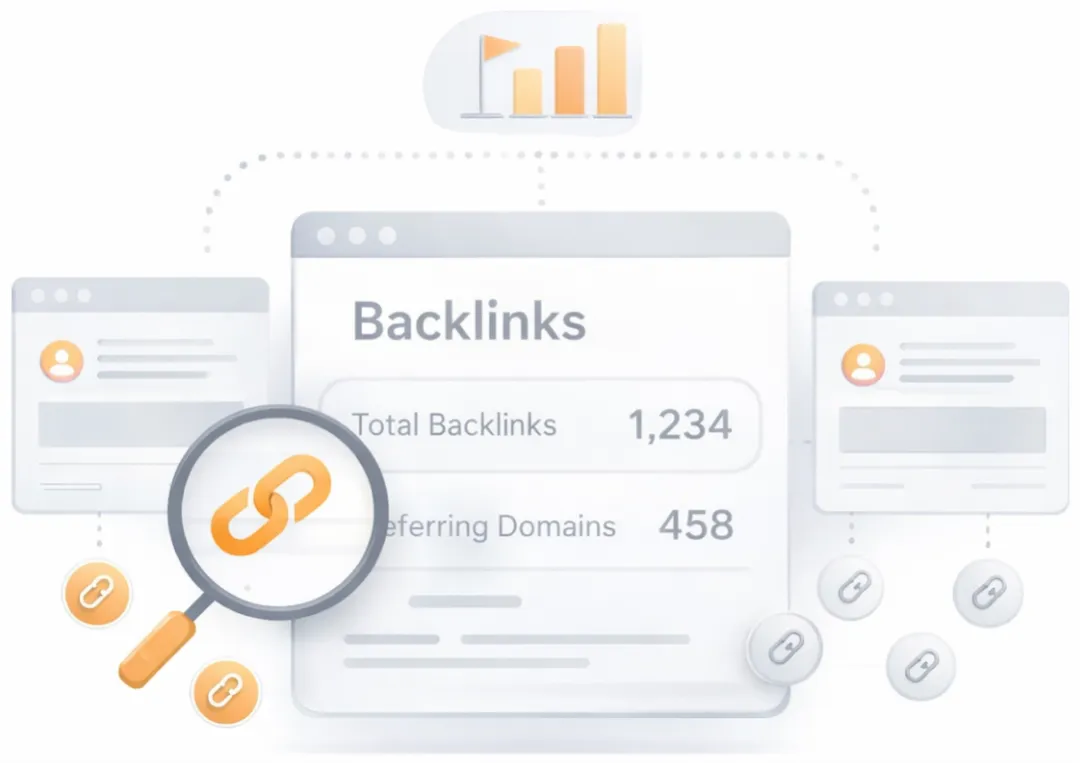
Get a full and detailed list of your backlinks
See every website linking to yours, along with detailed backlink data.
Surfaces the external pages that link to the analyzed URL. Backlinks from authoritative, topically relevant sites remain one of the strongest off-page ranking signals, while a profile dominated by low-quality or spammy links can attract algorithmic penalties. Reviewing the inbound link mix helps identify both link-building wins and toxic links worth disavowing.
Speed optimizations
Score:46
Failed:2
Warnings:1
Passed:2
HTML Compression/GZIP Test
Congratulations! Your webpage is successfully compressed using gzip compression on your code. Your HTML is compressed from 47.62 Kb to 9.45 Kb (80% size savings). This helps ensure a faster loading webpage and improved user experience.
Check if your website is using HTML compression. HTML compression plays an important role in improving website speed by finding similar strings within a text file and replacing them temporarily to reduce overall file size.
Site Loading Speed Test
Your website loading time is around 8.0 seconds and is over the average loading speed which is 5 seconds.
Accurate historical loading speed monitor and reports
Get detailed and accurate loading speed reports for your websites and see how your pages are being loaded over time.
Check your website's loading speed. Page speed is an important factors in search engine rankings and overall site success. Pages that take longer than 5 seconds to load can lose up to 50% of users. Faster webpages result in higher traffic, better conversions and increased sales over slower loading pages.
Image Caching Test
Congratulations! Your webpage is using cache headers for your images and the browsers will display these images from the cache.
Checks if your page is using an image expires tag, which specifies a future expiration date for your images. Users browsers will see this tag and cache the image in their browser until the specified date (so that it does not keep re-fetching the unchanged image from your server). This speeds up your site the next time returning visitors arrive at your site and require the same image.
JavaScript Minification Test
Some of your website's JavaScript files are not minified!
Checks if any external javascript files used in your page is minified. Minified files reduce page size and overall load time.
URL Redirects Checker
Your URL performed 1 redirects! While redirects are typically not advisable (as they can affect search engine indexing issues and adversely affect site loading time), one redirect may be acceptable, particularly if the URL is redirecting from a non-www version to its www version, or vice-versa.
Check how many redirects your URL will perform to resolve to the final destination URL. Redirects often cause search engine indexing issues and can also lead to some minor loading delays. Google recommends removing or keeping redirects to a minimum.
Mobile usability
Score:100
Failed:0
Warnings:0
Passed:2
Media Query Responsive Test
Congratulations, your website uses media query technique, which is the base for responsive design functionalities.
Check if your page implements responsive design functionalities using the media query technique. The '@media' rule allows different style rules for screen sizes. Media query techniques allow different presentation and content to be served depending on the output device, helping ensure that your website renders optimally on all devices and platforms.

Check how your website renders on a mobile device.
Advanced SEO
Score:60
Failed:2
Warnings:0
Passed:1
SPF records checker
Your DNS server is not using an SPF record. SPF (Sender Policy Framework) allows administrators to specify which hosts are allowed to send mail from a given domain by creating a specific SPF record or TXT record in the Domain Name System (DNS). You can find more information about SPF records here.
Check if your DNS records contains an SPF record. SPF (Sender Policy Framework) records allow email systems to verify if a given mail server has been authorized to send mail on behalf of your domain. Creating an SPF record increases email delivery rates by reducing the likelihood of your email being marked as spam.