Archived

SEO Report for https://kowsarblog.ir

Your general SEO Checkup Score


SEO Score49/100
Average SEO score of top 100 sites: 75%This value indicates the average SEO score of the top 100 most visited websites in the US (in the past 12 months)

Your site scored 49/100, well below the 75 average for top sites. We found 6 issues to fix, and they're costing you traffic right now.

6 Failed
1 Warnings
11 Passed

Want to fix these issues and track your progress?

Common SEO issues
Score:100
Failed:0
Warnings:0
Passed:3
Competitor Domains Test
Competitor Domains

Understand your competitors' SEO and backlink profile

Get related competitors and their domain authority score in relation to your domain.

Identifies up to ten domains that compete for similar organic search results, ranked by overall domain authority based on the volume and quality of their backlink profiles. Useful for benchmarking the competitive landscape and prioritizing which sites to study for content and link-building strategy.
LLM Visibility Checker

LLM Visibility Checker

Track your brand across ChatGPT, Gemini and Claude

Get an AI Presence Score, see which of your pages get cited, and follow how you compare with competitors over time.

Speed optimizations
Score:3
Failed:5
Warnings:1
Passed:0
Image Caching Test
Your website is not using cache headers for your images. Setting cache headers can help speed up the serving of your webpages for users that regularly visit your site and see the same images. Learn more about how to add expires headers to your images.

Image Caching Test

How to pass this test?

In order to reduce the number of HTTP requests, you can use the HTTP Expires header to set an expiration time for your images or any other content type. You can add the following lines into your .htaccess file:
<IfModule mod_expires.c>
    ExpiresActive on
 
    ExpiresByType image/jpg "access plus 1 month"
    ExpiresByType image/jpeg "access plus 1 month"
    ExpiresByType image/gif "access plus 1 month"
    ExpiresByType image/png "access plus 1 month"
</IfModule>
Checks if your page is using an image expires tag, which specifies a future expiration date for your images. Users browsers will see this tag and cache the image in their browser until the specified date (so that it does not keep re-fetching the unchanged image from your server). This speeds up your site the next time returning visitors arrive at your site and require the same image.
JavaScript Caching Test
Your website is not using cache headers for your JavaScript resources. Setting cache headers can help speed up the serving of your webpages for users that regularly visit your site.

JavaScript Caching Test

How to pass this test?

In order to reduce the number of HTTP requests, you can use the HTTP Expires header to set an expiration time for your JavaScript resources or any other content type. You can add the following lines into your .htaccess file:
<IfModule mod_expires.c>
    ExpiresActive on
 
    ExpiresByType text/javascript "access plus 1 month"
    ExpiresByType application/javascript "access plus 1 month"
   </IfModule>
Checks if your page is using caching headers for all JavaScript resources. Users browsers will check for these headers and, if any, will cache the JavaScript resources until the specified date (so that it does not keep re-fetching the unchanged file from your server). This speeds up your site the next time returning visitors arrive at your site and require the same JavaScript resource.
CSS Caching Test
Your website is not using cache headers for your CSS resources. Setting cache headers can help speed up the serving of your webpages for users that regularly visit your site.

CSS Caching Test

How to pass this test?

In order to reduce the number of HTTP requests, you can use the HTTP Expires header to set an expiration time for your CSS resources or any other content type. You can add the following lines into your .htaccess file:
<IfModule mod_expires.c>
    ExpiresActive on
 
    ExpiresByType text/css "access plus 1 month"
 </IfModule>
Checks if your page is using caching headers for all CSS resources. Users browsers will check for these headers and, if any, will cache the CSS resources until the specified date (so that it does not keep re-fetching the unchanged file from your server). This speeds up your site the next time returning visitors arrive at your site and require the same CSS resource.
JavaScript Minification Test
Some of your website's JavaScript files are not minified!

JavaScript Minification Test

How to pass this test?

In order to pass this test you must minify all of your external JavaScript files. For this task you can use an online JS minifier like JSCompress, Closure Compiler or JSMin.
Checks if any external javascript files used in your page is minified. Minified files reduce page size and overall load time.
CSS Minification Test
Some of your webpage's CSS resources are not minified.

CSS Minification Test

How to pass this test?

In order to pass this test you must minify all of your external CSS files. For this task you can use an online CSS minifier like YUI Compressor or cssmin.js.
Checks if any CSS files used in your page is minified. Minified files reduce page size and overall load time.
URL Redirects Test
Your URL performed 1 redirects! While redirects are typically not advisable (as they can affect search engine indexing issues and adversely affect site loading time), one redirect may be acceptable, particularly if the URL is redirecting from a non-www version to its www version, or vice-versa.
Check how many redirects your URL will perform to resolve to the final destination URL. Redirects often cause search engine indexing issues and can also lead to some minor loading delays. Google recommends removing or keeping redirects to a minimum.
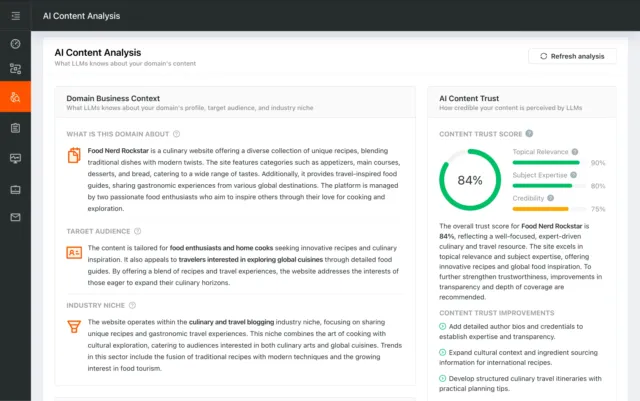
AI Content Analysis

AI Content Analysis

Optimize your content for search and LLMs

AI Content Analysis scores your pages on clarity, depth, and machine readability, so you optimize for both human readers and LLMs.

Server and security

Score:100
Failed:0
Warnings:0
Passed:3
URL Canonicalization Test
Test your site for potential URL canonicalization issues. Canonicalization describes how a site can use slightly different URLs for the same page (e.g., if http://www.example.com and http://example.com displays the same page but do not resolve to the same URL). If this happens, search engines may be unsure about which URL is the correct one to index. Learn more about canonicalization issues.
HTTPS Test
Your website is successfully using HTTPS, a secure communication protocol over the Internet.
Check if your website is using HTTPS, a secure protocol for sending/receiving data over the Internet. Using HTTPS indicates that an additional encryption/authentication layer was added between client and server. HTTPS should be used by any site that collects sensitive customer data such as credit card information. Even for sites that do not collect such data, switching to https helps users by improving privacy and overall security. Google is increasingly using https as a positive ranking factor.
Plaintext Emails Test
Congratulations! Your webpage does not include email addresses in plaintext.
Check your webpage for plaintext email addresses. Any e-mail address posted in public is likely to be automatically collected by computer software used by bulk emailers (a process known as e-mail address harvesting). A spam harvester can read through the pages in your site and extract plaintext email addresses which are then added to bulk marketing databases (resulting in more inbox spam). There are several methods for email obfuscation.
Visual SEO Analysis

Visual SEO Analysis

Find out if your page design converts the visitors you earn

We score six things that decide whether a visitor stays and acts, from the first screen to the path to action, and rank every fix by effort and impact.

Mobile usability

Score:100
Failed:0
Warnings:0
Passed:2
Media Query Responsive Test
Congratulations, your website uses media query technique, which is the base for responsive design functionalities.
Check if your page implements responsive design functionalities using the media query technique. The '@media' rule allows different style rules for screen sizes. Media query techniques allow different presentation and content to be served depending on the output device, helping ensure that your website renders optimally on all devices and platforms.
Mobile Snapshot Test
Mobile view
Check how your website renders on a mobile device.

Advanced SEO

Score:89
Failed:1
Warnings:0
Passed:6
Structured Data Test
Congratulations! Your website is using HTML Microdata specifications in order to markup structured data.
Check if your website uses HTML Microdata specifications (or structured data markup). Search engines use microdata to better understand the content of your site and create rich snippets in search results (which helps increase click-through rate to your site).
Custom 404 Error Page Test
Congratulations, your website is using a custom 404 error page. By creating a custom 404 error page, you can improve your website's user experience by letting users know that only a specific page is missing/broken (and not your entire site), providing them helpful links, the opportunity to report bugs, and potentially track the source of broken links in your site.
This SEO test will check if your website is using a custom 404 error page. By creating a custom 404 error page, you can improve your website's user experience by letting users know that only a specific page is missing/broken (and not your entire site), providing them helpful links, the opportunity to report bugs, and potentially track the source of broken links in your site.
Noindex Tag Test
Your webpage does not use the noindex meta tag. This means that your webpage will be read and indexed by search engines.
Check if your webpage is using the robots meta tag or the X-Robots-Tag HTTP header to instruct search engines not to show your site in search results pages.
Canonical Tag Test
Your webpage does not use the canonical link tag.
Check if your webpage is using the canonical link tag. The canonical link tag is used to nominate a primary page when you have several pages with duplicate or very similar content.
Nofollow Tag Test
Your webpage does not use the nofollow meta tag. This means that search engines will crawl all links from your webpage.
Check if your webpage is using the robots meta tag or the X-Robots-Tag HTTP header to instruct search engines not to follow the links on your page. Outgoing links marked with this tag will tell search engines not to follow or crawl that particular link. Google recommends that nofollow tags are used for paid advertisements on your site and links to pages that have not been vetted as trusted sites (e.g., links posted by users of your site).
Disallow Directive Test
Your robots.txt file disallow the search engines access to some parts of your website. You are advised to check carefully if the access to these resources or pages must be blocked.
Check if your robots.txt file is instructing search engine crawlers to avoid parts of your website. The disallow directive is used in robots.txt to tell search engines not to crawl and index a file, page, or directory.
SPF Records Test
Your DNS server is not using an SPF record. SPF (Sender Policy Framework) allows administrators to specify which hosts are allowed to send mail from a given domain by creating a specific SPF record or TXT record in the Domain Name System (DNS). You can find more information about SPF records here.

SPF Records Test

How to pass this test?

An SPF record is a type of Domain Name Service (DNS) record that allows email systems to check if the sender of a message comes from a legitimate source and refuse an email if the source is not legitimate. Adding an SPF record is as easy as adding CNAME, MX or A records in your DNS zone. You can find more information here.

Before creating the SPF record for your domain, it is important to have access at your domain's DNS zone and to know what mail servers your domain is likely to use and plan how you want any non-authorised email to be handled.

Example:

Let's say that you are planning to send emails using Google Apps and you also want to ensure that no other mail servers are authorised. You can use an SPF record like this:

v=spf1 include:_spf.google.com -all

"v=spf1" - This sets the SPF version

"include:_spf.google.com" - This includes Google mail servers in your list of authorized sending servers

"-all" - This means that any server not previously listed is not authorized

If you are using your own VPS to send email and not any other service like Mandrill, Google Apps, etc. then you can create an SPF record like this:

v=spf1 mx -all

Note:

Setting an SPF record for your domain can help in reducing the chances of a spammer using your domain name in unsolicited emails. Research carefully what mail servers your domain is likely to use and plan how you want any non-authorised email to be handled.

Check if your DNS records contains an SPF record. SPF (Sender Policy Framework) records allow email systems to verify if a given mail server has been authorized to send mail on behalf of your domain. Creating an SPF record increases email delivery rates by reducing the likelihood of your email being marked as spam.

Dominate search today on Google and AI Engines.

Join 85,000+ SaaS Marketers, Growth Agencies, Content-Led Companies and E-commerce Brands.

See Pricing
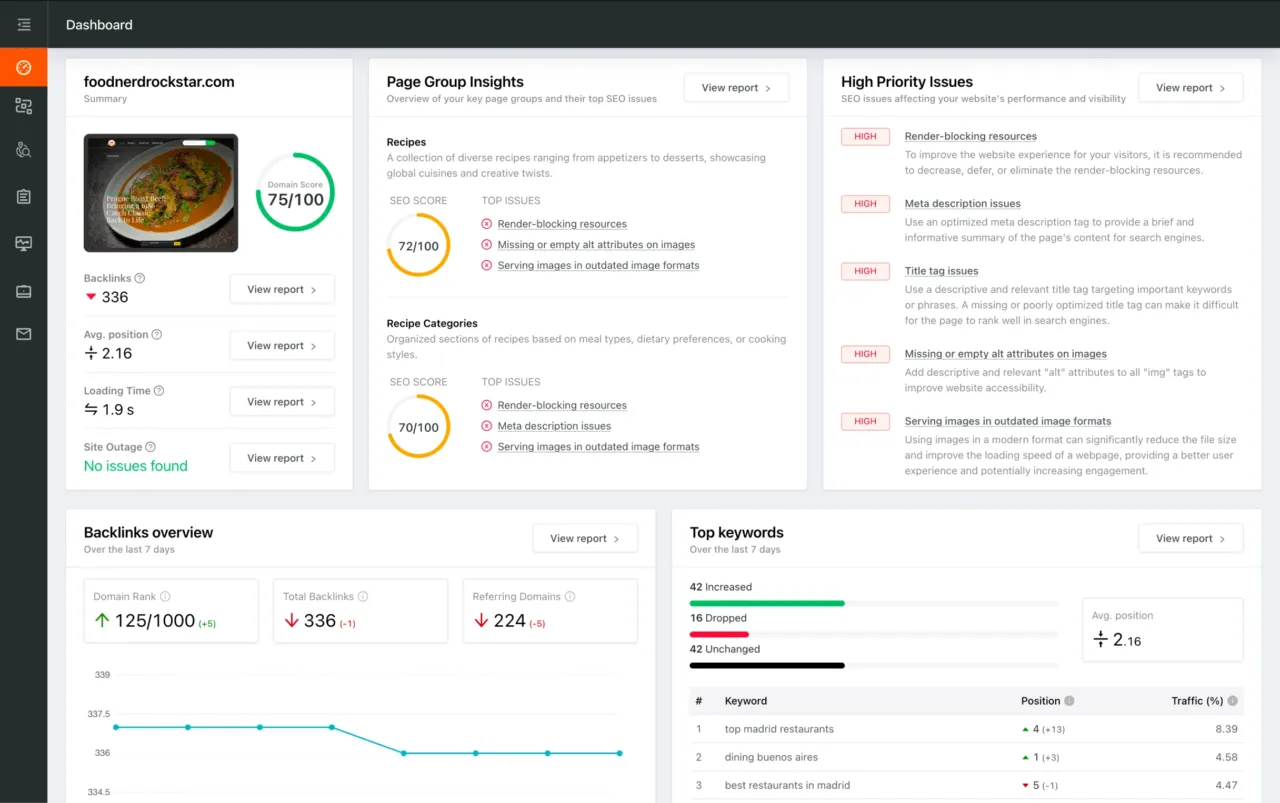
Dashboard preview showing SEO site checkup metrics, page group insights, and issue prioritization