Archived

SEO Report for https://kingroman.eu

Your general SEO Checkup Score


SEO Score72/100
Average SEO score of top 100 sites: 75%This value indicates the average SEO score of the top 100 most visited websites in the US (in the past 12 months)

Your site scored 72/100, below the 75 average for top sites. We found 6 issues to fix, and clearing them is how you move up.

6 Failed
1 Warnings
15 Passed

Want to fix these issues and track your progress?

Common SEO issues
Score:87
Failed:1
Warnings:1
Passed:8
Meta Title
Congratulations! Your webpage is using a title tag
Text: His Imperial Majesty KING ROMAN
Your webpage's meta title is an HTML tag that defines the title of your page. This tag displays your page title in search engine results, at the top of a user's browser, and also when your page is bookmarked in a list of favorites. A concise, descriptive title tag that accurately reflects your page's topic is important for ranking well in search engines.
Google Search Results Preview
Desktop version
http://kingroman.euHis Imperial Majesty KING ROMANHis Imperial Majesty KING ROMAN's Official Website Learn about King Roman & buy a family legacy of REAL Royal and Noble Titles
Mobile version
http://kingroman.euHis Imperial Majesty KING ROMANHis Imperial Majesty KING ROMAN's Official Website Learn about King Roman & buy a family legacy of REAL Royal and Noble Titles
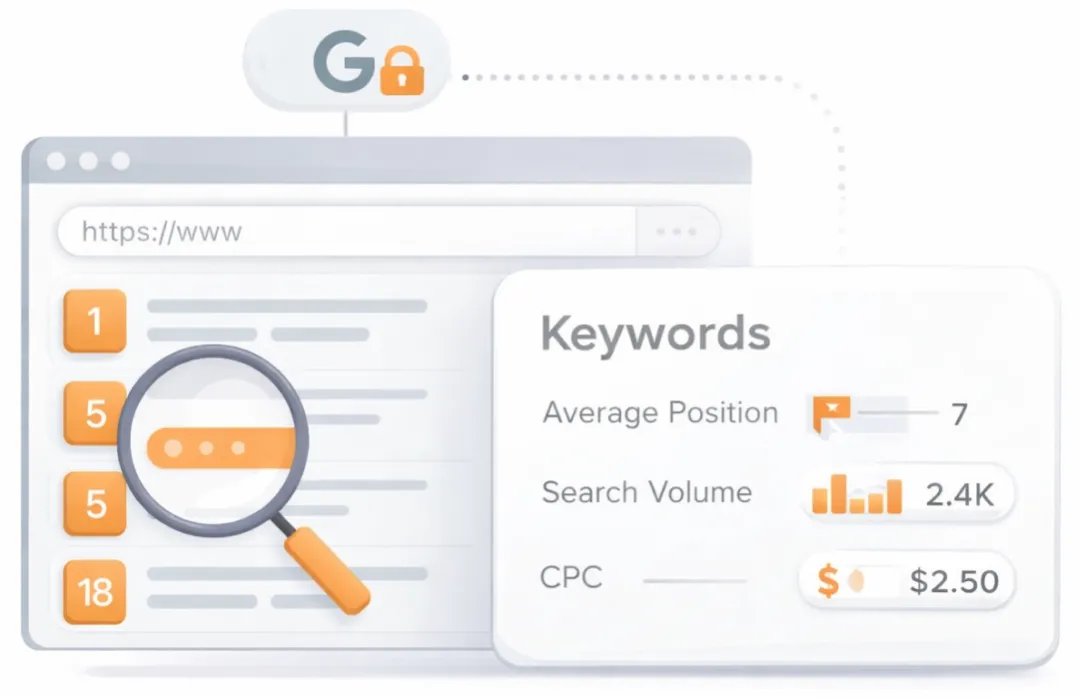
Check how your page might appear in Google search results. Google search results typically uses your webpage title, url and meta-description in order to display relevant summarized information about your site. If these elements are too long, Google will truncate their content. Webpage title up to 70 characters in length, and webpage descriptions up to 160 characters in length are recommended in order to optimize readability.
Most Common Keywords Test
There is likely no optimal keyword density (search engine algorithms have evolved beyond keyword density metrics as a significant ranking factor). It can be useful, however, to note which keywords appear most often on your page and if they reflect the intended topic of your page. More importantly, the keywords on your page should appear within natural sounding and grammatically correct copy.
40king
39roman
26imperial
26majesty
19international
Check the most common keywords in your page and their usage (number of times used). This can help give a quick overview of the keywords and topics that crawlers may associate with your web page.
Keywords Usage Test
Congratulations! You are using your keywords in your meta-tags, which help search engines to properly identify the topic of your page.
Keyword(s) included in Title tag
Keyword(s) included in Meta-Description tag
This will check if your most common keywords are used in the webpage's title and description
Competitor Domains Test
Competitor Domains

Understand your competitors' SEO and backlink profile

Get related competitors and their domain authority score in relation to your domain.
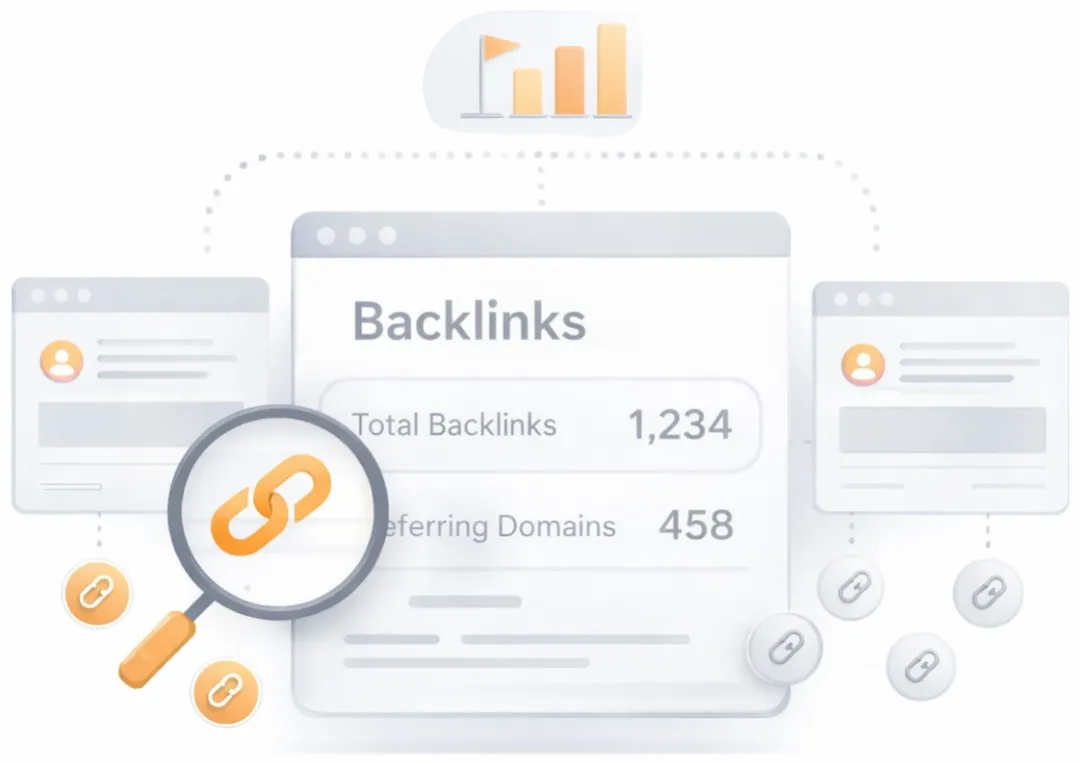
Identifies up to ten domains that compete for similar organic search results, ranked by overall domain authority based on the volume and quality of their backlink profiles. Useful for benchmarking the competitive landscape and prioritizing which sites to study for content and link-building strategy.
Heading Tags Test
Congratulations! Your webpage contains headings tags.
H1 tags
His Imperial Majesty KING ROMAN
Check if your webpage is using any H1 and H2 HTML header tags. Header tags are not visible to users, but help clarify and support the overall theme or purpose of your page to search engines. The H1 tag represents the most important heading, e.g., the title of the page or blog post. The H2 tag represents the second most important headings on the webpages, e.g., the subheadings.
Robots.txt Test
This website is using a robots.txt file.
Check if your website is using a robots.txt file. When search engine robots crawl a website, they typically first access a site's robots.txt file. Robots.txt tells Googlebot and other crawlers what is and is not allowed to be crawled on your site.
Image Alt Test
Your webpage contains "img" tags without the required "alt" atribute.

Image Alt Test

How to pass this test?

In order to pass this test you must add an alt attribute to every <img> tag used into your webpage.
An image with an alternate text specified is inserted using the following HTML line:
<img src="image.png" alt="text_to_describe_your_image">
Remember that the point of alt text is to provide the same functional information that a visual user would see. Search engines, users who disabled images in their browsers and other agents who are unable to see the images on your webpage can read the alt attributes assigned to the image since they cannot view it.

Learn more about optimizing images for SEO.
Check if images on your webpage are using alt attributes. If an image cannot be displayed (e.g., due to broken image source, slow internet connection, etc), the alt attribute provides alternative information. Using relevant keywords and text in the alt attribute can help both users and search engines better interpret the subject of an image.
Deprecated HTML Tags
We found some HTML deprecated tags. You are advised to change these old tags with equivalent tags or proper CSS rules.
113font
14u

Deprecated HTML Tags

How to pass this test?

In order to pass this test you must identify into your code all deprecated HTML tags listed above and replace them with proper tags or CSS rules. Some examples are given below:
  • for <applet> tag, the equivalent tag is <object>
  • for <center> tag, the alternative CSS property is text-align
  • for <font> tag, the alternative CSS properties are font-family and font-size
  • for <s>, <strike> and <u> tags, the alternative CSS property is text-decoration
Check if your webpage is using old, deprecated HTML tags. These tags will eventually lose browser support and your web pages may render incorrectly as browsers drop support for these tags.
Google Analytics Test
Congratulations! Your webpage is using Google Analytics.
Check if your website is connected with Google Analytics. Google Analytics is a popular, free website analysis tool that helps provide insights about your site's traffic and demographics.
JS Error Checker
Congratulations! There are no severe JavaScript errors on your webpage.
Check your page for JavaScript errors. These errors may prevent users from properly viewing your pages and impact their user experience. Sites with poor user experience tend to rank worse in search engine results.
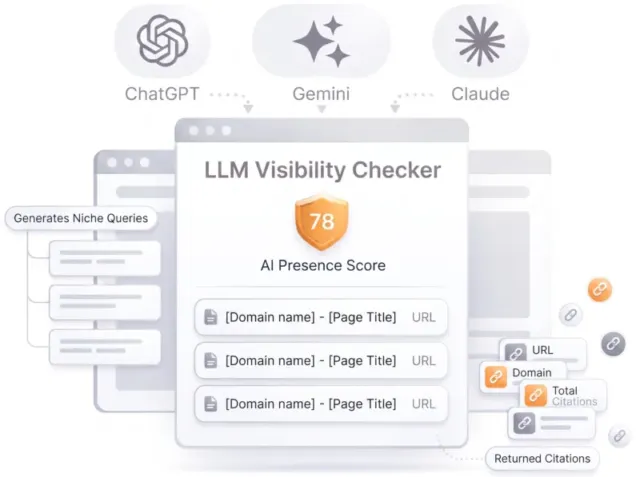
LLM Visibility Checker

LLM Visibility Checker

Track your brand across ChatGPT, Gemini and Claude

Get an AI Presence Score, see which of your pages get cited, and follow how you compare with competitors over time.

Speed optimizations

Score:33
Failed:3
Warnings:0
Passed:2
HTML Page Size Test
Congratulations! The size of your webpage's HTML is 17.12 Kb and is under the average webpage's HTML size of 33 Kb. Faster loading websites result in a better user experience, higher conversion rates, and generally better search engine rankings.
Check your page's HTML size. HTML size is the size of all the HTML code on your web page - this size does not include images, external javascripts or external CSS files.
Page Objects
Your page has more than 20 http requests, which can slow down page loading. You can try reducing http requests through various methods such as using text instead of images, using css sprites, using data URIs instead of images, or combining several external files together into one.
Total Objects: 86
  • 6 HTML Pages
  • 8 CSS Files
  • 19 JS Files
  • 53 Images
  • 0 Flash Files
Check if all the objects requested by this webpage can be retrieved. If they are not retrievable, your page may display incorrectly, leading to a bad user experience and lower search engine rankings.
JavaScript Minification Test
Some of your website's JavaScript files are not minified!

JavaScript Minification Test

How to pass this test?

In order to pass this test you must minify all of your external JavaScript files. For this task you can use an online JS minifier like JSCompress, Closure Compiler or JSMin.
Checks if any external javascript files used in your page is minified. Minified files reduce page size and overall load time.
CSS Minification Test
Some of your website's CSS files are not minified!

CSS Minification Test

How to pass this test?

In order to pass this test you must minify all of your external CSS files. For this task you can use an online CSS minifier like YUI Compressor or cssmin.js.
Checks if any CSS files used in your page is minified. Minified files reduce page size and overall load time.
URL Redirects Checker
Congratulations! Your URL doesn't have any redirects (which could potentially cause site indexation issues and site loading delays).
Check how many redirects your URL will perform to resolve to the final destination URL. Redirects often cause search engine indexing issues and can also lead to some minor loading delays. Google recommends removing or keeping redirects to a minimum.
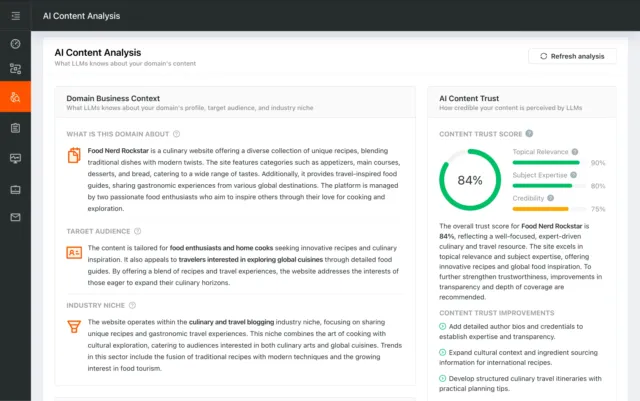
AI Content Analysis

AI Content Analysis

Optimize your content for search and LLMs

AI Content Analysis scores your pages on clarity, depth, and machine readability, so you optimize for both human readers and LLMs.

Server and security
Score:100
Failed:0
Warnings:0
Passed:1
URL Canonicalization Test
http://kingroman.eu and http://www.kingroman.eu resolve to the same URL.
Test your site for potential URL canonicalization issues. Canonicalization describes how a site can use slightly different URLs for the same page (e.g., if http://www.example.com and http://example.com displays the same page but do not resolve to the same URL). If this happens, search engines may be unsure about which URL is the correct one to index. Learn more about canonicalization issues.
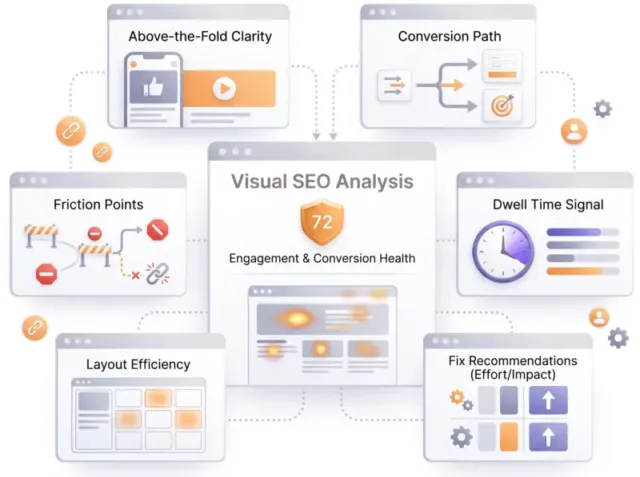
Visual SEO Analysis

Visual SEO Analysis

Find out if your page design converts the visitors you earn

We score six things that decide whether a visitor stays and acts, from the first screen to the path to action, and rank every fix by effort and impact.
Mobile usability

Score:100
Failed:0
Warnings:0
Passed:1
Media Query Responsive Test
Congratulations, your website uses media query technique, which is the base for responsive design functionalities.
Check if your page implements responsive design functionalities using the media query technique. The '@media' rule allows different style rules for screen sizes. Media query techniques allow different presentation and content to be served depending on the output device, helping ensure that your website renders optimally on all devices and platforms.

Advanced SEO

Score:43
Failed:2
Warnings:0
Passed:3
Microdata Schema Test
Your webpage doesn't take the advantages of HTML Microdata specifications in order to markup structured data. View Google's guide for getting started with microdata.

Microdata Schema Test

How to pass this test?

HTML5 Microdata is an easy way to add semantic markup to your web pages. Search engines rely on this markup to improve the display of search results, making it easier for people to find the right web pages.
Here is a simple example of how to use HTML5 microdata in your contact web page:
<div itemscope itemtype="http://schema.org/Person">
   <span itemprop="name">Joe Doe</span>
   <span itemprop="company">The Example Company</span>
   <span itemprop="tel">604-555-1234</span>
   <a itemprop="email" href="mailto:joe.doe@example.com">joe.doe@example.com</a>
</div>
Check if your website uses HTML Microdata specifications (or structured data markup). Search engines use microdata to better understand the content of your site and create rich snippets in search results (which helps increase click-through rate to your site).
Noindex Checker
Your webpage does not use the noindex meta tag. This means that your webpage will be read and indexed by search engines.
Check if your webpage is using the robots meta tag or the X-Robots-Tag HTTP header to instruct search engines not to show your site in search results pages.
Nofollow Checker
Your webpage does not use the nofollow meta tag. This means that search engines will crawl all links from your webpage.
Check if your webpage is using the robots meta tag or the X-Robots-Tag HTTP header to instruct search engines not to follow the links on your page. Outgoing links marked with this tag will tell search engines not to follow or crawl that particular link. Google recommends that nofollow tags are used for paid advertisements on your site and links to pages that have not been vetted as trusted sites (e.g., links posted by users of your site).
Disallow Directive Checker
Your robots.txt file disallow the search engines access to some parts of your website. You are advised to check carefully if the access to these resources or pages must be blocked.
Check if your robots.txt file is instructing search engine crawlers to avoid parts of your website. The disallow directive is used in robots.txt to tell search engines not to crawl and index a file, page, or directory.
SPF records checker
Your DNS server is not using an SPF record. SPF (Sender Policy Framework) allows administrators to specify which hosts are allowed to send mail from a given domain by creating a specific SPF record or TXT record in the Domain Name System (DNS). You can find more information about SPF records here.

SPF records checker

How to pass this test?

An SPF record is a type of Domain Name Service (DNS) record that allows email systems to check if the sender of a message comes from a legitimate source and refuse an email if the source is not legitimate. Adding an SPF record is as easy as adding CNAME, MX or A records in your DNS zone. You can find more information here.

Before creating the SPF record for your domain, it is important to have access at your domain's DNS zone and to know what mail servers your domain is likely to use and plan how you want any non-authorised email to be handled.

Example:
Let's say that you are planning to send emails using Google Apps and you also want to ensure that no other mail servers are authorised. You can use an SPF record like this:

v=spf1 include:_spf.google.com -all
"v=spf1" - This sets the SPF version
"include:_spf.google.com" - This includes Google mail servers in your list of authorized sending servers
"-all" - This means that any server not previously listed is not authorized

If you are using your own VPS to send email and not any other service like Mandrill, Google Apps, etc. then you can create an SPF record like this:

v=spf1 mx -all

Note:
Setting an SPF record for your domain can help in reducing the chances of a spammer using your domain name in unsolicited emails. Research carefully what mail servers your domain is likely to use and plan how you want any non-authorised email to be handled.
Check if your DNS records contains an SPF record. SPF (Sender Policy Framework) records allow email systems to verify if a given mail server has been authorized to send mail on behalf of your domain. Creating an SPF record increases email delivery rates by reducing the likelihood of your email being marked as spam.

Dominate search today on Google and AI Engines.

Join 85,000+ SaaS Marketers, Growth Agencies, Content-Led Companies and E-commerce Brands.

See Pricing
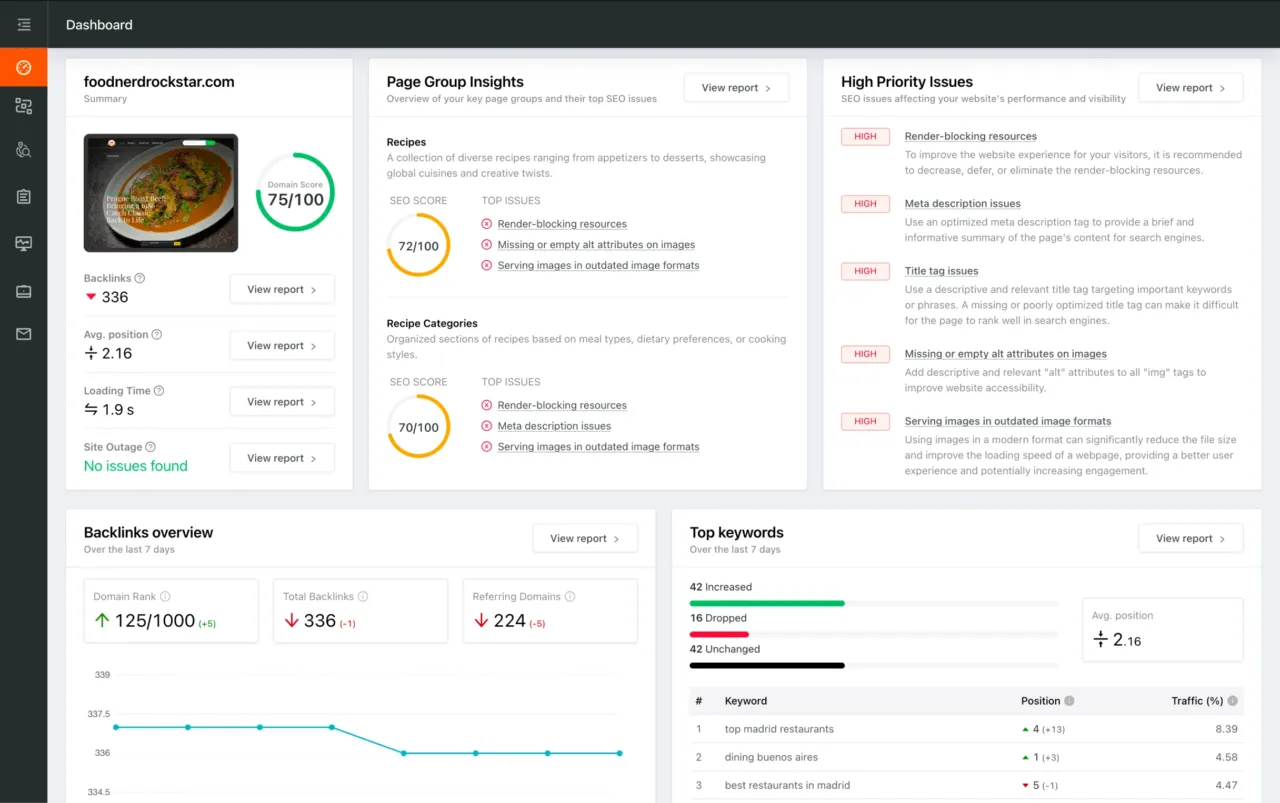
Dashboard preview showing SEO site checkup metrics, page group insights, and issue prioritization