Archived

SEO Report for https://dovecomputers.co.ke

Your general SEO Checkup Score


SEO Score77/100
Average SEO score of top 100 sites: 75%This value indicates the average SEO score of the top 100 most visited websites in the US (in the past 12 months)

Your site scored 77/100, just above the 75 average for top sites. We found 9 issues to fix, and they're what's holding you back from the top spots.

9 Failed
3 Warnings
25 Passed

Want to fix these issues and track your progress?

Common SEO issues
Score:90
Failed:0
Warnings:2
Passed:12
Meta Title Test
Congratulations! Your webpage is using a title tag
Text: Computer Accessories at Best Price | Dove Computers 0726032320
Your webpage's meta title is an HTML tag that defines the title of your page. This tag displays your page title in search engine results, at the top of a user's browser, and also when your page is bookmarked in a list of favorites. A concise, descriptive title tag that accurately reflects your page's topic is important for ranking well in search engines.
Meta Description Test
Congratulations! Your webpage is using a meta description tag
Text: Enjoy affordable, online shopping for desktop computer accessories, networking accessories, printers, toners, office stationery, phones and much more.
Your webpage's meta description is an HTML tag that is intended to provide a short and accurate summary of your page. Search engines use meta descriptions to help identify the a page's topic - they may also use meta descriptions by displaying them directly in search engine results. Accurate and inviting meta descriptions can help boost both your search engine rankings and a user's likelihood of clicking through to your page.
Google Search Results Preview Test
Desktop version
https://dovecomputers.co.keComputer Accessories at Best Price | Dove Computers 0726032320Enjoy affordable, online shopping for desktop computer accessories, networking accessories, printers, toners, office stationery, phones and much more.
Mobile version
https://dovecomputers.co.keComputer Accessories at Best Price | Dove Computers 0726032320Enjoy affordable, online shopping for desktop computer accessories, networking accessories, printers, toners, office stationery, phones and much more.
Check how your page might appear in Google search results. Google search results typically uses your webpage title, url and meta-description in order to display relevant summarized information about your site. If these elements are too long, Google will truncate their content. Webpage title up to 70 characters in length, and webpage descriptions up to 160 characters in length are recommended in order to optimize readability.
Most Common Keywords Test
There is likely no optimal keyword density (search engine algorithms have evolved beyond keyword density metrics as a significant ranking factor). It can be useful, however, to note which keywords appear most often on your page and if they reflect the intended topic of your page. More importantly, the keywords on your page should appear within natural sounding and grammatically correct copy.
98accessories
70cart
64laptops
48printer
45computer
Check the most common keywords in your page and their usage (number of times used). This can help give a quick overview of the keywords and topics that crawlers may associate with your web page.
Keywords Usage Test
Congratulations! You are using your keywords in your meta-tags, which help search engines to properly identify the topic of your page.
Keyword(s) included in Title tag
Keyword(s) included in Meta-Description tag
This will check if your most common keywords are used in the webpage's title and description
Keywords Cloud Test
accessories
anker
asus
audio
batteries
battery
black
brand
brother
cables
camera
cart
color
computer
computers
connections
copy
core
deals
desktop
devices
digital
display
dove
drives
electronics
epson
ethernet
gaming
graphics
hdmi
headphones
hisense
hotspot
huawei
ideapad
inch
inkjet
inks
intel
interface
keyboards
laptop
laptops
lenovo
link
logitech
machines
media
mice
mobile
model
multi
network
networking
office
offline
online
packaging
pages
paper
phones
print
printer
printers
printing
processor
products
rated
refillable
resolution
router
routers
sale
scan
screen
shop
shopping
shredders
size
smart
softwares
speed
stationery
storage
supplies
tablets
tank
tape
technology
televisions
travel
type
video
webcam
webcams
weekly
white
windows
wireless
The Keyword Cloud is a visual representation of keywords used on your website. This will show you which words are frequently used in the content of your webpage. Keywords having higher density are presented in larger fonts and displayed in alphabetic order.
Competitor Domains Test
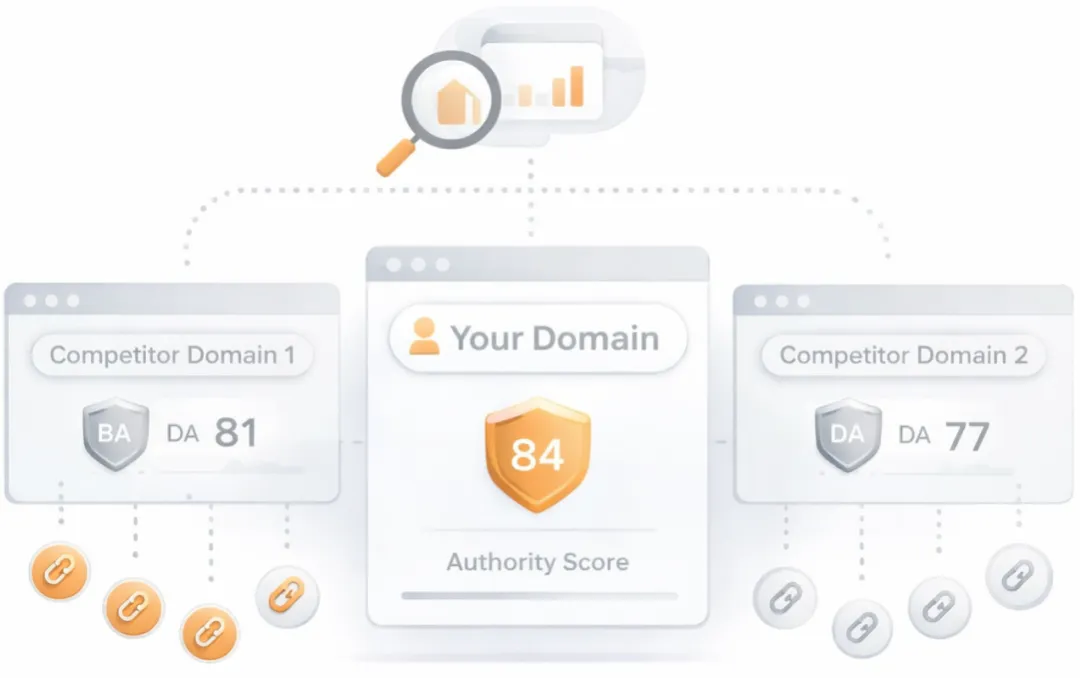
Competitor Domains

Understand your competitors' SEO and backlink profile

Get related competitors and their domain authority score in relation to your domain.

Identifies up to ten domains that compete for similar organic search results, ranked by overall domain authority based on the volume and quality of their backlink profiles. Useful for benchmarking the competitive landscape and prioritizing which sites to study for content and link-building strategy.
Heading Tags Test
Your page contains too many H2 tags. H2 tags should re-inforce the related content of your page to search engines - too many tags may make the topic less clear, or look like spam tactics. Consider using less than 10 H2 tags.
H1 tags
Shop Online Now for All Your Computer Accessories, Networking accessories, Stationery and Office Supplies from Dove Computers
H2 tags
Crazy Deals on Ex-UK Laptops!
Product Carousel Tabs
Hisense 24 Inch digital LED TV
Hisense 32-Inch LED TV
LG Electronics 55-Inch 4K Ultra HD Smart LED TV
Hisense 40-Inch Series LED Roku Smart TV
Samsung Flat 55-Inch 4K UHD 7 Series Ultra HD Smart TV
Hisense 32H3B1 32-Inch 720p LED TV
Hisense 40-Inch Class H55 Series Android Smart TV
Hisense 43-Inch Full HD Smart Android TV
Huawei Band 4
HP Notebook 15 Core i5 10th Gen 4gb/1TB/15,6” (15-Da2174nia)
Asus Zenbook UX481F Core i7 10th Gen 16gb/1TB/2Gb/Win10/14
Asus FG505G Core i7 9th /16gb/1TB/4gb
HP DeskJet 2320 All-in-One Printer (7WN42B)
Anker PowerDrive 2 Elite with Lightning Connector UN Black with Offline Packaging V3
Anker PowerDrive Speed+ 2 – UN (excluded CN, Europe) Black Iteration 2
Anker PowerDrive 2 24W 2-Port Car Charger (Black) Offline Retail Packaging
Anker PowerPort 5 with Dual Quick Charge 3.0 EU Black Offline Packaging V3
PowerPort 4 Lite EU/ES/FR/ES+ UK White in Offline Packaging V3
Anker 24W wall charger 2-Port EU Black with Offline Packaging V3
Huawei Y5p With 32GB Storage
Huawei Mate 10 Pro
A5 Paper Trimmer
Cursor USB WEB Camera WC-070
A4 Printing Paper
HP MFP M130nw Laserjet Pro Wireless Printer
HP Probook 450 G5 Core i7 8GB RAM 1TB HDD (2GB Graphics) Laptop
CPU Thermal Paste IDL-280 Compound (Milky Color) 15g
Epson L850 all in one printer
TP Link TL-WR940N 450Mbps Router
HP ProDesk 280 G2 Intel Core i3 6th Gen Tower with HP 18.5" LED Monitor
Ultrabook UX305CA-FC050T
Tablet White EliteBook Revolve 810 G5
Claim Our Weekly Deals Now. Offers Ending Soon.
Huawei E5576-320 4G Travel Hotspot
Brother DCP-T300 Printer ( Multi-functional, Black, Color, Refillable Ink Tank)
Western Digital Blue 500GB SSD
Logitech C270 Webcam- Plug and play HD 720p video calling
Logitech H390 USB Headset With enhanced digital audio and in-line controls
Transcend Storejet External Harddisk-1TB (1000GB)
4GB Afox Nvidia Geforce G630 Graphics Card
HP Deskjet Ink Advantage 2130 Print Copy Scan
Computer Accessories
Logitech c930E Business Webcam
Logitech c925E Business Webcam
HP Webcam HD 2300
Logitech B910 HD Webcam
Ubiquiti airCam Dome IP Camera
Overview.
Networking Accessories & Equipment
TP-LINK M7200 4G LTE MiFi
Huawei E5573 4G Mobile Wifi Router
TP-LINK TL-WR841HP Wireless Router 300Mbps
HUAWEI B681 Flybox 3G Wireless Router
AD-Link CAT6 Ethernet Cable – 305M
Printers, Inks and Office
Epson L382 Multifunction Inkjet Printer
HP Laserjet 107a (A4) Mono Laser Printer
HP LaserJet Pro MFP M227sdn (Print, Scan, Copy, Fax, Duplex, Network)
Brother M-K631 Tape
Brother M-K233 Tape
Brother M-K231 Tape
Brother M-831 Tape
Brother M-731 Tape
Laptops and Desktops
Hp Notebook 15 Core i3 + Free Enet 2.4GHz Wireless Mouse
Lenovo Ideapad 130-151KB
Lenovo V130-15
Lenovo IdeaPad 330-15 i7-8550u
HP Pavilion Gaming Laptop – 15t Hexa Core w/ 2GB Discrete
Lenovo Ideapad 330
Check if your webpage is using any H1 and H2 HTML header tags. Header tags are not visible to users, but help clarify and support the overall theme or purpose of your page to search engines. The H1 tag represents the most important heading, e.g., the title of the page or blog post. The H2 tag represents the second most important headings on the webpages, e.g., the subheadings.
Robots.txt Test
This website is using a robots.txt file.
Check if your website is using a robots.txt file. When search engine robots crawl a website, they typically first access a site's robots.txt file. Robots.txt tells Googlebot and other crawlers what is and is not allowed to be crawled on your site.
Sitemap Test
This website has a sitemap file.
Check if the website has a sitemap. A sitemap is important as it lists all the web pages of the site and let search engine crawlers to crawl the website more intelligently. A sitemap also provides valuable metadata for each webpage.
Image Alt Test
Your webpage is using "img" tags with empty or missing "alt" attribute.

Image Alt Test

How to pass this test?

In order to pass this test you must add an alt attribute to every <img> tag used into your webpage.

An image with an alternate text specified is inserted using the following HTML line:

<img src="image.png" alt="text_to_describe_your_image">

Remember that the point of alt text is to provide the same functional information that a visual user would see. Search engines, users who disabled images in their browsers and other agents who are unable to see the images on your webpage can read the alt attributes assigned to the image since they cannot view it.

Learn more about optimizing images for SEO.

Check if images on your webpage are using alt attributes. If an image cannot be displayed (e.g., due to broken image source, slow internet connection, etc), the alt attribute provides alternative information. Using relevant keywords and text in the alt attribute can help both users and search engines better interpret the subject of an image.
Deprecated HTML Tags Test
Congratulations! Your page does not use HTML deprecated tags.
Check if your webpage is using old, deprecated HTML tags. These tags will eventually lose browser support and your web pages may render incorrectly as browsers drop support for these tags.
Google Analytics Test
Congratulations! Your webpage is using Google Analytics.
Check if your website is connected with Google Analytics. Google Analytics is a popular, free website analysis tool that helps provide insights about your site's traffic and demographics.
Favicon Test
favicon
Congratulations! Your website appears to have a favicon.
Check if your site is using and correctly implementing a favicon. Favicons are small icons that appear in your browser's URL navigation bar. They are also saved next to your URL's title when your page is bookmarked. This helps brand your site and make it easy for users to navigate to your site among a list of bookmarks.
JS Error Test
Congratulations! There are no severe JavaScript errors on your webpage.
Check your page for JavaScript errors. These errors may prevent users from properly viewing your pages and impact their user experience. Sites with poor user experience tend to rank worse in search engine results.
LLM Visibility Checker

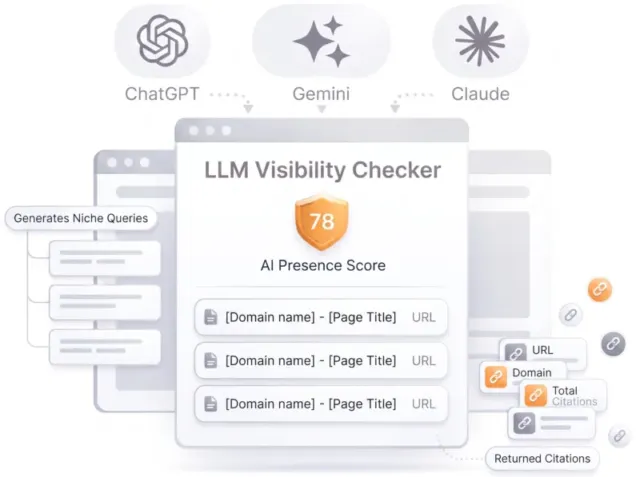
LLM Visibility Checker

Track your brand across ChatGPT, Gemini and Claude

Get an AI Presence Score, see which of your pages get cited, and follow how you compare with competitors over time.

Speed optimizations
Score:58
Failed:5
Warnings:1
Passed:5
HTML Page Size Test
The size of your webpage's HTML is 66.95 Kb, and is greater than the average size of 33 Kb. This can lead to slower loading times, lost visitors, and decreased revenue. Good steps to reduce HTML size include: using HTML compression, CSS layouts, external style sheets, and moving javascript to external files.

HTML Page Size Test

How to pass this test?

In order to resolve this problem you are advised to:

  • use gzip compression
  • move all CSS style rules into a single, external and minified CSS file
  • minify all JS files and, if possible, try combining them into a single external JS file
  • use CSS layouts
Check your page's HTML size. HTML size is the size of all the HTML code on your web page - this size does not include images, external javascripts or external CSS files.
HTML Compression/GZIP Test
Congratulations! Your webpage is successfully compressed using gzip compression on your code. Your HTML is compressed from 522.12 Kb to 66.95 Kb (87% size savings). This helps ensure a faster loading webpage and improved user experience.
Check if your website is using HTML compression. HTML compression plays an important role in improving website speed by finding similar strings within a text file and replacing them temporarily to reduce overall file size.
Site Loading Speed Test
Your website loading time is around 7.78 seconds and is over the average loading speed which is 5 seconds.
Related Keywords

Accurate historical loading speed monitor and reports

Get detailed and accurate loading speed reports for your websites and see how your pages are being loaded over time.

Check your website's loading speed. Page speed is an important factors in search engine rankings and overall site success. Pages that take longer than 5 seconds to load can lose up to 50% of users. Faster webpages result in higher traffic, better conversions and increased sales over slower loading pages.
Page Objects Test
Your page uses more than 20 http requests, which can slow down page loading and negatively impact user experience.
Total Objects: 62
  • 2 HTML Pages
  • 9 CSS Files
  • 29 JS Files
  • 22 Images
  • 0 Flash Files
Check if all the objects requested by this webpage can be retrieved. If they are not retrievable, your page may display incorrectly, leading to a bad user experience and lower search engine rankings.
CDN Usage Test
Your webpage is not serving all resources (images, javascript and css) from CDNs.

CDN Usage Test

How to pass this test?

In order to pass this test you are advised to use a CDN service. A Content Delivery Network (CDN) is a globally distributed network of web servers that allows a quick transfer of assets and provides high availability and high performance. The primary benefits of using a CDN service are:
  • Improving website loading times
  • Reducing bandwidth costs
  • Increasing content availability and redundancy
  • Improving website security
Check if your webpage's resources (images, javascript and css files) are served via CDNs.
Image Caching Test
Congratulations! Your website is using cache headers for your images and the browsers will display these images from the cache.
Checks if your page is using an image expires tag, which specifies a future expiration date for your images. Users browsers will see this tag and cache the image in their browser until the specified date (so that it does not keep re-fetching the unchanged image from your server). This speeds up your site the next time returning visitors arrive at your site and require the same image.
JavaScript Caching Test
Your website is not using cache headers for your JavaScript resources. Setting cache headers can help speed up the serving of your webpages for users that regularly visit your site.

JavaScript Caching Test

How to pass this test?

In order to reduce the number of HTTP requests, you can use the HTTP Expires header to set an expiration time for your JavaScript resources or any other content type. You can add the following lines into your .htaccess file:
<IfModule mod_expires.c>
    ExpiresActive on
 
    ExpiresByType text/javascript "access plus 1 month"
    ExpiresByType application/javascript "access plus 1 month"
   </IfModule>
Checks if your page is using caching headers for all JavaScript resources. Users browsers will check for these headers and, if any, will cache the JavaScript resources until the specified date (so that it does not keep re-fetching the unchanged file from your server). This speeds up your site the next time returning visitors arrive at your site and require the same JavaScript resource.
CSS Caching Test
Your website is not using cache headers for your CSS resources. Setting cache headers can help speed up the serving of your webpages for users that regularly visit your site.

CSS Caching Test

How to pass this test?

In order to reduce the number of HTTP requests, you can use the HTTP Expires header to set an expiration time for your CSS resources or any other content type. You can add the following lines into your .htaccess file:
<IfModule mod_expires.c>
    ExpiresActive on
 
    ExpiresByType text/css "access plus 1 month"
 </IfModule>
Checks if your page is using caching headers for all CSS resources. Users browsers will check for these headers and, if any, will cache the CSS resources until the specified date (so that it does not keep re-fetching the unchanged file from your server). This speeds up your site the next time returning visitors arrive at your site and require the same CSS resource.
JavaScript Minification Test
Congratulations! Your website's JavaScript files are minified!
Checks if any external javascript files used in your page is minified. Minified files reduce page size and overall load time.
CSS Minification Test
Congratulations! Your webpage's CSS resources are minified.
Checks if any CSS files used in your page is minified. Minified files reduce page size and overall load time.
URL Redirects Test
Congratulations! Your URL doesn't have any redirects (which could potentially cause site indexation issues and site loading delays).
Check how many redirects your URL will perform to resolve to the final destination URL. Redirects often cause search engine indexing issues and can also lead to some minor loading delays. Google recommends removing or keeping redirects to a minimum.
AI Content Analysis

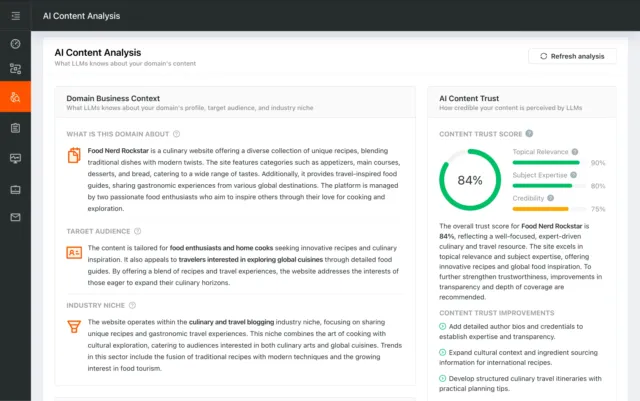
AI Content Analysis

Optimize your content for search and LLMs

AI Content Analysis scores your pages on clarity, depth, and machine readability, so you optimize for both human readers and LLMs.

Server and security
Score:80
Failed:1
Warnings:0
Passed:2
URL Canonicalization Test
Test your site for potential URL canonicalization issues. Canonicalization describes how a site can use slightly different URLs for the same page (e.g., if http://www.example.com and http://example.com displays the same page but do not resolve to the same URL). If this happens, search engines may be unsure about which URL is the correct one to index. Learn more about canonicalization issues.
HTTPS Test
Your website is successfully using HTTPS, a secure communication protocol over the Internet.
Check if your website is using HTTPS, a secure protocol for sending/receiving data over the Internet. Using HTTPS indicates that an additional encryption/authentication layer was added between client and server. HTTPS should be used by any site that collects sensitive customer data such as credit card information. Even for sites that do not collect such data, switching to https helps users by improving privacy and overall security. Google is increasingly using https as a positive ranking factor.
Plaintext Emails Test
We've found 2 email addresses in your page code. We advise you to protect email links in a way that hides them from the spam harvesters.

Plaintext Emails Test

How to pass this test?

In order to pass this test you must make your email addresses invisible to email spiders. Note that the best option is to replace your entire contact mechanism with a contact form and using the POST method while submitting the form.

Other solutions are listed below:

  • replace the at (@) and dot (.) characters
  • replace text with images
  • use email obfuscators
  • hide email addresses using JavaScript or CSS trick
Check your webpage for plaintext email addresses. Any e-mail address posted in public is likely to be automatically collected by computer software used by bulk emailers (a process known as e-mail address harvesting). A spam harvester can read through the pages in your site and extract plaintext email addresses which are then added to bulk marketing databases (resulting in more inbox spam). There are several methods for email obfuscation.
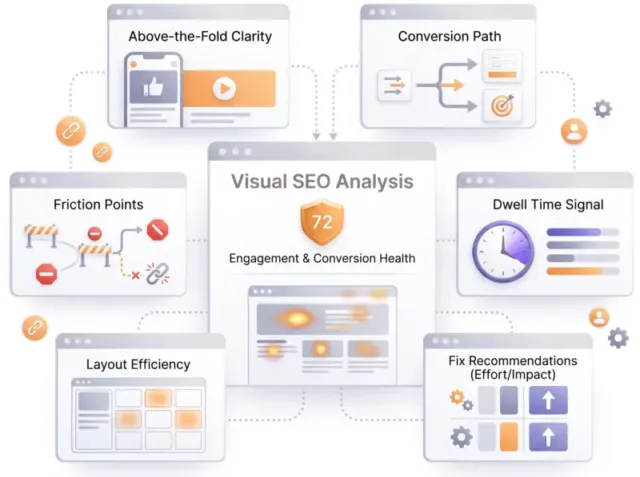
Visual SEO Analysis

Visual SEO Analysis

Find out if your page design converts the visitors you earn

We score six things that decide whether a visitor stays and acts, from the first screen to the path to action, and rank every fix by effort and impact.

Mobile usability

Score:100
Failed:0
Warnings:0
Passed:2
Media Query Responsive Test
Congratulations, your website uses media query technique, which is the base for responsive design functionalities.
Check if your page implements responsive design functionalities using the media query technique. The '@media' rule allows different style rules for screen sizes. Media query techniques allow different presentation and content to be served depending on the output device, helping ensure that your website renders optimally on all devices and platforms.
Mobile Snapshot Test
Mobile view
Check how your website renders on a mobile device.

Advanced SEO

Score:78
Failed:3
Warnings:0
Passed:4
Structured Data Test
Your webpage doesn't take the advantages of HTML Microdata specifications in order to markup structured data. View Google's guide for getting started with microdata.

Structured Data Test

How to pass this test?

HTML5 Microdata is an easy way to add semantic markup to your web pages. Search engines rely on this markup to improve the display of search results, making it easier for people to find the right web pages.

Here is a simple example of how to use HTML5 microdata in your contact web page:

<div itemscope itemtype="http://schema.org/Person">
   <span itemprop="name">Joe Doe</span>
   <span itemprop="company">The Example Company</span>
   <span itemprop="tel">604-555-1234</span>
   <a itemprop="email" href="mailto:joe.doe@example.com">joe.doe@example.com</a>
</div>
Check if your website uses HTML Microdata specifications (or structured data markup). Search engines use microdata to better understand the content of your site and create rich snippets in search results (which helps increase click-through rate to your site).
Custom 404 Error Page Test
Congratulations, your website is using a custom 404 error page. By creating a custom 404 error page, you can improve your website's user experience by letting users know that only a specific page is missing/broken (and not your entire site), providing them helpful links, the opportunity to report bugs, and potentially track the source of broken links in your site.
This SEO test will check if your website is using a custom 404 error page. By creating a custom 404 error page, you can improve your website's user experience by letting users know that only a specific page is missing/broken (and not your entire site), providing them helpful links, the opportunity to report bugs, and potentially track the source of broken links in your site.
Noindex Tag Test
Your webpage does not use the noindex meta tag. This means that your webpage will be read and indexed by search engines.
Check if your webpage is using the robots meta tag or the X-Robots-Tag HTTP header to instruct search engines not to show your site in search results pages.
Canonical Tag Test
Your webpage is using the canonical link tag. This tag specifies that the URL: https://dovecomputers.co.ke is preferred to be used in search results. Please ensure that this specification is correct, as canonical tags are often hard-coded and may not always reflect the latest changes in a site's URL structure.
<link href="https://dovecomputers.co.ke/" rel="canonical"/>
Check if your webpage is using the canonical link tag. The canonical link tag is used to nominate a primary page when you have several pages with duplicate or very similar content.
Nofollow Tag Test
Your webpage is using the nofollow meta tag. You are advised to use this tag carefully since search engines will not crawl all links from your webpage.

Nofollow Tag Test

How to pass this test?

If you want search engines to crawl all the outgoing links on your webpage you must remove the nofollow meta tag.
Check if your webpage is using the robots meta tag or the X-Robots-Tag HTTP header to instruct search engines not to follow the links on your page. Outgoing links marked with this tag will tell search engines not to follow or crawl that particular link. Google recommends that nofollow tags are used for paid advertisements on your site and links to pages that have not been vetted as trusted sites (e.g., links posted by users of your site).
Disallow Directive Test
Your robots.txt file disallow the search engines access to some parts of your website. You are advised to check carefully if the access to these resources or pages must be blocked.
Check if your robots.txt file is instructing search engine crawlers to avoid parts of your website. The disallow directive is used in robots.txt to tell search engines not to crawl and index a file, page, or directory.
SPF Records Test
Your DNS server is not using an SPF record. SPF (Sender Policy Framework) allows administrators to specify which hosts are allowed to send mail from a given domain by creating a specific SPF record or TXT record in the Domain Name System (DNS). You can find more information about SPF records here.

SPF Records Test

How to pass this test?

An SPF record is a type of Domain Name Service (DNS) record that allows email systems to check if the sender of a message comes from a legitimate source and refuse an email if the source is not legitimate. Adding an SPF record is as easy as adding CNAME, MX or A records in your DNS zone. You can find more information here.

Before creating the SPF record for your domain, it is important to have access at your domain's DNS zone and to know what mail servers your domain is likely to use and plan how you want any non-authorised email to be handled.

Example:

Let's say that you are planning to send emails using Google Apps and you also want to ensure that no other mail servers are authorised. You can use an SPF record like this:

v=spf1 include:_spf.google.com -all

"v=spf1" - This sets the SPF version

"include:_spf.google.com" - This includes Google mail servers in your list of authorized sending servers

"-all" - This means that any server not previously listed is not authorized

If you are using your own VPS to send email and not any other service like Mandrill, Google Apps, etc. then you can create an SPF record like this:

v=spf1 mx -all

Note:

Setting an SPF record for your domain can help in reducing the chances of a spammer using your domain name in unsolicited emails. Research carefully what mail servers your domain is likely to use and plan how you want any non-authorised email to be handled.

Check if your DNS records contains an SPF record. SPF (Sender Policy Framework) records allow email systems to verify if a given mail server has been authorized to send mail on behalf of your domain. Creating an SPF record increases email delivery rates by reducing the likelihood of your email being marked as spam.

Dominate search today on Google and AI Engines.

Join 85,000+ SaaS Marketers, Growth Agencies, Content-Led Companies and E-commerce Brands.

See Pricing
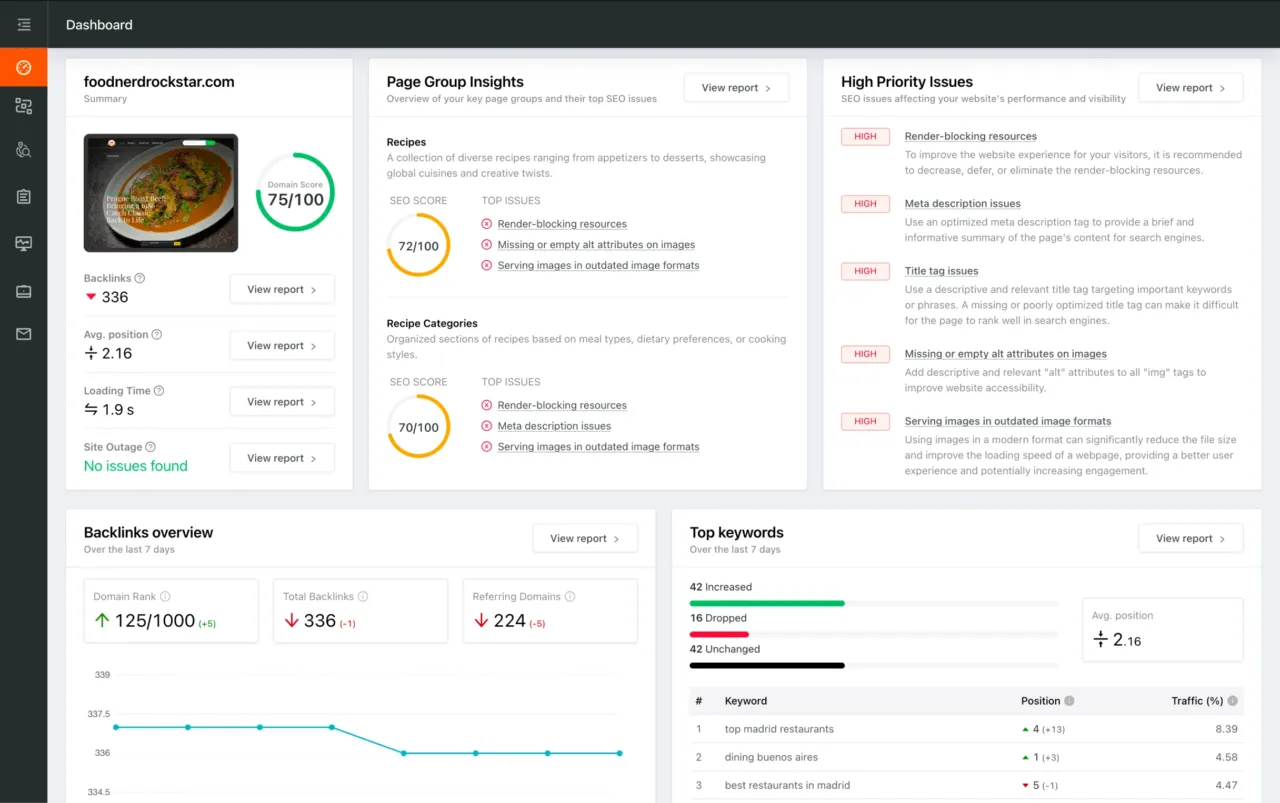
Dashboard preview showing SEO site checkup metrics, page group insights, and issue prioritization