SEO Score79/100
Average SEO score of top 100 sites: 75%This value indicates the average SEO score of the top 100 most visited websites in the US (in the past 12 months)

Your site scored 79/100, just above the 75 average for top sites. We found 2 issues to fix, and they're what's holding you back from the top spots.

2 Failed
0 Warnings
11 Passed

Want to fix these issues and track your progress?

Common SEO issues
Score:67
Failed:1
Warnings:0
Passed:4
Meta Title
Congratulations! Your webpage is using a title tag
Text: Manufacturer Of Data Logger, AH Meter, Amp Hour Meter, Temperature Controller: How to maintain the temperature using humidity controller
Your webpage's meta title is an HTML tag that defines the title of your page. This tag displays your page title in search engine results, at the top of a user's browser, and also when your page is bookmarked in a list of favorites. A concise, descriptive title tag that accurately reflects your page's topic is important for ranking well in search engines.
Meta Description
The meta description tag is missing from your page. You should include this tag in order to provide a brief description of your page which can be used by search engines. Well-written and inviting meta descriptions may also help click-through rates to your site in search engine results.

Meta Description

How to pass this test?

In order to pass this test you must include a meta-description tag in your page header (<head> section):
<head>
	<meta name="description" content="type_your_description_here">
</head>
Note that in HTML the <meta> tag has no end tag but in XHTML this tag must be properly closed.
Meta description can have any length but a good practice is to keep this under 160 characters (search engines generally truncate snippets longer than this value).
Your webpage's meta description is an HTML tag that is intended to provide a short and accurate summary of your page. Search engines use meta descriptions to help identify the a page's topic - they may also use meta descriptions by displaying them directly in search engine results. Accurate and inviting meta descriptions can help boost both your search engine rankings and a user's likelihood of clicking through to your page.
Keywords Cloud
accept
april
based
basically
beneficial
better
bulb
business
chambers
changes
check
colleges
combined
comfortable
comments
commercial
completely
conductivity
continuously
contribute
control
controller
controllers
counter
data
december
device
devices
different
digital
easy
effective
effortlessly
environment
environmental
factors
february
feel
firms
food
granted
greenhouse
help
high
high-temperature
highly
home
hour
humidity
industrial
industries
industry
input
january
july
june
logger
maintain
manufacturer
march
measurement
meter
micro-controller
necessity
needs
nehmat
november
october
offer
office
parameters
people
pharmaceutical
post
production
quality
rooms
sandhu
schools
sensor
sensors
september
setting
share
standard
suddenly
suits
supplier
survive
technique
temperature
tuesday
type
unbearable
used
using
versatile
well-designed
work
you’re
The Keyword Cloud is a visual representation of keywords used on your website. This will show you which words are frequently used in the content of your webpage. Keywords having higher density are presented in larger fonts and displayed in alphabetic order.
Competitor Domains Test
Competitor Domains

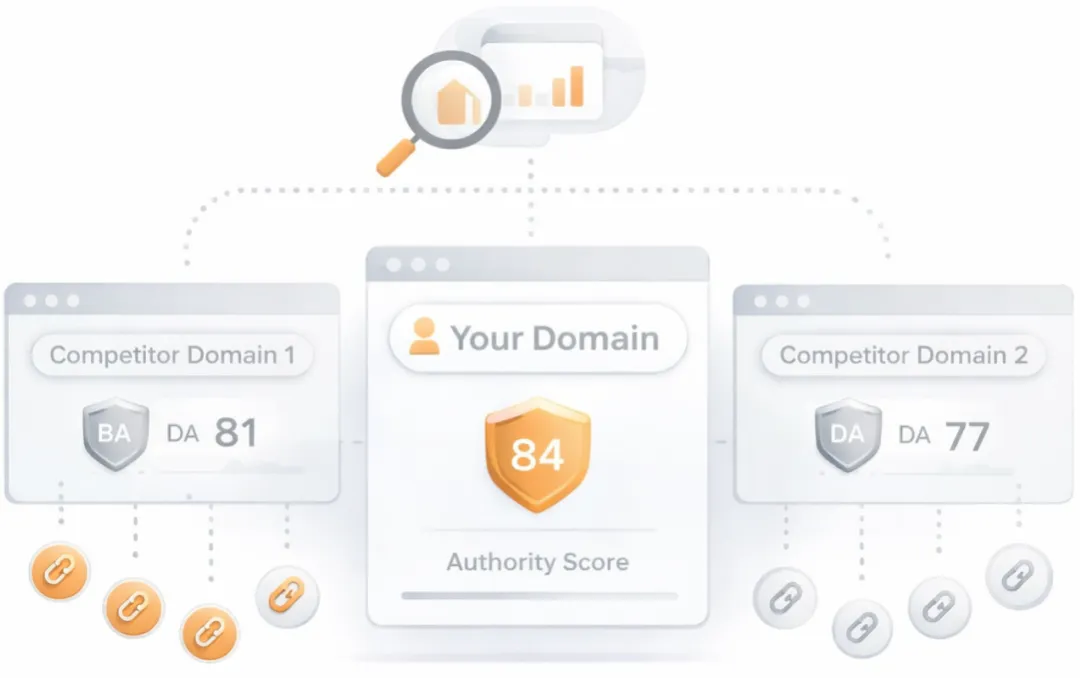
Understand your competitors' SEO and backlink profile

Get related competitors and their domain authority score in relation to your domain.
Identifies up to ten domains that compete for similar organic search results, ranked by overall domain authority based on the volume and quality of their backlink profiles. Useful for benchmarking the competitive landscape and prioritizing which sites to study for content and link-building strategy.
Sitemap Test
Check if the website has a sitemap. A sitemap is important as it lists all the web pages of the site and let search engine crawlers to crawl the website more intelligently. A sitemap also provides valuable metadata for each webpage.
Deprecated HTML Tags
Congratulations! Your page does not use HTML deprecated tags.
Check if your webpage is using old, deprecated HTML tags. These tags will eventually lose browser support and your web pages may render incorrectly as browsers drop support for these tags.
LLM Visibility Checker

LLM Visibility Checker

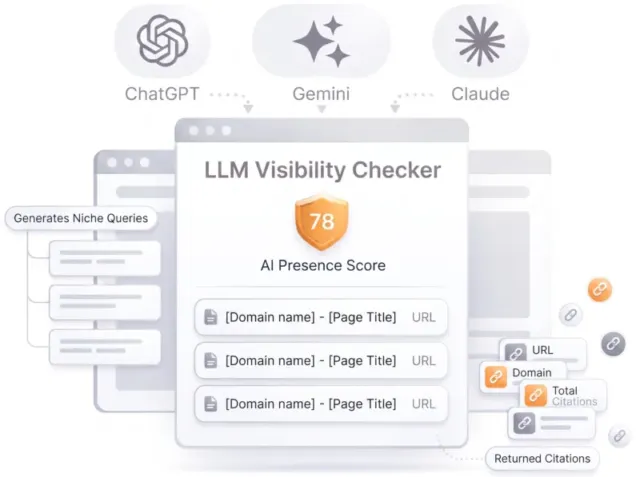
Track your brand across ChatGPT, Gemini and Claude

Get an AI Presence Score, see which of your pages get cited, and follow how you compare with competitors over time.

Speed optimizations
Score:100
Failed:0
Warnings:0
Passed:3
HTML Compression/GZIP Test
Congratulations! Your webpage is successfully compressed using gzip compression on your code. Your HTML is compressed from 54.45 Kb to 11.14 Kb (80% size savings). This helps ensure a faster loading webpage and improved user experience.
Check if your website is using HTML compression. HTML compression plays an important role in improving website speed by finding similar strings within a text file and replacing them temporarily to reduce overall file size.
Image Caching Test
Congratulations! Your webpage is using cache headers for your images and the browsers will display these images from the cache.
Checks if your page is using an image expires tag, which specifies a future expiration date for your images. Users browsers will see this tag and cache the image in their browser until the specified date (so that it does not keep re-fetching the unchanged image from your server). This speeds up your site the next time returning visitors arrive at your site and require the same image.
CSS Minification Test
Congratulations! Your website's CSS files are minified!
Checks if any CSS files used in your page is minified. Minified files reduce page size and overall load time.
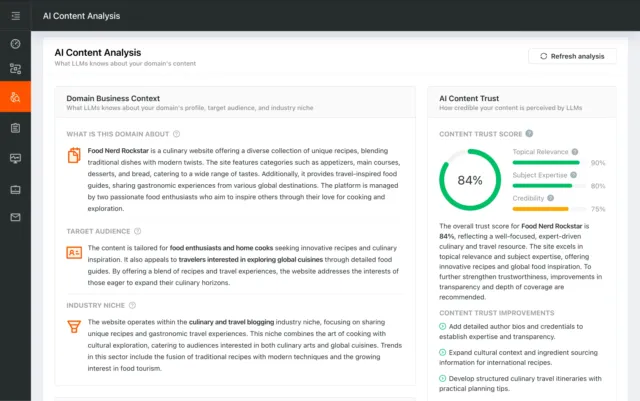
AI Content Analysis

AI Content Analysis

Optimize your content for search and LLMs

AI Content Analysis scores your pages on clarity, depth, and machine readability, so you optimize for both human readers and LLMs.

Server and security
Score:0
Failed:1
Warnings:0
Passed:0
HTTPS Test
Your website is not using https, a secure communication protocol. Even for sites that do not collect sensitive customer information, search engines suggest that switching to https is an increasingly good idea and may help improve rankings. Note: if your site relies primarily on adsense income, be aware that using https may be detrimental to ad earnings.

HTTPS Test

How to pass this test?

If your website needs a secured authentication or an encrypted transfer of data, you need to install an SSL certificate in order to provide a secure connection over HTTPS protocol. HERE is a "step by step" guide to purchase and install an SSL certificate.
Check if your website is using HTTPS, a secure protocol for sending/receiving data over the Internet. Using HTTPS indicates that an additional encryption/authentication layer was added between client and server. HTTPS should be used by any site that collects sensitive customer data such as credit card information. Even for sites that do not collect such data, switching to https helps users by improving privacy and overall security. Google is increasingly using https as a positive ranking factor.
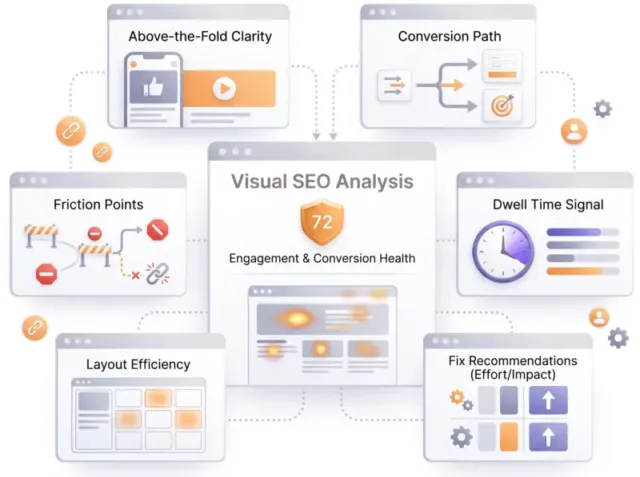
Visual SEO Analysis

Visual SEO Analysis

Find out if your page design converts the visitors you earn

We score six things that decide whether a visitor stays and acts, from the first screen to the path to action, and rank every fix by effort and impact.
Mobile usability

Score:100
Failed:0
Warnings:0
Passed:1
Media Query Responsive Test
Congratulations, your website uses media query technique, which is the base for responsive design functionalities.
Check if your page implements responsive design functionalities using the media query technique. The '@media' rule allows different style rules for screen sizes. Media query techniques allow different presentation and content to be served depending on the output device, helping ensure that your website renders optimally on all devices and platforms.

Advanced SEO

Score:100
Failed:0
Warnings:0
Passed:3
Noindex Checker
Your webpage does not use the noindex meta tag. This means that your webpage will be read and indexed by search engines.
Check if your webpage is using the robots meta tag or the X-Robots-Tag HTTP header to instruct search engines not to show your site in search results pages.
Nofollow Checker
Your webpage does not use the nofollow meta tag. This means that search engines will crawl all links from your webpage.
Check if your webpage is using the robots meta tag or the X-Robots-Tag HTTP header to instruct search engines not to follow the links on your page. Outgoing links marked with this tag will tell search engines not to follow or crawl that particular link. Google recommends that nofollow tags are used for paid advertisements on your site and links to pages that have not been vetted as trusted sites (e.g., links posted by users of your site).
Disallow Directive Checker
Your robots.txt file disallow the search engines access to some parts of your website. You are advised to check carefully if the access to these resources or pages must be blocked.
Check if your robots.txt file is instructing search engine crawlers to avoid parts of your website. The disallow directive is used in robots.txt to tell search engines not to crawl and index a file, page, or directory.

Dominate search today on Google and AI Engines.

Join 85,000+ SaaS Marketers, Growth Agencies, Content-Led Companies and E-commerce Brands.

See Pricing
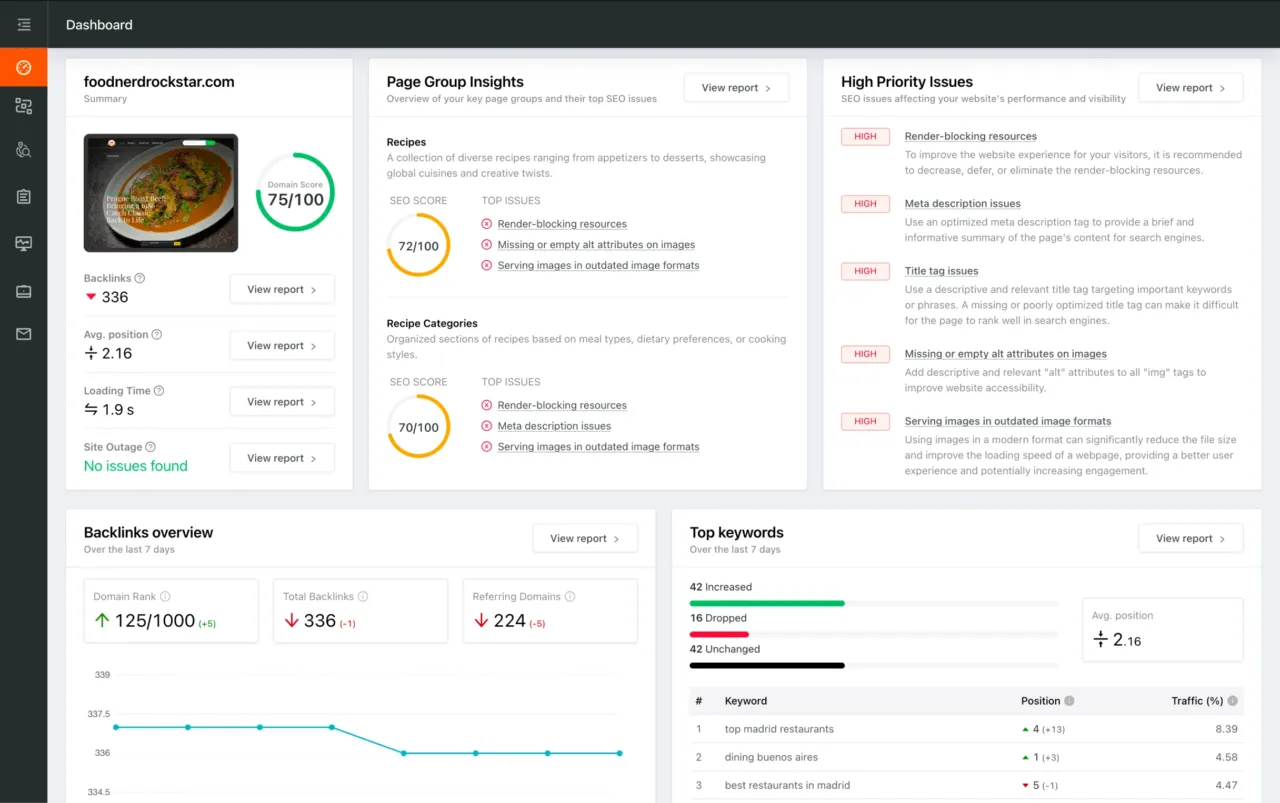
Dashboard preview showing SEO site checkup metrics, page group insights, and issue prioritization