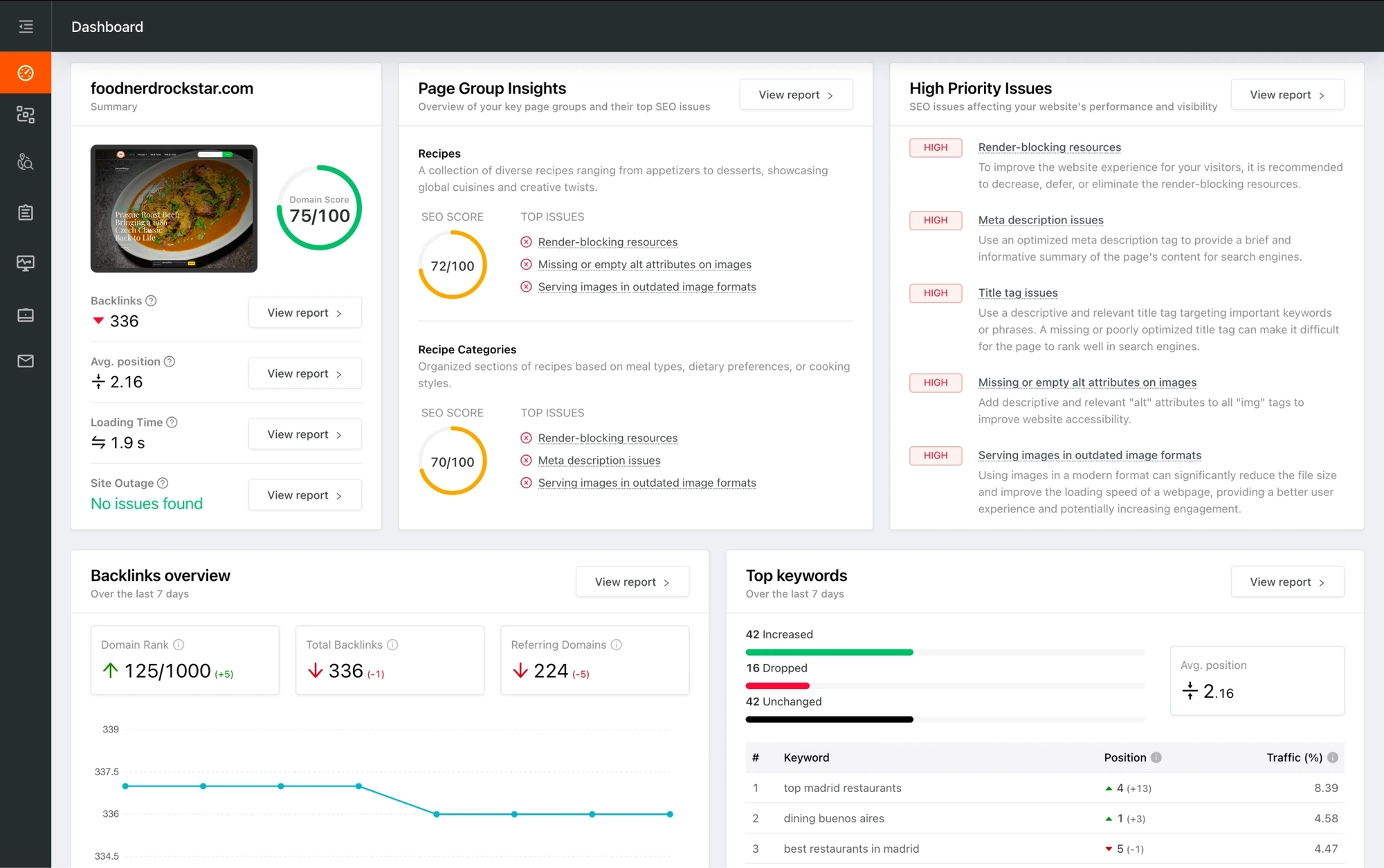
You're viewing a free snapshot. Unlock full monitoring, AI visibility tracking, and weekly reports.
SEO ScoreNaN/100
Average SEO score of top 100 sites: 75%
Your site scored NaN/100, just above the 75 average for top sites. We found 10 issues to fix, and they're what's holding you back from the top spots.
10 Failed
2 Warnings
14 Passed
Want to fix these issues and track your progress?
Common SEO issues
Score:60
Failed:2
Warnings:1
Passed:6
Desktop version
http://cleverbit.net/en/animals.php
Mobile version
http://cleverbit.net/en/animals.php
able
absorb
according
achievement
acquired
allow
allows
american
animals
beautiful
brain
bright
child
children
classmates
delay
develop
development
discover
doesn't
doman
don't
easier
easily
educational
english
experience
faster
favorite
flashcards
foreign
founder
game
games
german
glenn
happy
having
human
images
impress
impressed
information
institutes
interface
just
kids
know
knowledge
language
languages
learn
learning
means
memory
minutes
names
need
newly
open
parts
pastime
peers
photographic
physical
play
playing
potential
present
prompts
proven
quickly
read
reinforces
right
russian
shown
simple
stimulates
store
students
supports
sure
teachers
therapist
training
types
ukrainian
undoubtedly
various
vast
viewing
visit
vivid
voice
words
world
you'll
younger
youngest
See which keywords rank your URL in Google’s top 20
Get key keyword metrics like average position, search volume, CPC, and more.


Understand your competitors' SEO and backlink profile
Get related competitors and their domain authority score in relation to your domain.
Robots.txt Test
Your site lacks a "robots.txt" file. This file can protect private content from appearing online, save bandwidth, and lower load time on your server. A missing "robots.txt" file also generates additional errors in your apache log whenever robots request one. Read more about the robots.txt file, and how to create one for your site.
Sitemap Test
Your site lacks a sitemap file. Sitemaps can help robots index your content more thoroughly and quickly. Read more on Google's guidelines for implementing the sitemap protocol.
Image Alt Test
Your webpage has 18 'img' tags and 5 of them are missing the required 'alt' attribute.
Google Analytics Test
Congratulations! Your website is using the correct version of Google Analytics tracking code.
Favicon Test

Congratulations! Your website appears to have a favicon.

Get a full and detailed list of your backlinks
See every website linking to yours, along with detailed backlink data.
JS Error Test
Congratulations! There are no severe JavaScript errors on your web page.
Speed optimizations
Score:52
Failed:3
Warnings:1
Passed:2
HTML Page Size Test
Congratulations! Your HTML size is 11.33 Kb and this is under the average web page size of 33 Kb.
This leads to a faster page loading time than average.
This leads to a faster page loading time than average.
HTML Compression/GZIP Test
Your page do not use any HTML compression!
You should compress your HTML to reduce your page size and page loading times - this will help your site retain visitors and increase page views. If you were using compression, you could be compressing your HTML size by 63 % - from 11.33 Kb to 4.14 Kb which would further reduce your page loading time.
You should compress your HTML to reduce your page size and page loading times - this will help your site retain visitors and increase page views. If you were using compression, you could be compressing your HTML size by 63 % - from 11.33 Kb to 4.14 Kb which would further reduce your page loading time.
Site Loading Speed Test
Your site loading time is around 3.23 seconds and this is under the average loading speed which is 5 seconds.

Accurate historical loading speed monitor and reports
Get detailed and accurate loading speed reports for your websites and see how your pages are being loaded over time.
Page Objects Test
Your page has more than 20 http requests, which can slow down page loading. You can try reducing http requests through various methods such as using text instead of images, using css sprites, using data URIs instead of images, or combining several external files together into one.
Total Objects: 33
- 4 HTML Pages
- 3 CSS Files
- 3 JS Files
- 23 Images
- 0 Flash Files
Image Caching Test
Your site is not using expires headers for your images. An expires tag can help speed up the serving of your webpages for users that regularly visit your site and see the same images. Learn more about how to add expires headers to your images.
URL Redirects Test
Your URL performed 2 redirects! While redirects are typically not advisable (as they can affect search engine indexing issues and adversely affect site loading time), one redirect may be acceptable, particularly if the URL is redirecting from a non-www version to its www version, or vice-versa.
Server and security
Score:NaN
Failed:2
Warnings:0
Passed:1
URL Canonicalization Test
http://cleverbit.net and http://www.cleverbit.net/ should resolve to the same URL, but currently do not.
Plaintext Emails Test
Congratulations! Your webpage does not include email addresses in plaintext.
Mobile usability
Score:0
Failed:1
Warnings:0
Passed:1
Media Query Responsive Test
Your website is not using media queries. You should consider using this technique in order to implement responsive design functionalities.

Advanced SEO
Score:60
Failed:2
Warnings:0
Passed:4
Structured Data Test
Your webpage doesn't take the advantages of HTML Microdata specifications in order to markup structured data. View Google's guide for getting started with microdata.
SPF Records Test
Your DNS server is not using an SPF record. SPF (Sender Policy Framework) allows administrators to specify which hosts are allowed to send mail from a given domain by creating a specific SPF record or TXT record in the Domain Name System (DNS). You can find more information about SPF records here.