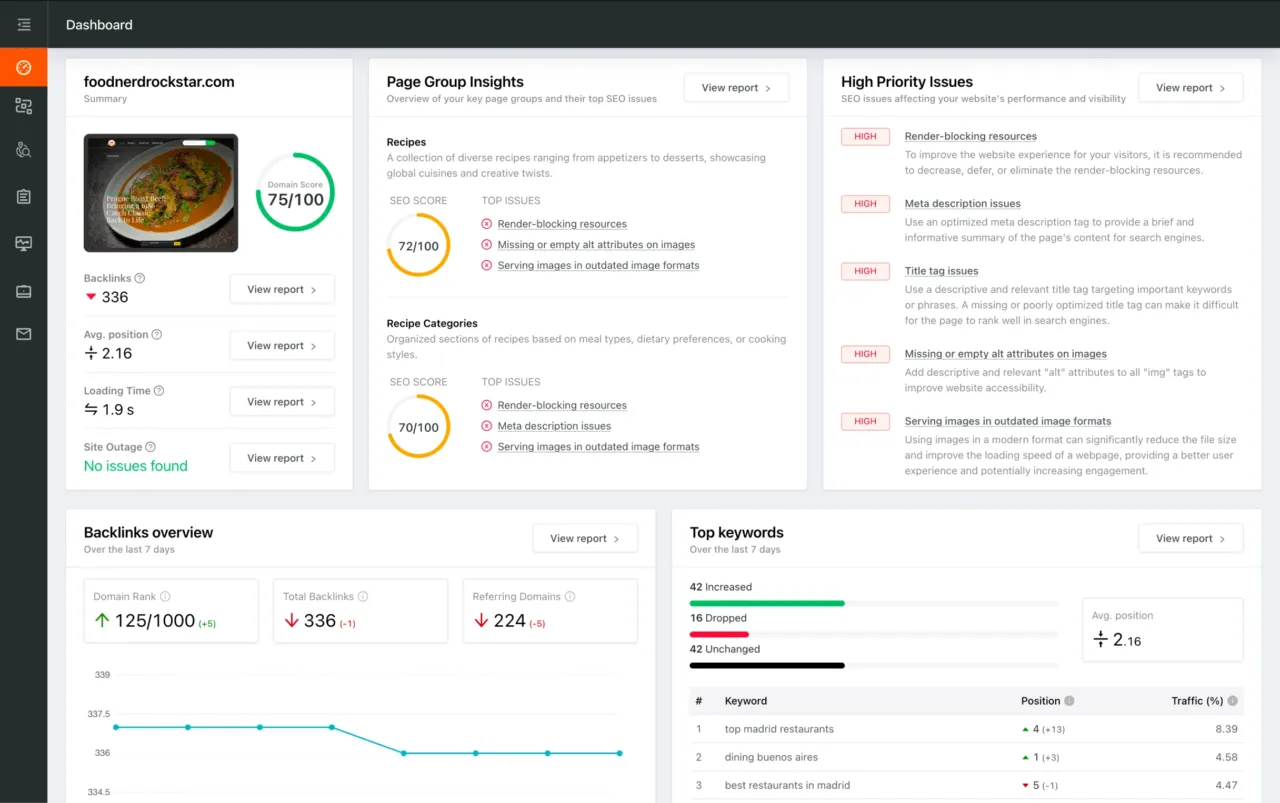
You're viewing a free snapshot. Unlock full monitoring, AI visibility tracking, and weekly reports.
SEO Score9/100
Average SEO score of top 100 sites: 75%This value indicates the average SEO score of the top 100 most visited websites in the US (in the past 12 months)
Your site scored 9/100, well below the 75 average for top sites. We found 3 issues to fix, and they're costing you traffic right now.
3 Failed
0 Warnings
2 Passed
Want to fix these issues and track your progress?
Common SEO issues
Score:17
Failed:1
Warnings:0
Passed:1
Meta Description
The meta description tag is missing from your page. You should include this tag in order to provide a brief description of your page which can be used by search engines. Well-written and inviting meta descriptions may also help click-through rates to your site in search engine results.
Your webpage's meta description is an HTML tag that is intended to provide a short and accurate summary of your page. Search engines use meta descriptions to help identify the a page's topic - they may also use meta descriptions by displaying them directly in search engine results. Accurate and inviting meta descriptions can help boost both your search engine rankings and a user's likelihood of clicking through to your page.
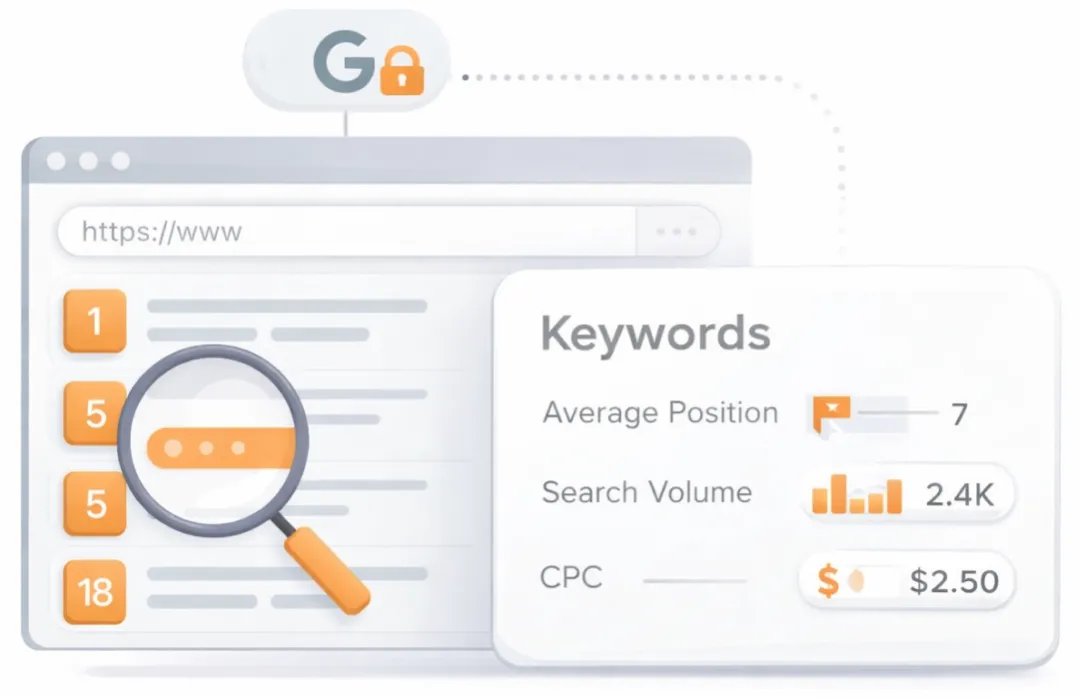
See which keywords rank your URL in Google’s top 20
Get key keyword metrics like average position, search volume, CPC, and more.

A list of search queries for which the page already appears in the top organic results. Highlights the topical territory the page is winning in search and can surface unexpected terms that present new content or optimization opportunities.
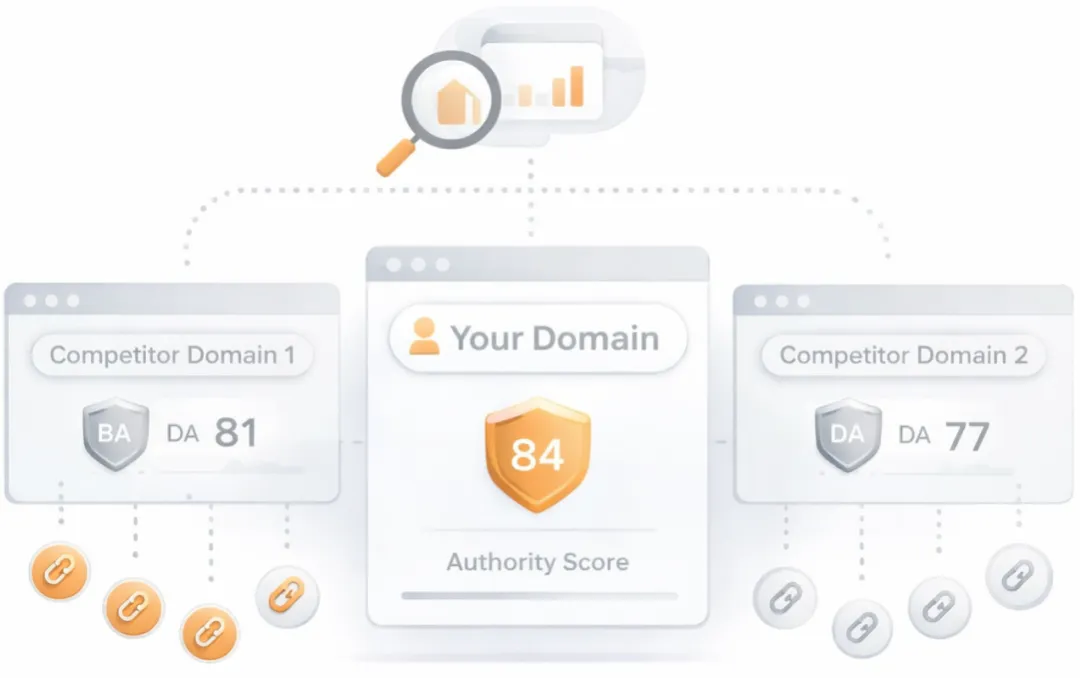
Understand your competitors' SEO and backlink profile
Get related competitors and their domain authority score in relation to your domain.
Identifies up to ten domains that compete for similar organic search results, ranked by overall domain authority based on the volume and quality of their backlink profiles. Useful for benchmarking the competitive landscape and prioritizing which sites to study for content and link-building strategy.
Favicon Test

Congratulations! Your website appears to have a favicon.
Check if your site is using and correctly implementing a favicon. Favicons are small icons that appear in your browser's URL navigation bar. They are also saved next to your URL's title when your page is bookmarked. This helps brand your site and make it easy for users to navigate to your site among a list of bookmarks.
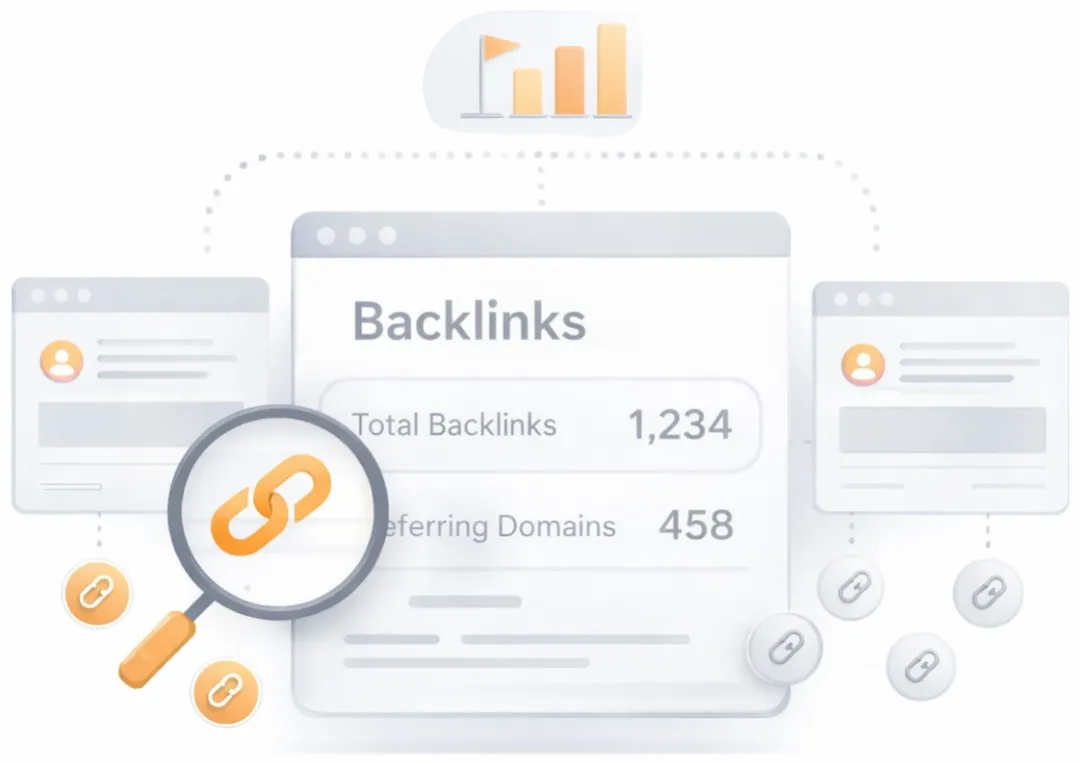
Get a full and detailed list of your backlinks
See every website linking to yours, along with detailed backlink data.
Surfaces the external pages that link to the analyzed URL. Backlinks from authoritative, topically relevant sites remain one of the strongest off-page ranking signals, while a profile dominated by low-quality or spammy links can attract algorithmic penalties. Reviewing the inbound link mix helps identify both link-building wins and toxic links worth disavowing.
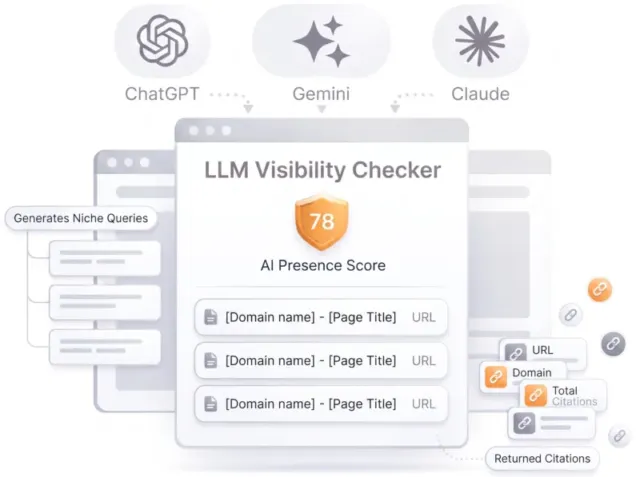
LLM Visibility Checker
Track your brand across ChatGPT, Gemini and Claude
Get an AI Presence Score, see which of your pages get cited, and follow how you compare with competitors over time.
Speed optimizations
Score:0
Failed:2
Warnings:0
Passed:0
Page Objects
Your page has more than 20 http requests, which can slow down page loading. You can try reducing http requests through various methods such as using text instead of images, using css sprites, using data URIs instead of images, or combining several external files together into one.
Total Objects: 34
- 1 HTML Pages
- 3 CSS Files
- 6 JS Files
- 24 Images
- 0 Flash Files
Check if all the objects requested by this webpage can be retrieved. If they are not retrievable, your page may display incorrectly, leading to a bad user experience and lower search engine rankings.
JavaScript Minification Test
Some of your website's JavaScript files are not minified!
Checks if any external javascript files used in your page is minified. Minified files reduce page size and overall load time.
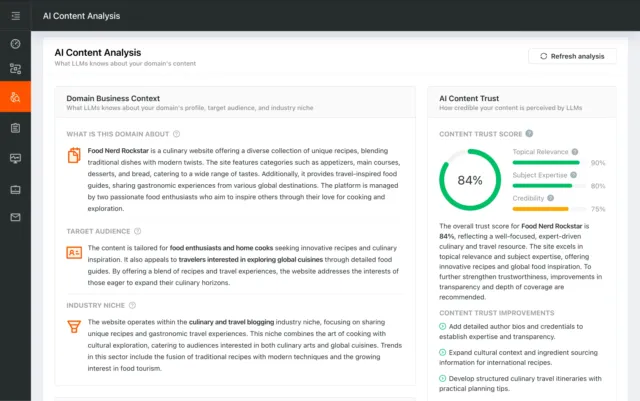
AI Content Analysis
Optimize your content for search and LLMs
AI Content Analysis scores your pages on clarity, depth, and machine readability, so you optimize for both human readers and LLMs.
Advanced SEO
Score:100
Failed:0
Warnings:0
Passed:1