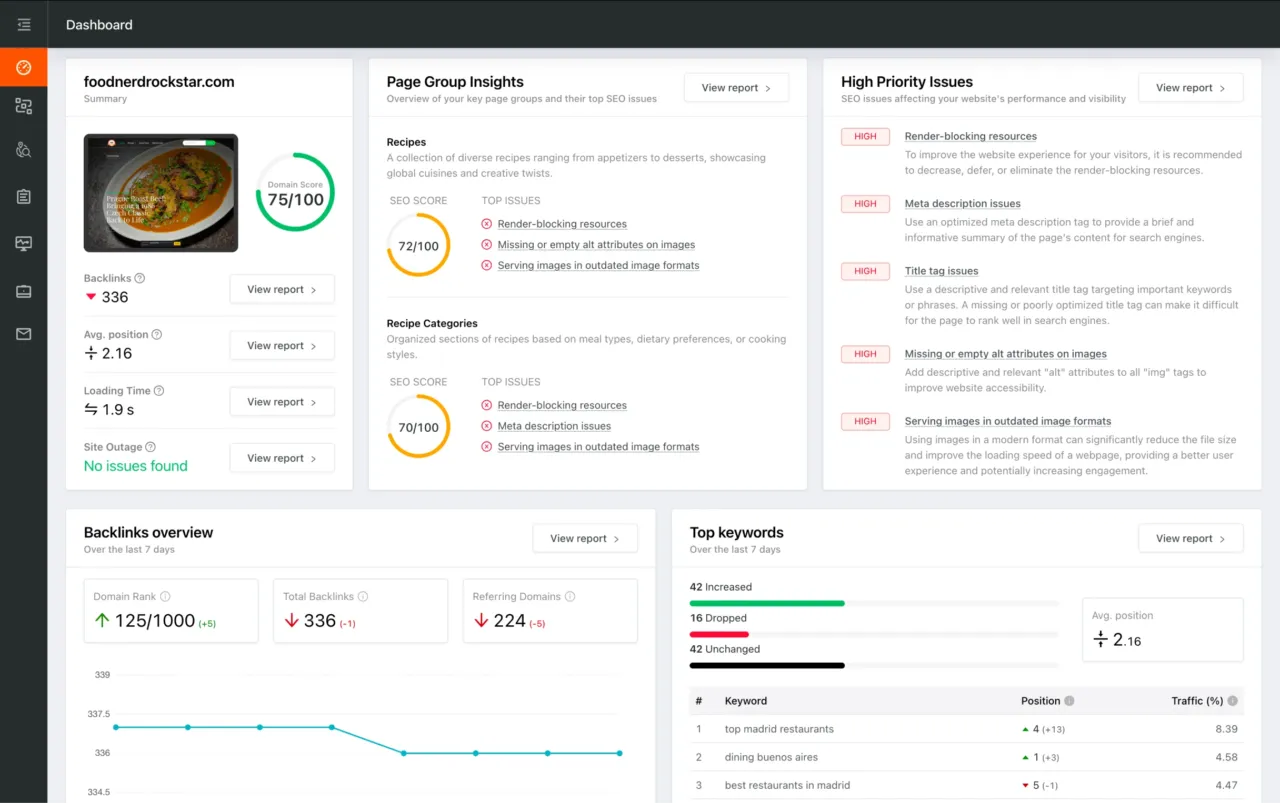
You're viewing a free snapshot. Unlock full monitoring, AI visibility tracking, and weekly reports.
SEO Score45/100
Average SEO score of top 100 sites: 75%This value indicates the average SEO score of the top 100 most visited websites in the US (in the past 12 months)
Your site scored 45/100, well below the 75 average for top sites. We found 10 issues to fix, and they're costing you traffic right now.
10 Failed
1 Warnings
13 Passed
Want to fix these issues and track your progress?
Common SEO issues
Score:90
Failed:0
Warnings:1
Passed:8
Desktop version
http://www.norenya.co.jp/
Mobile version
http://www.norenya.co.jp/
Check how your page might appear in Google search results. Google search results typically uses your webpage title, url and meta-description in order to display relevant summarized information about your site. If these elements are too long, Google will truncate their content. Webpage title up to 70 characters in length, and webpage descriptions up to 160 characters in length are recommended in order to optimize readability.
copyright(c
mail:nagakansome@iris.ocn.ne.jp
reserved
rights
※こちらの商品をお求めの際は、必要な長さののれん棒(のれんポール)と必要な本数を、問い合わせフォームの通信欄に記入し、問い合わせ下さい。折り返し担当者よりご連絡させていただきます。
※天然竹のため色や太さにばらつきがございます
※専用化粧箱・のし紙にも対応可
※長尺もの()以上は貨物便での出荷となります。料金につきましては当社までご相談ください。
※防炎加工にも対応可
当店は、およそ年前の江戸時代初期に整備された染師の町、南染師町にあり、昔ながらの染め技法を用いて一点物のオーダーメードのれんを製作しています。
おふくろの味 ねこ屋甘月堂様暖簾製作事例
お客様のイメージをお伺いし、設置環境や方角に合わせて製作方法や生地をご提案致します。
お店の顔になる「のれん」。
ご使用期間・用途により製作方法や生地をご提案致します。短納期対応のフルカラー本染め御希望をお知らせ下さい。
しもつけ和膳紡(つむぎ)様暖簾製作事例
どれくらいで手元に届きますか?
のぼり旗の製作販売
のれん(暖簾)の製作・販売専門店 飲食店や店舗さまオリジナルのれんの製作
のれんにロゴは入れられますか?
のれんの大きさにより長さや太さをご提案致します。
のれんオーダー染工場
のれん制作
のれん制作事例
のれん制作実績
のれん生地の選び方を見る
のれん生地は、材質の種類によって
のれん生地や染色方法
のれん用 黒竹(くろちく)
のれん設置例 すいざ工房様のれん
また、ご指定寸法にてカットし発送も可能です
よくある質問
よくある質問を見る
イベント・催事出展実績
イベント・販促用のれん
オーダーのれん制作事例 ラーメン☆ビリー様
オーダーのれん制作事例 丸特漁業部すし別館様
オーダー縄のれん製作 焼肉おはる本店様
キャップ・・・ポリプロピレン
サイズ
トップページ
パイプ・・・スチールパイプ(樹脂コーティング)
プライバシーポリシー
ホテル・旅館向けのれん
メディア掲載実績
事前に生地と設置イメージが確認できるので、仕上がりに満足の声を頂いています!
伊達文化を継承し、仙台市技能賞を認定された確かな染めの技術を持っています。
会社概要
価格
円(+税
制作の前段階に詳しくヒアリングを行い、設置イメージや生地の風合いを確かめて頂きます。
制作の流れ
制作ガイド
制作後のお客様の声
前掛けの製作販売
半纏
半軒用(長さ.)
南染師町番
卸販売について
厚さや手触りが異なるため、どこに
参考価格
取り付けに便利なのれん棒も取り揃えております。
味勘様
和風のれん棒(スチール製)
問い合わせ・見積り
天然竹
宮城県仙台市若林区
寿司店オーダーのれん制作事例 塩釜大寿司様
店舗でもお買い物や
店舗の顔となるのれんだから手間を掛けて手染め。細部までこだわった上品な仕上がりに。
当店では、お客様に満足いただけるよう、制作前にのれん生地と画像による設置イメージの作成を無料にて行っています。※のれん設置イメージは受注後に作成・ご提供いたします。
手ぬぐいの製作販売
打合せができます
施設の風格や雰囲気に合わせ、綿素材から麻、ポリエステル素材までご提案致します。
暖簾を掛けるかを見定めることが
材質
染師職人ブログ
株式会社永勘染工場
楓屋カフェ様日よけのれん製作事例
楽屋・贈り物・お土産用のれん
正絹のれんや綿のれん、ポリエステル生地のれんまでご予算や用途に合わせ、粋で伊達な色合いに仕上げます。
法被の製作販売
浜菜坊様
海外発送対応!
生地の手触り・本染めの色合い・伝統のデザインにこだわり、東北の伊達文化を影で支えてきました。のれんの製作ならお任せ下さい。
職人紹介
色見本・書体見本について
認定こども園みどりの森様 みどり食堂のれん製作事例
軒用(長さ)
送料はいくら掛かりますか?
送料別途
選び方のポイントです。
郷土料理店のれん制作事例 塩竃市
郷土玩具よつば堂様入り口のれん・のぼり旗製作事例
長持ちするお手入れ方法
防災・減災に役立つてぬぐいを制作しました!
領収書は発行できますか?
顔料のれん製作事例 浜松市
飲食店・店舗さま向けイベント・販売促進用ホテル・旅館・各種施設さま向け楽屋・贈り物・お土産向け
飲食店・店舗向けのれん
~程度
The Keyword Cloud is a visual representation of keywords used on your website. This will show you which words are frequently used in the content of your webpage. Keywords having higher density are presented in larger fonts and displayed in alphabetic order.
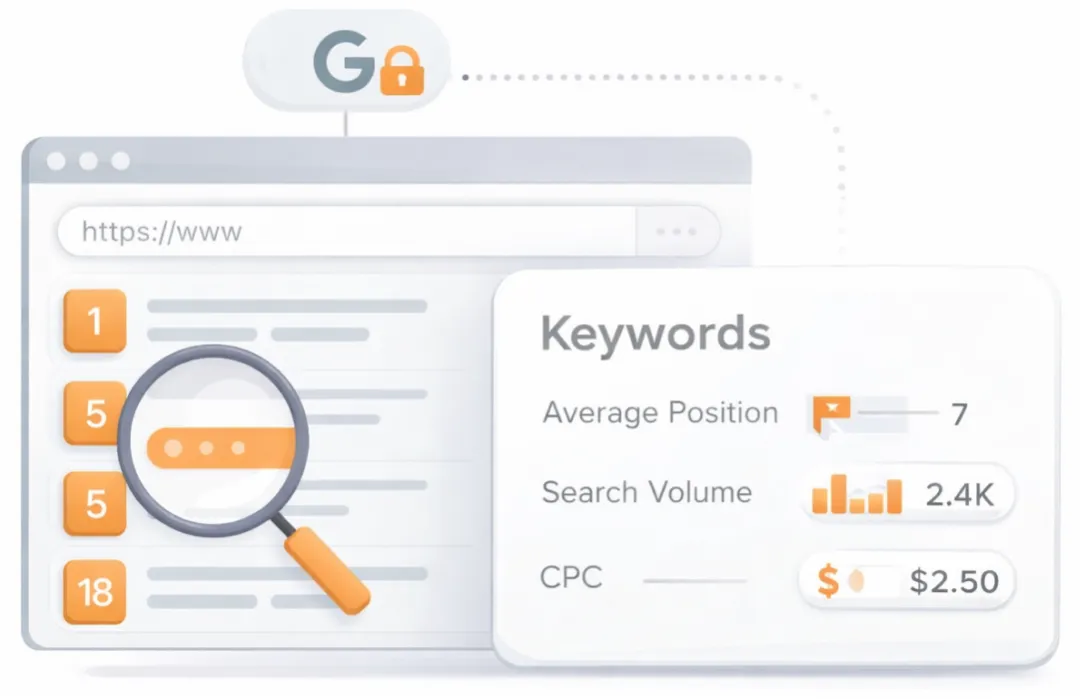
See which keywords rank your URL in Google’s top 20
Get key keyword metrics like average position, search volume, CPC, and more.

A list of search queries for which the page already appears in the top organic results. Highlights the topical territory the page is winning in search and can surface unexpected terms that present new content or optimization opportunities.
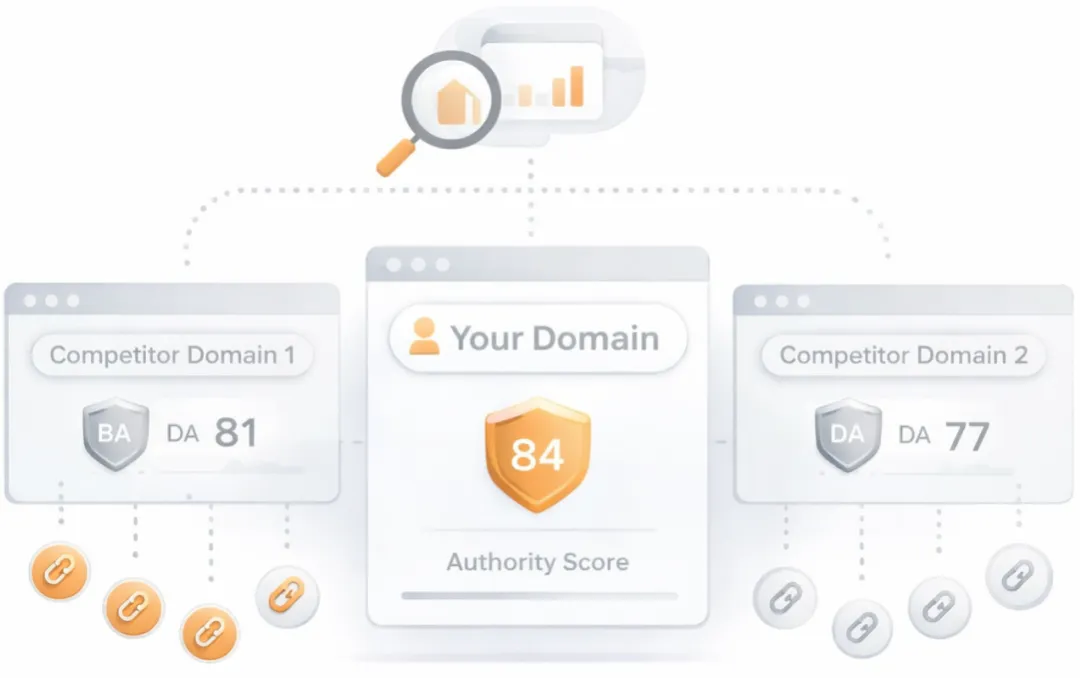
Understand your competitors' SEO and backlink profile
Get related competitors and their domain authority score in relation to your domain.
Identifies up to ten domains that compete for similar organic search results, ranked by overall domain authority based on the volume and quality of their backlink profiles. Useful for benchmarking the competitive landscape and prioritizing which sites to study for content and link-building strategy.
Robots.txt Test
This website is using a robots.txt file.
Check if your website is using a robots.txt file. When search engine robots crawl a website, they typically first access a site's robots.txt file. Robots.txt tells Googlebot and other crawlers what is and is not allowed to be crawled on your site.
Sitemap Test
This website has a sitemap file.
Check if the website has a sitemap. A sitemap is important as it lists all the web pages of the site and let search engine crawlers to crawl the website more intelligently. A sitemap also provides valuable metadata for each webpage.
Image Alt Test
Your webpage has 68 'img' tags and 25 of them are missing the required 'alt' attribute.
Check if images on your webpage are using alt attributes. If an image cannot be displayed (e.g., due to broken image source, slow internet connection, etc), the alt attribute provides alternative information. Using relevant keywords and text in the alt attribute can help both users and search engines better interpret the subject of an image.
Google Analytics Test
Congratulations! Your website is using the asynchronous version of Google Analytics tracking code.
Check if your website is connected with Google Analytics. Google Analytics is a popular, free website analysis tool that helps provide insights about your site's traffic and demographics.
Favicon Test

Congratulations! Your website appears to have a favicon.
Check if your site is using and correctly implementing a favicon. Favicons are small icons that appear in your browser's URL navigation bar. They are also saved next to your URL's title when your page is bookmarked. This helps brand your site and make it easy for users to navigate to your site among a list of bookmarks.
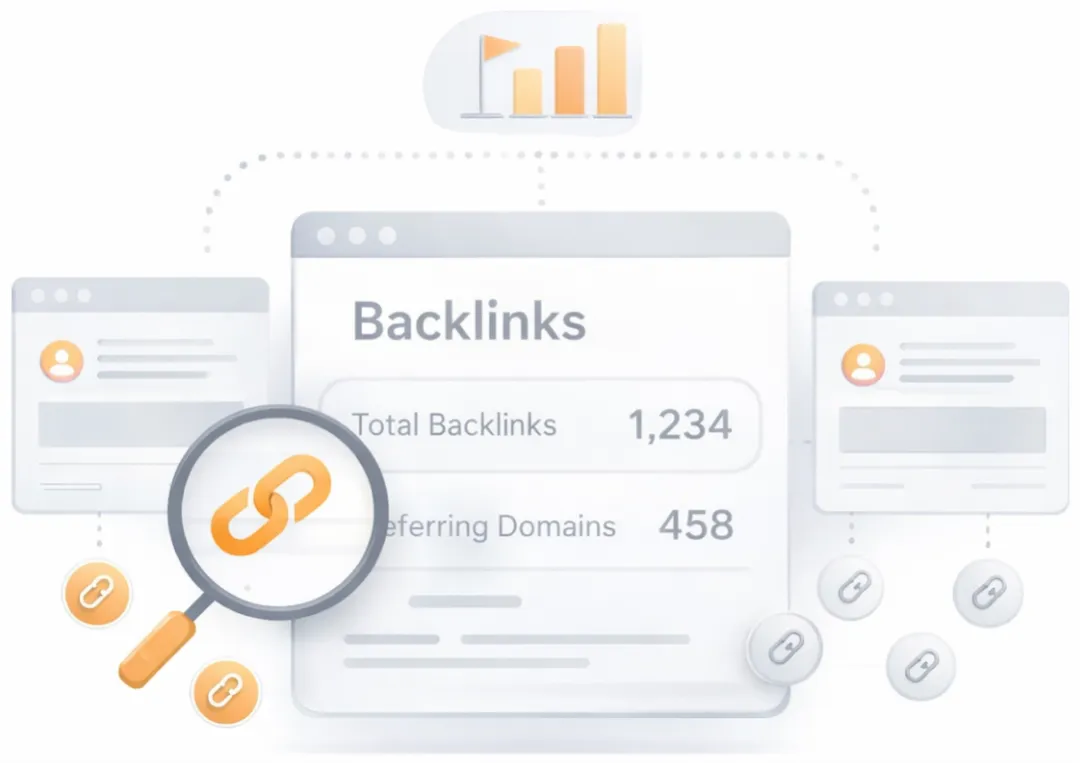
Get a full and detailed list of your backlinks
See every website linking to yours, along with detailed backlink data.
Surfaces the external pages that link to the analyzed URL. Backlinks from authoritative, topically relevant sites remain one of the strongest off-page ranking signals, while a profile dominated by low-quality or spammy links can attract algorithmic penalties. Reviewing the inbound link mix helps identify both link-building wins and toxic links worth disavowing.
JS Error Checker
Congratulation! There is no occurrence of any severe JavaScript Errors in your web page.
Check your page for JavaScript errors. These errors may prevent users from properly viewing your pages and impact their user experience. Sites with poor user experience tend to rank worse in search engine results.
Speed optimizations
Score:0
Failed:5
Warnings:0
Passed:0
HTML Page Size Test
Your HTML size is 37.53 Kb and is over the average web page HTML size of 33 Kb.
This can lead to slower than average load times, lost visitors, and decreased revenue. Good steps to reduce HTML size include: using of HTML compression, CSS layouts, external style sheets, and moving javascript to external files.
This can lead to slower than average load times, lost visitors, and decreased revenue. Good steps to reduce HTML size include: using of HTML compression, CSS layouts, external style sheets, and moving javascript to external files.
Check your page's HTML size. HTML size is the size of all the HTML code on your web page - this size does not include images, external javascripts or external CSS files.
HTML Compression/GZIP Test
Your page do not use any HTML compression!
You should compress your HTML to reduce your page size and page loading times - this will help your site retain visitors and increase page views. If you were using compression, you could be compressing your HTML size by 72 % - from 37.53 Kb to 10.66 Kb which would further reduce your page loading time.
You should compress your HTML to reduce your page size and page loading times - this will help your site retain visitors and increase page views. If you were using compression, you could be compressing your HTML size by 72 % - from 37.53 Kb to 10.66 Kb which would further reduce your page loading time.
Check if your website is using HTML compression. HTML compression plays an important role in improving website speed by finding similar strings within a text file and replacing them temporarily to reduce overall file size.
Site Loading Speed Test
Your site loading time is around 36.736 seconds and is over the average loading speed which is 5 seconds.
Accurate historical loading speed monitor and reports
Get detailed and accurate loading speed reports for your websites and see how your pages are being loaded over time.
Check your website's loading speed. Page speed is an important factors in search engine rankings and overall site success. Pages that take longer than 5 seconds to load can lose up to 50% of users. Faster webpages result in higher traffic, better conversions and increased sales over slower loading pages.
Page Objects
Your page has more than 20 http requests, which can slow down page loading. You can try reducing http requests through various methods such as using text instead of images, using css sprites, using data URIs instead of images, or combining several external files together into one.
Total Objects: 142
- 10 HTML Pages
- 8 CSS Files
- 18 JS Files
- 106 Images
- 0 Flash Files
Check if all the objects requested by this webpage can be retrieved. If they are not retrievable, your page may display incorrectly, leading to a bad user experience and lower search engine rankings.
Image Caching Test
Your site is not using expires headers for your images. An expires tag can help speed up the serving of your webpages for users that regularly visit your site and see the same images. Learn more about how to add expires headers to your images.
Checks if your page is using an image expires tag, which specifies a future expiration date for your images. Users browsers will see this tag and cache the image in their browser until the specified date (so that it does not keep re-fetching the unchanged image from your server). This speeds up your site the next time returning visitors arrive at your site and require the same image.
Server and security
Score:53
Failed:2
Warnings:0
Passed:1
URL Canonicalization Test
http://www.norenya.co.jp and http://norenya.co.jp resolve to the same URL.
Test your site for potential URL canonicalization issues. Canonicalization describes how a site can use slightly different URLs for the same page (e.g., if http://www.example.com and http://example.com displays the same page but do not resolve to the same URL). If this happens, search engines may be unsure about which URL is the correct one to index. Learn more about canonicalization issues.
HTTPS Test
Your website is not using https, a secure communication protocol. Even for sites that do not collect senstive customer information, search engines suggest that switching to https is an increasingly good idea and may help improve rankings. Note: if your site relies primarily on adsense income, be aware that using https may be detrimental to ad earnings.
Check if your website is using HTTPS, a secure protocol for sending/receiving data over the Internet. Using HTTPS indicates that an additional encryption/authentication layer was added between client and server. HTTPS should be used by any site that collects sensitive customer data such as credit card information. Even for sites that do not collect such data, switching to https helps users by improving privacy and overall security. Google is increasingly using https as a positive ranking factor.
Plaintext Emails Test
We found 1 email addresses in your page code. We advise you to protect email links in a way that hides them from the spam harvesters.
Check your webpage for plaintext email addresses. Any e-mail address posted in public is likely to be automatically collected by computer software used by bulk emailers (a process known as e-mail address harvesting). A spam harvester can read through the pages in your site and extract plaintext email addresses which are then added to bulk marketing databases (resulting in more inbox spam). There are several methods for email obfuscation.
Mobile usability
Score:0
Failed:1
Warnings:0
Passed:1
Media Query Responsive Test
Your website is not using media queries. You should consider using this technique in order to implement responsive design functionalities.
Check if your page implements responsive design functionalities using the media query technique. The '@media' rule allows different style rules for screen sizes. Media query techniques allow different presentation and content to be served depending on the output device, helping ensure that your website renders optimally on all devices and platforms.

Check how your website renders on a mobile device.
Advanced SEO
Score:38
Failed:2
Warnings:0
Passed:3
Microdata Schema Test
Your webpage doesn't take the advantages of HTML Microdata specifications in order to markup structured data. View Google's guide for getting started with microdata.
Check if your website uses HTML Microdata specifications (or structured data markup). Search engines use microdata to better understand the content of your site and create rich snippets in search results (which helps increase click-through rate to your site).